
Langkah 1/3
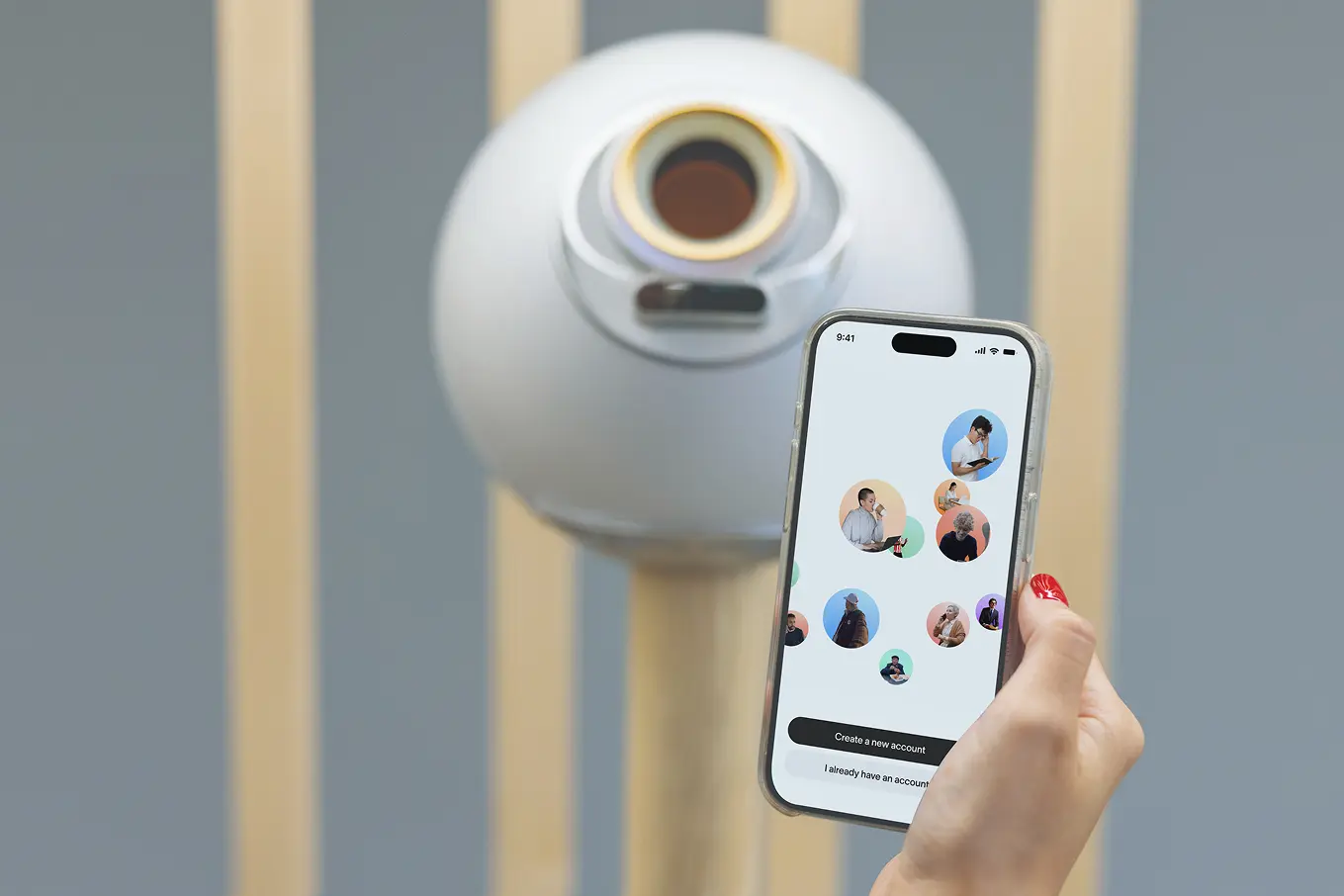
Muat turun aplikasi World ID dan sediakan profil anda.


Selamat datang





Langkah 1/3
Muat turun aplikasi World ID dan sediakan profil anda.
Langkah 2/3

Dekati Orb sehingga berada pada jarak 30 cm/1 kaki dan ikuti langkah dalam aplikasi untuk membuat pengesahan.
Langkah 3/3
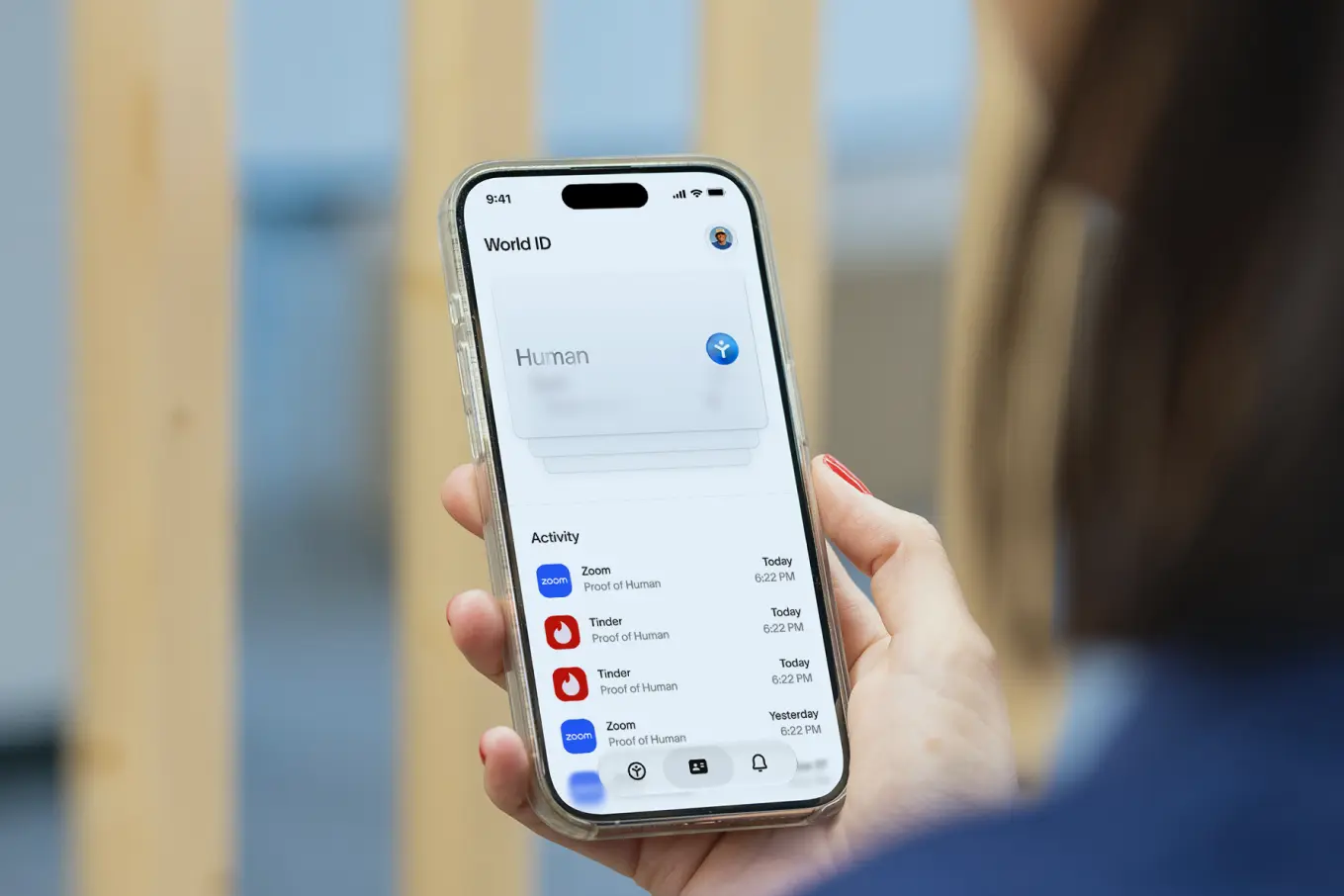
Gunakan World ID anda yang telah disahkan dan buktikan bahawa anda ialah manusia unik dalam talian.
Orb ialah peranti sumber terbuka yang mengesahkan bahawa anda ialah manusia unik tanpa mengetahui sebarang maklumat lain tentang anda.
Semasa cuba melakukan pengesahan menggunakan World ID di Orb, kadangkala anda mungkin melihat
mesej ralat dalam aplikasi World ID anda. Jika ini berlaku, sila cuba langkah-langkah yang diterangkan dalam artikel ini.
Tidak, anda hanya perlu mengesahkan World ID anda di Orb sekali sahaja.
Untuk menggunakan World ID anda yang telah disahkan, anda hanya perlu membuka aplikasi World ID pada telefon anda apabila aplikasi atau laman web meminta anda membuktikan bahawa anda ialah manusia:
Anda boleh membuat sandaran akaun anda dengan mudah dengan memilih sandaran iCloud (iOS) atau Google Drive (Android) dalam aplikasi World ID.
Anda mempunyai kawalan penuh terhadap data anda. Selepas anda mengesahkan bahawa anda ialah manusia, data tersebut disulitkan, dihantar ke telefon anda dan dipadamkan secara kekal daripada Orb.
Hanya telefon anda yang menyimpan data anda dan World ID anda. Anda boleh memadamkan data anda pada bila-bila masa dalam aplikasi World ID di bawah profil anda apabila anda mengetik Privasi dan Keselamatan.
Maklumat lanjut boleh didapati di world.org/privacy.
[18+] Individu berumur di bawah 18 tahun tidak dibenarkan menggunakan sebarang perkhidmatan World, termasuk mengesahkan World ID di Orb. Semasa proses pengesahan, anda akan diminta memasukkan tarikh lahir dan Orb akan menjalankan semakan umur secara automatik. Tarikh lahir anda digunakan untuk mengesahkan kelayakan dan tidak direkodkan atau disimpan.
Jika anda memasukkan tarikh lahir yang menunjukkan bahawa anda berumur di bawah 18 tahun, atau jika Orb menentukan bahawa anda berumur di bawah 18 tahun, anda akan disekat daripada mengakses aplikasi World ID dan membuat pengesahan di Orb. Jika anda percaya bahawa anda telah disekat secara tidak sengaja, anda perlu memberikan bukti umur tambahan (contohnya, dokumen pengenalan diri yang dikeluarkan kerajaan) atau menghubungi Sokongan. Untuk panduan lanjut, sila lihat artikel ini.


