
Step 1/3
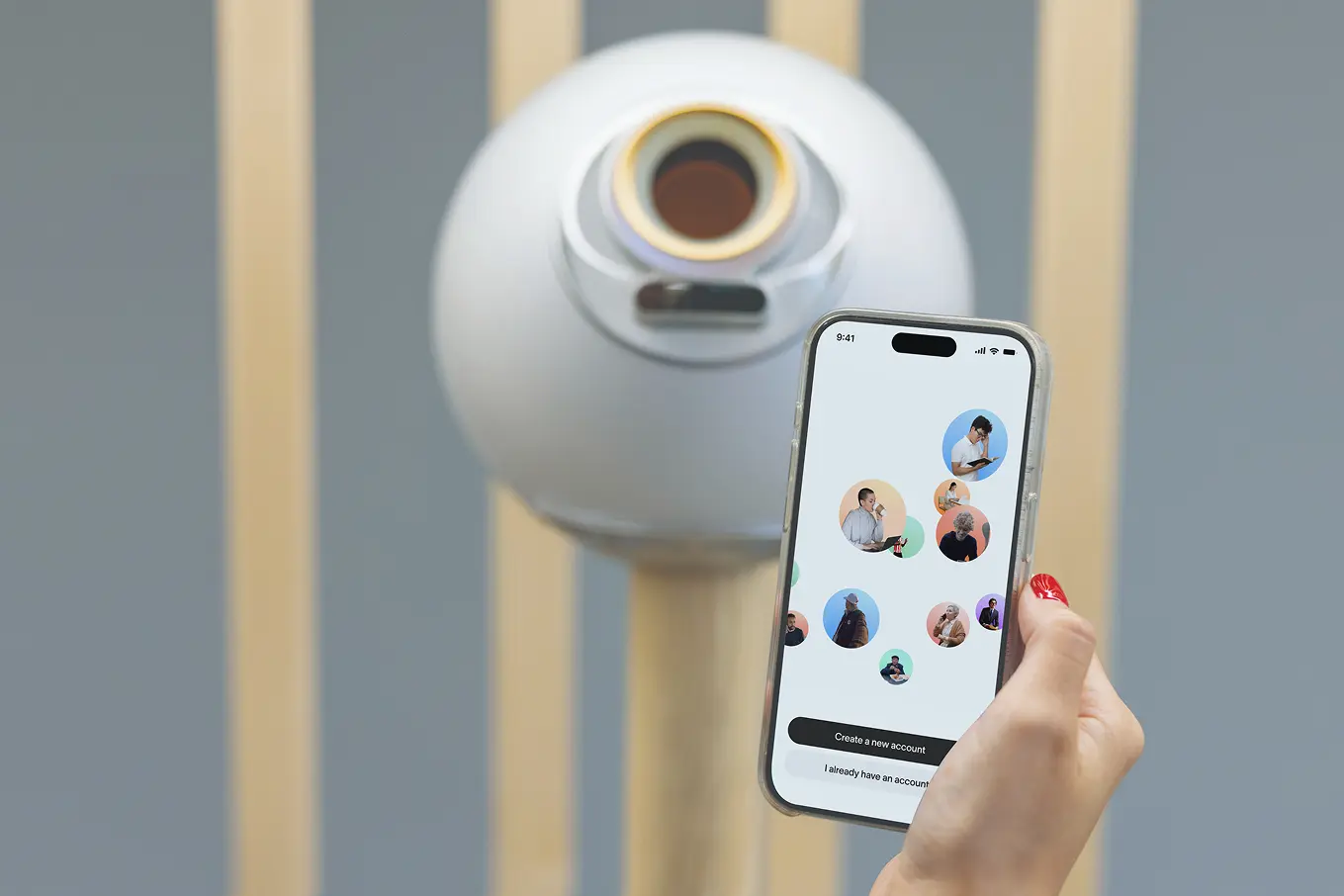
Download World ID app and set up your profile.


Welcome





Step 1/3
Download World ID app and set up your profile.
Step 2/3
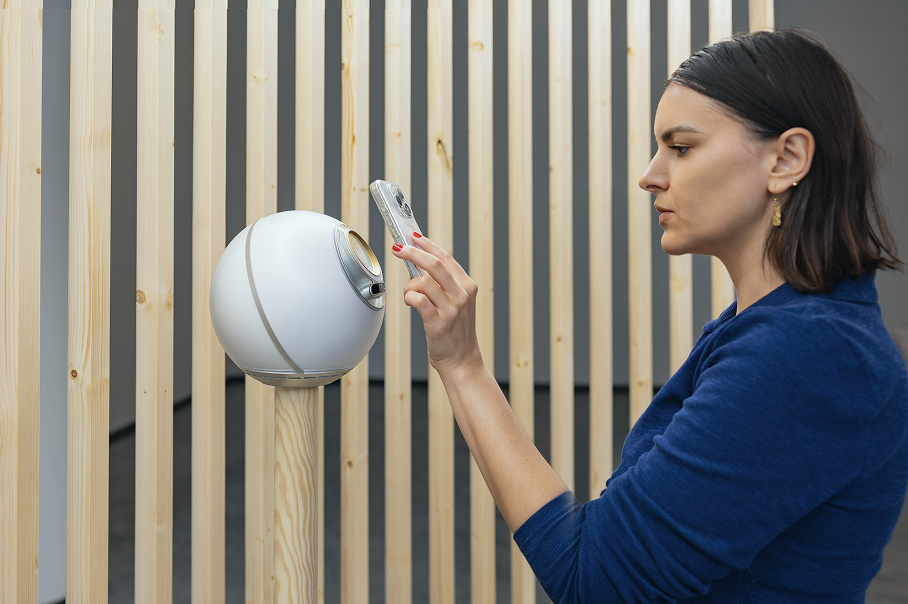
Step up to the Orb (30 cm/1 foot away) and follow the in-app steps to verify.
Step 3/3
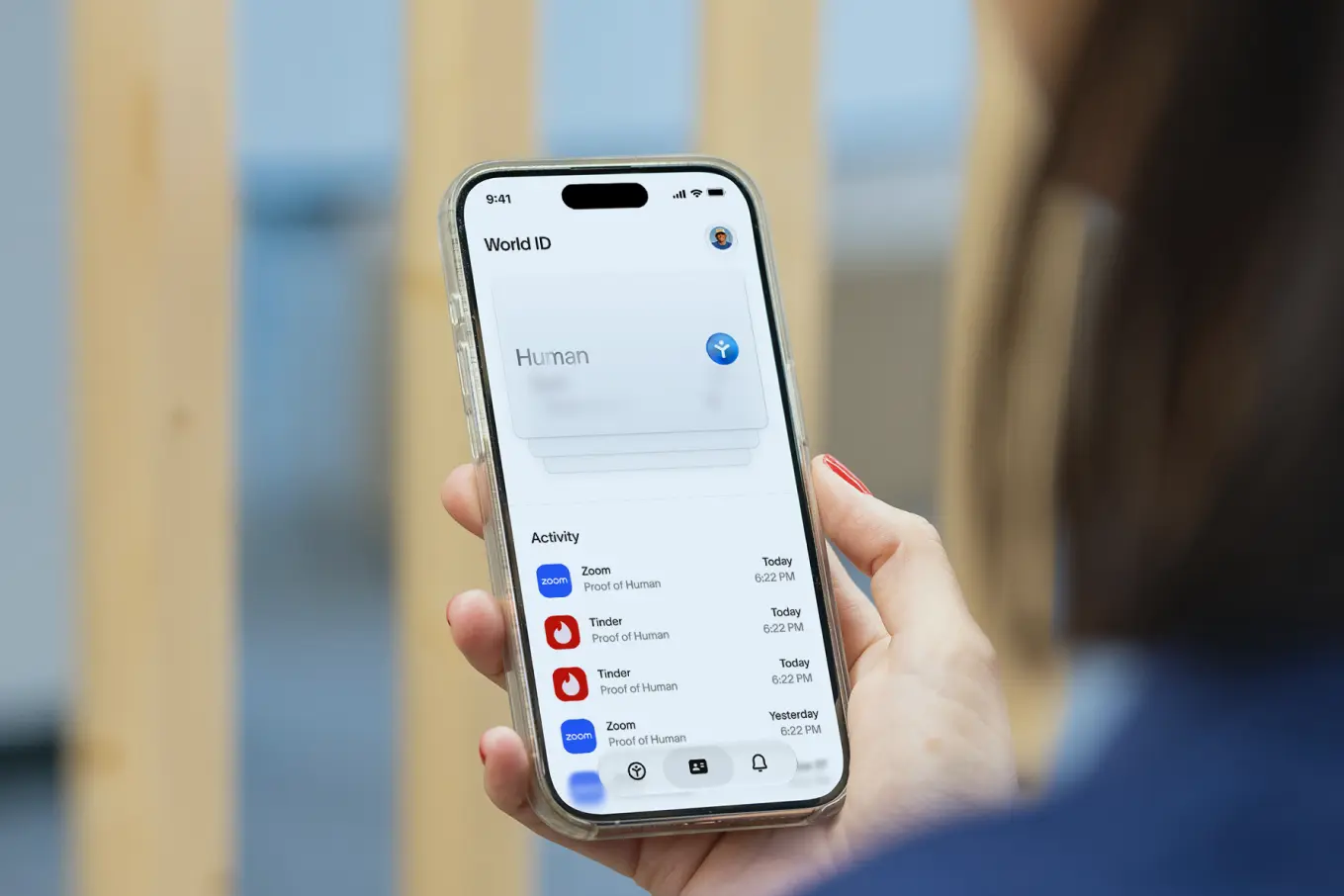
Use your verified World ID and prove you're a unique human online.
The Orb is an open source device that verifies you are a unique human without knowing anything else about you.
When trying to verify with World ID at an Orb, you may sometimes see
an error message in your World ID app. If this occurs, please try the following steps outlined in this article.
No, you only need to verify your World ID at an Orb once.
To use your verified World ID, you simply open World ID app on your phone when an app or website asks you to prove you're human:
You can easily back up your account by selecting iCloud (iOS) or Google Drive (Android) backup within World ID app.
You are fully in control of your data. After you verify you are human, the data is encrypted, sent to your phone and permanently deleted from the Orb.
Only your phone has your data and your World ID. You can delete your data any time in World ID app under your profile when you tap Privacy & Security.
More info can be found at world.org/privacy.
[18+] People under the age of 18 are not permitted to use any World services including verifying a World ID at an Orb. During the verification process, you will be asked to enter a date of birth and the Orb conducts an automated age assurance check. Your date of birth is used to verify eligibility and is not recorded or stored.
If you enter a date of birth that is under 18 or if the Orb determines you are under 18 years, you will be blocked from accessing World ID app and verifying at the Orb. If you believe you have been blocked in error, you will either need to provide an additional proof of age (e.g., government issued ID) or contact Support. For further guidance, please see this article.


