Schritt 1/3
World für dich
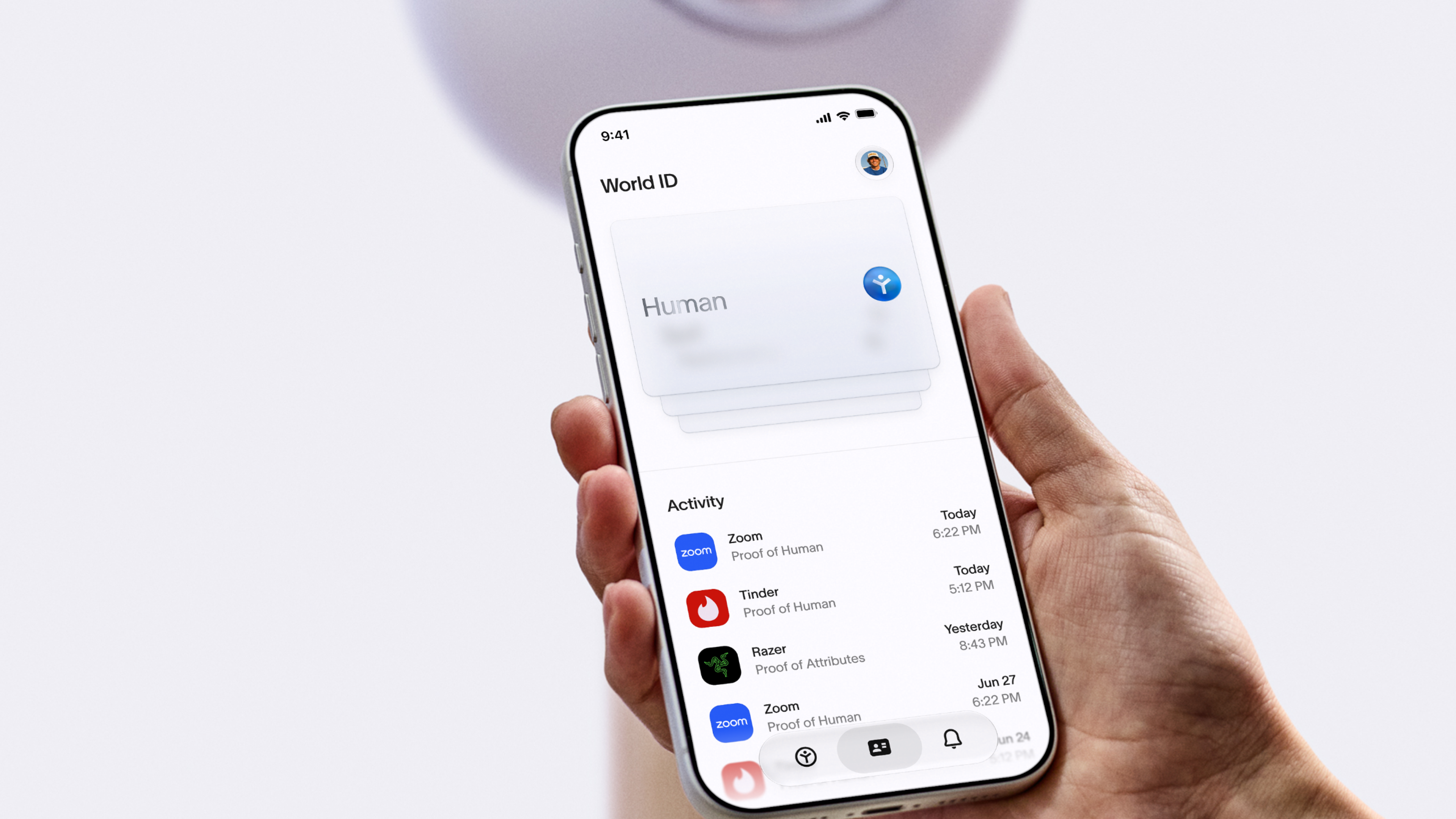
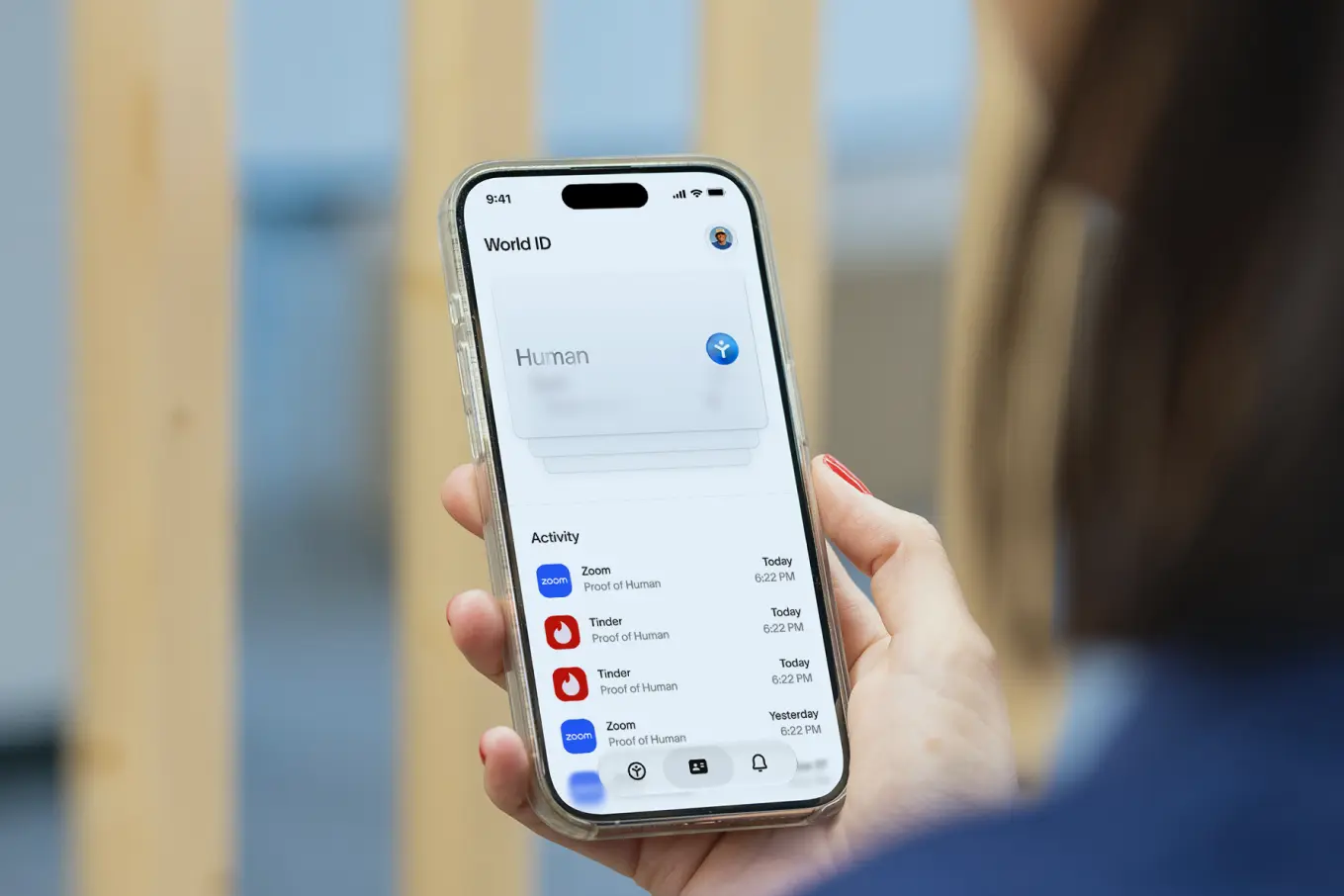
World ID rückt den Menschen in den Mittelpunkt des Internets – von Dating und Live-Events über Gaming und Social Media bis hin zu vielem mehr. Beweise, dass du ein unverwechselbarer, echter Mensch bist, ohne sonst etwas über dich preiszugeben.

Von Tinder bis Zoom – mit deiner verifizierten World ID beweist du in jeder beliebigen Partner-App, dass du ein Mensch bist. Über 18 Mio. verifizierte Menschen. Über 150 Mio. genutzte Credentials.





Schritt 1/3
Schritt 2/3

Schritt 3/3
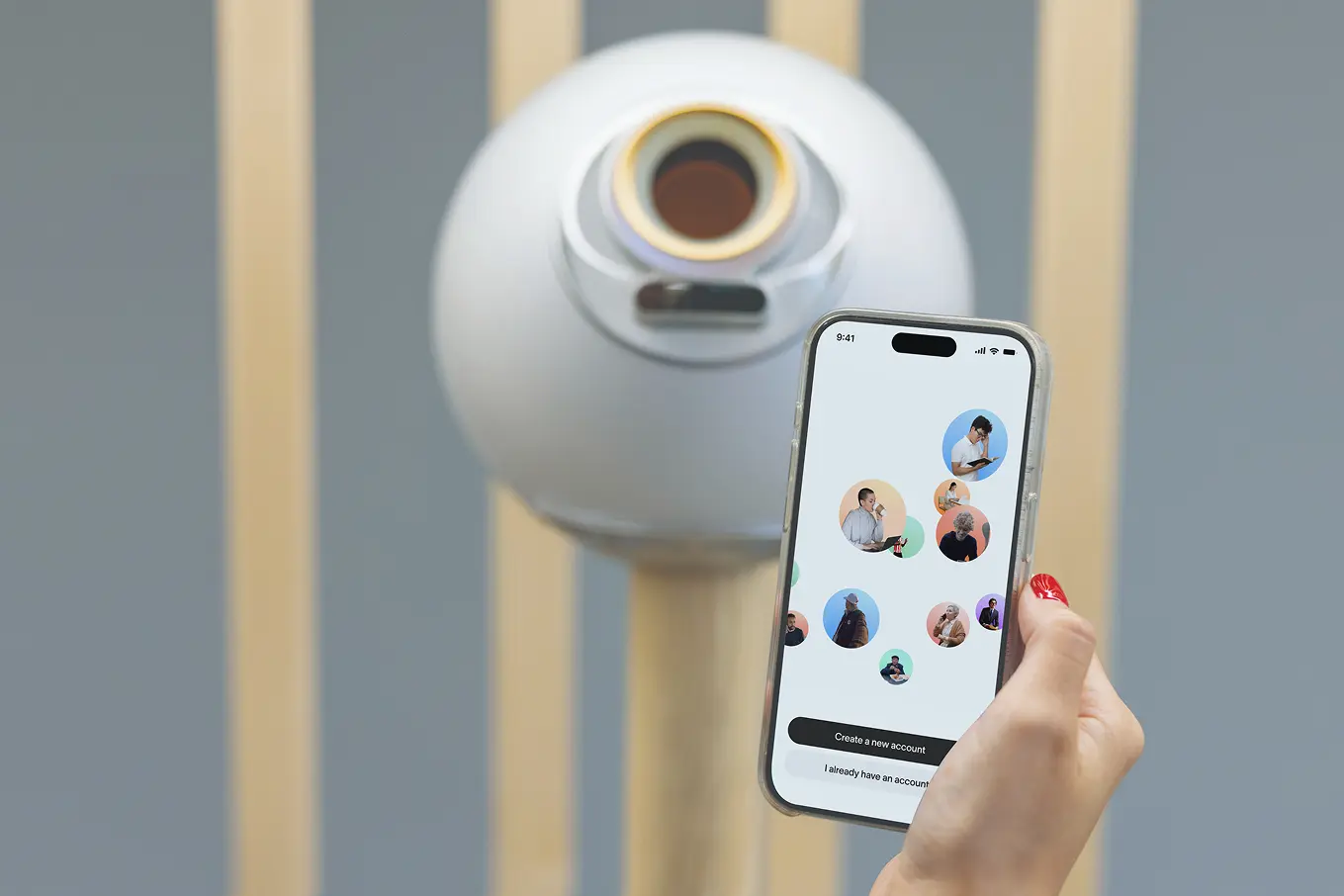
Wenn du versuchst, dich mit World ID an einem Orb zu verifizieren, kann es vorkommen,
dass eine Fehlermeldung in deiner World ID-App angezeigt wird. Falls dies geschieht, befolge bitte die in diesem Artikel aufgeführten Schritte.
Du hast die volle Kontrolle über deine Daten. Nachdem du verifiziert hast, dass du ein Mensch bist, werden die Daten verschlüsselt, an dein Smartphone gesendet und dauerhaft vom Orb gelöscht.
Nur dein Smartphone speichert deine Daten und deine World ID. Du kannst deine Daten jederzeit in der World ID-App unter deinem Profil löschen, wenn du auf Datenschutz & Sicherheit tippst.
Weitere Informationen findest du unter world.org/privacy.
[18+] Personen unter 18 Jahren dürfen World-Dienste nicht nutzen und deshalb auch keine World ID an einem Orb verifizieren. Während des Verifizierungsprozesses wirst du aufgefordert, ein Geburtsdatum einzugeben, und der Orb führt eine automatische Altersüberprüfung durch. Dein Geburtsdatum wird verwendet, um die Berechtigung zu prüfen, aber nicht gespeichert oder hinterlegt.
Wenn du ein Geburtsdatum unter 18 eingibst oder der Orb feststellt, dass du unter 18 bist, wirst du vom Zugriff auf die World ID-App und der Verifizierung am Orb ausgeschlossen. Wenn du glaubst, dass dein Zugang fälschlicherweise gesperrt wurde, musst du einen weiteren Altersnachweis (z. B. amtlicher Ausweis) vorlegen oder den Support kontaktieren. Weitere Hinweise findest du in diesem Artikel.
Tippe in der World ID-App auf dein Profil-Icon und dann auf Support. Von dort kannst du auf das Kopfhörer-Symbol tippen, um direkt mit einem Agenten zu chatten, oder hilfreiche Artikel durchsuchen. Der Support-Chat ist der offizielle Kanal für Support rund um World.