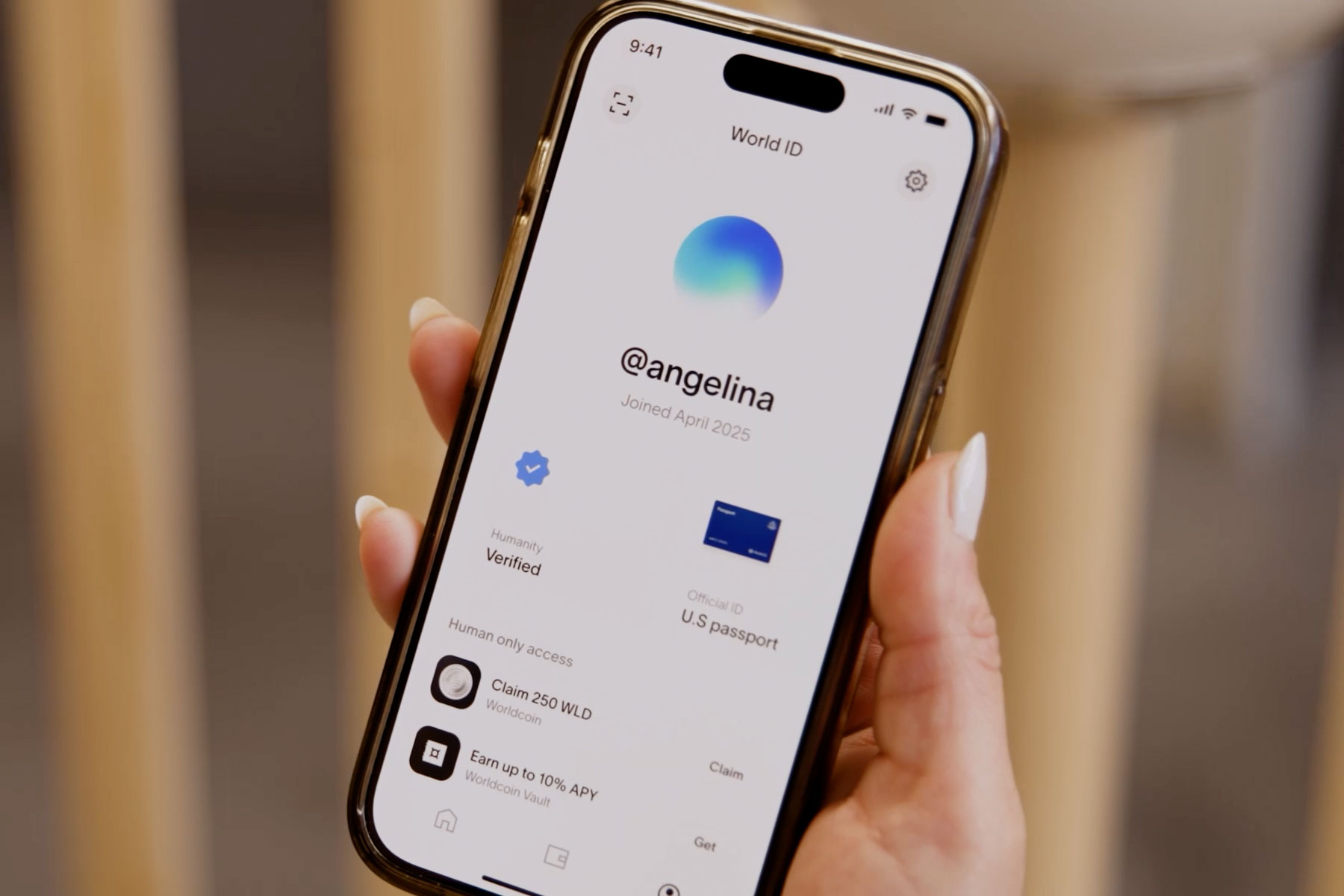
If you’re having issues accessing your World App account, this article can assist you with troubleshooting common problems and ensuring your account is backed up and able to be restored.
Accessing your World App account
Accessing your World App account is as simple as opening World App on your device. For security, your account can only be held on one device. If you’re having issues accessing your World App account, please try the following:
- Fully quit and then reopen the app
- Restore your account (see below)
- As a last option, try deleting and reinstalling the app*
*It’s important to understand that deleting the app could mean permanently losing your account if you do not have proper restoring features in place (phone number and backup).
Backing up your World App account
You can back up your Worldcoin account by setting up an iCloud or Google Drive backup using the following steps:
- Open up World App
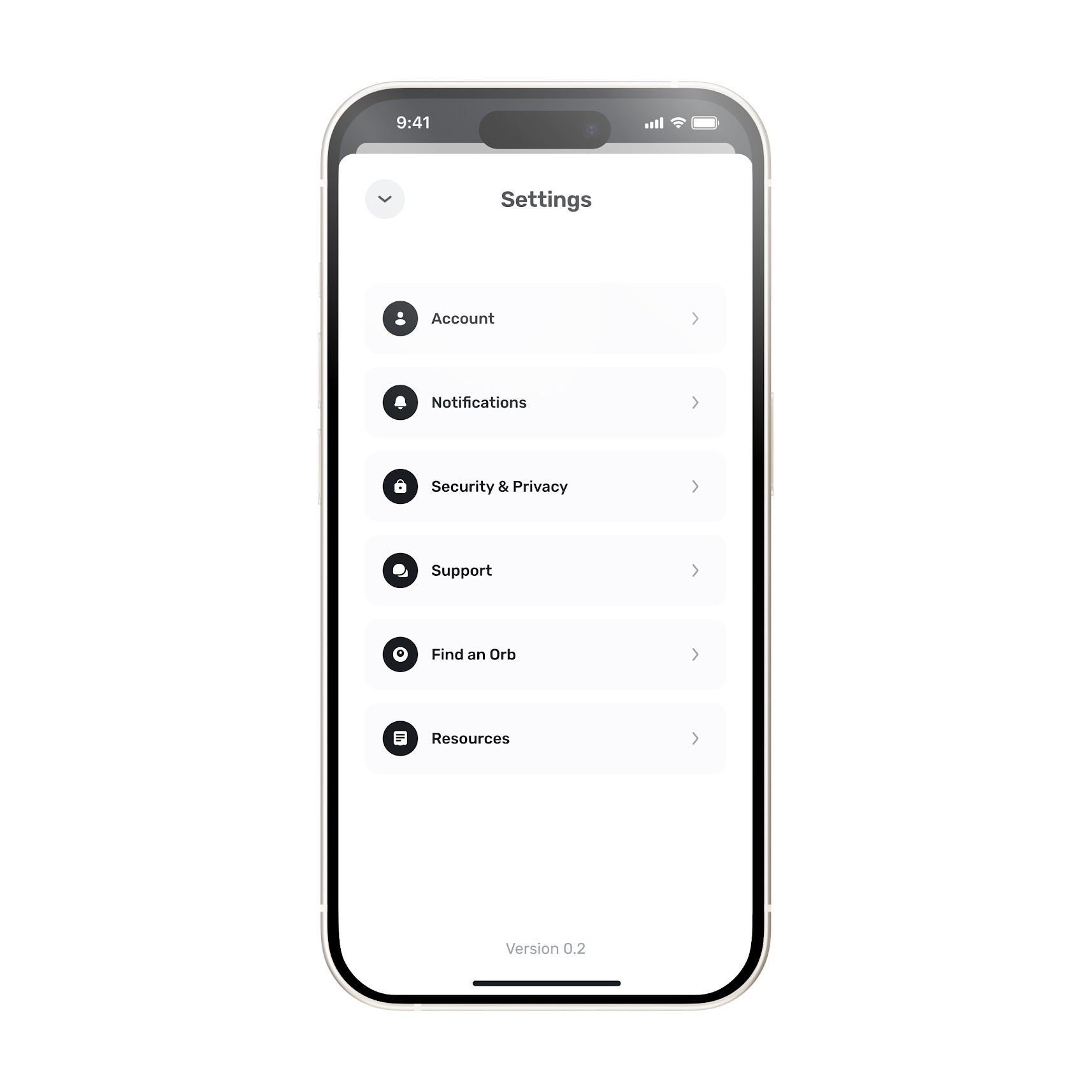
- Select the gear icon in the top corner of the screen
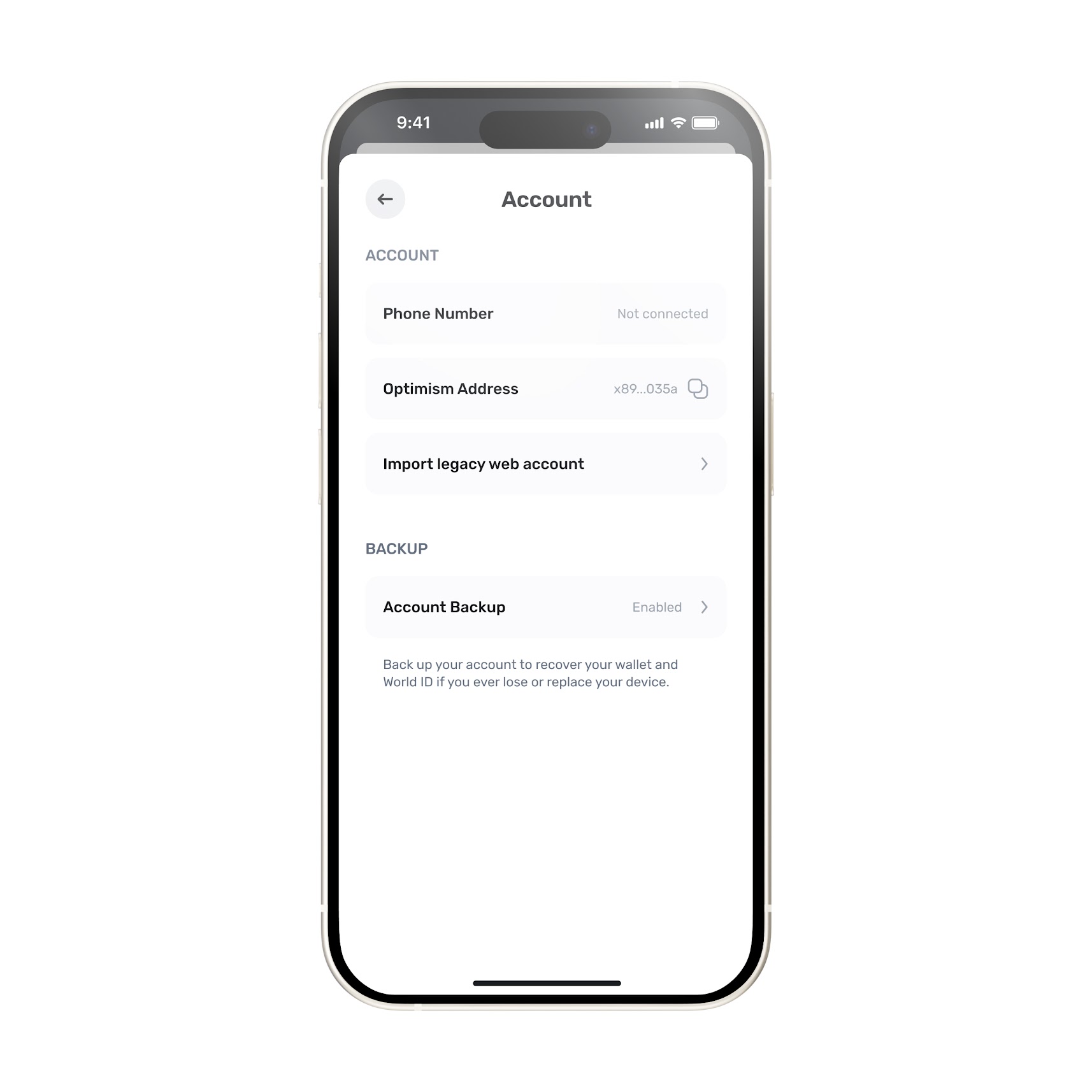
- Select “Account”
- Select iCloud/Google Drive backup
- In the Account Backup section, choose between Back up in Drive (Android) or iCloud (iOS). You may need to sign in with Google or iCloud.
- Enter in a password and confirm it to back up your account
Once these steps are completed, you will have successfully created a password and backed up your account.
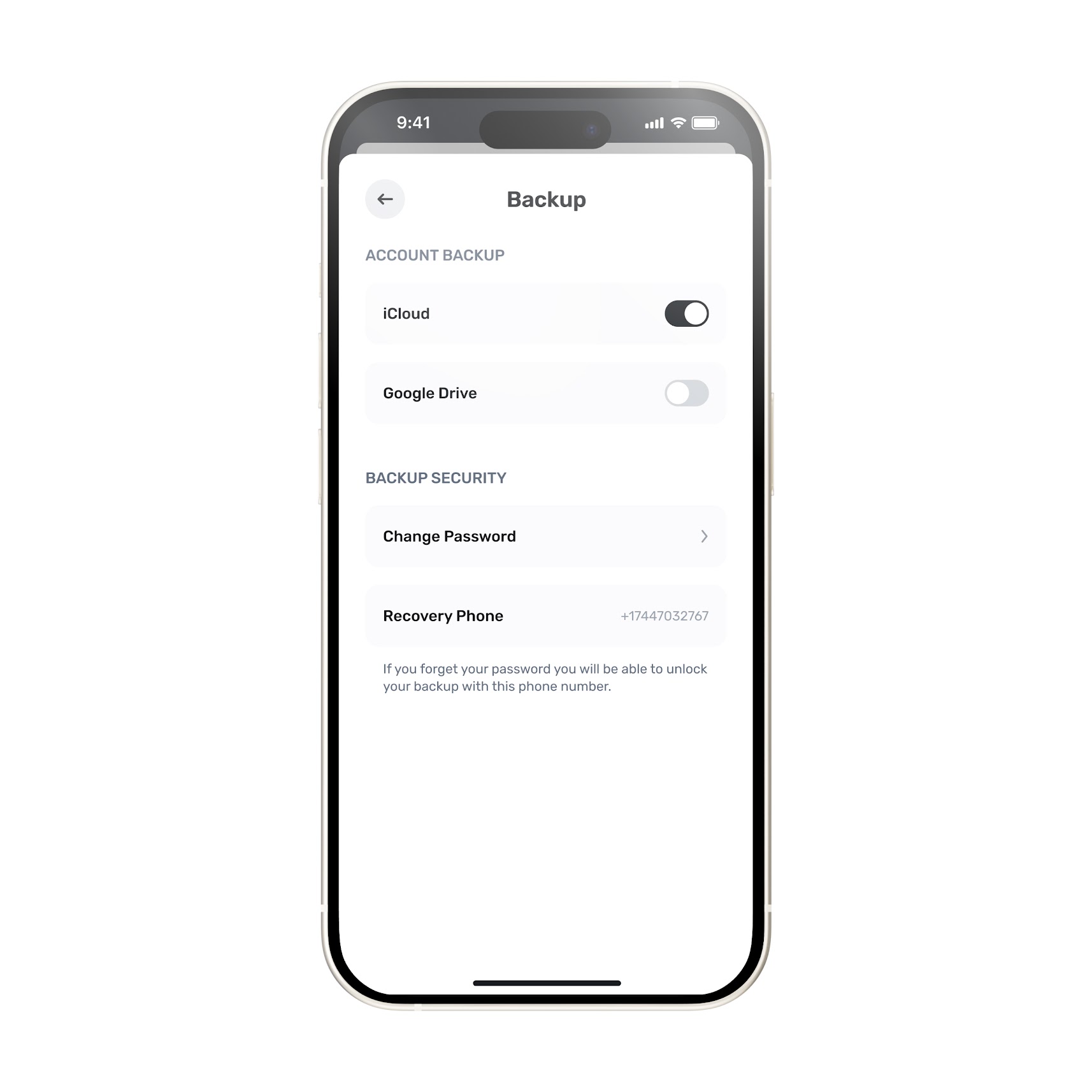
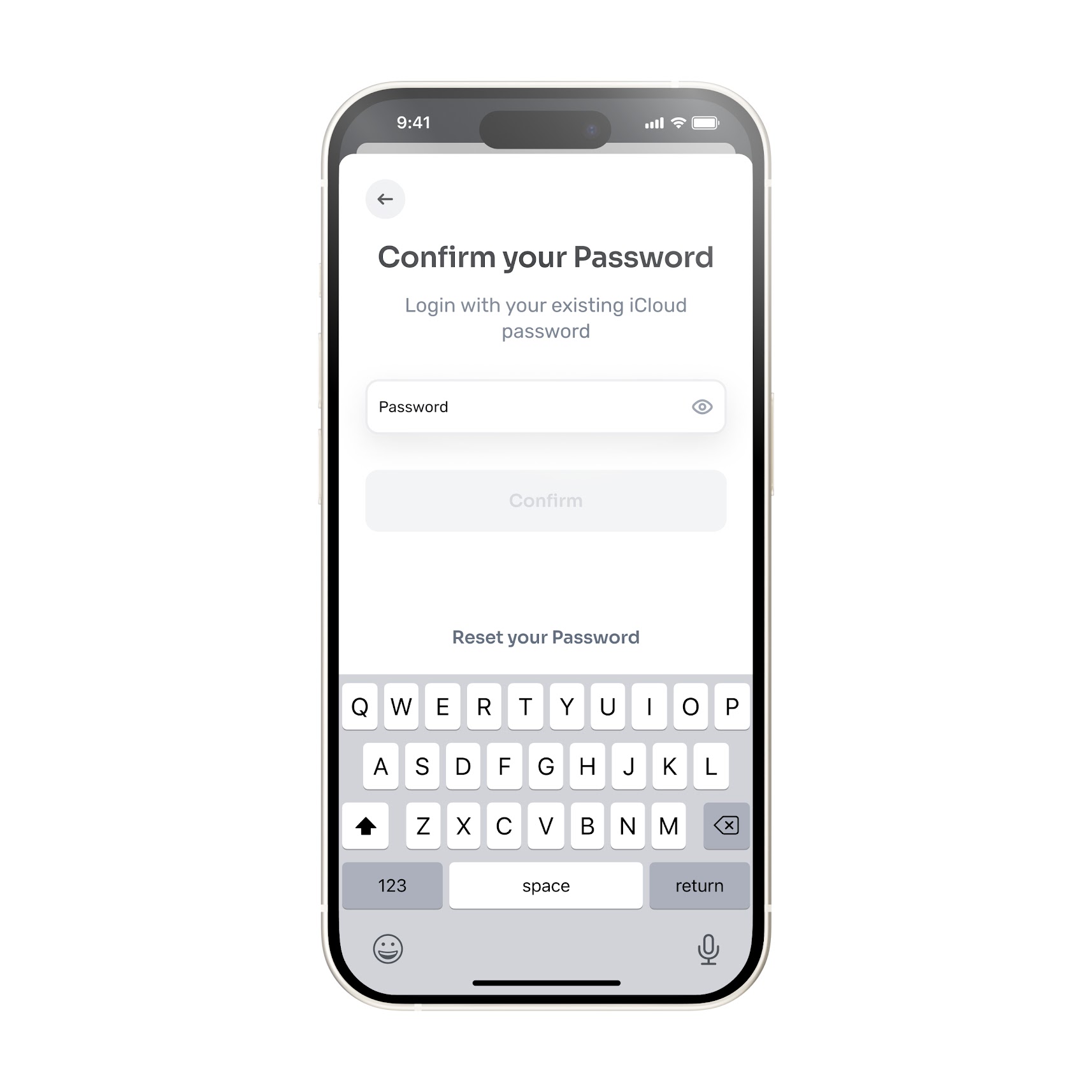
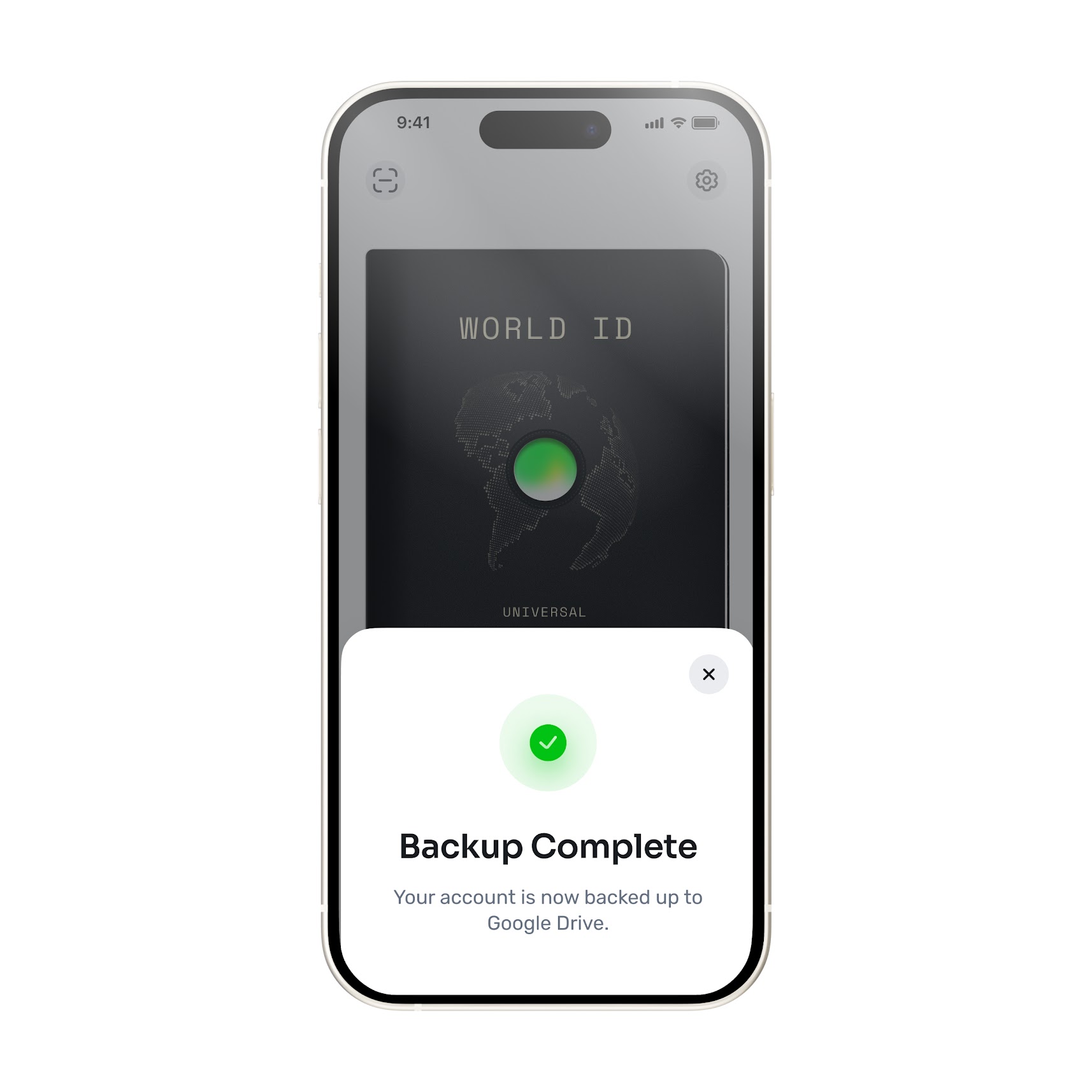
Your password allows you to decrypt the backup, which will be stored on your private cloud in an encrypted manner, and recover your World App wallet. Do not lose or forget your password, as you will need it to access your backup and recover your account.
Keeping an active backup and securing your password are entirely your responsibility as the account owner. Tools for Humanity, the provider of World App, cannot access or recover your backup or password.
Restoring your World App account
World App does not have access to your password or your private keys. That means, in order to recover your password, you must take the following optional steps (these actions are only required for account recovery):
- Add your phone number
- Back up your Worldcoin account
If these have been done, you can take the following steps to restore your account:
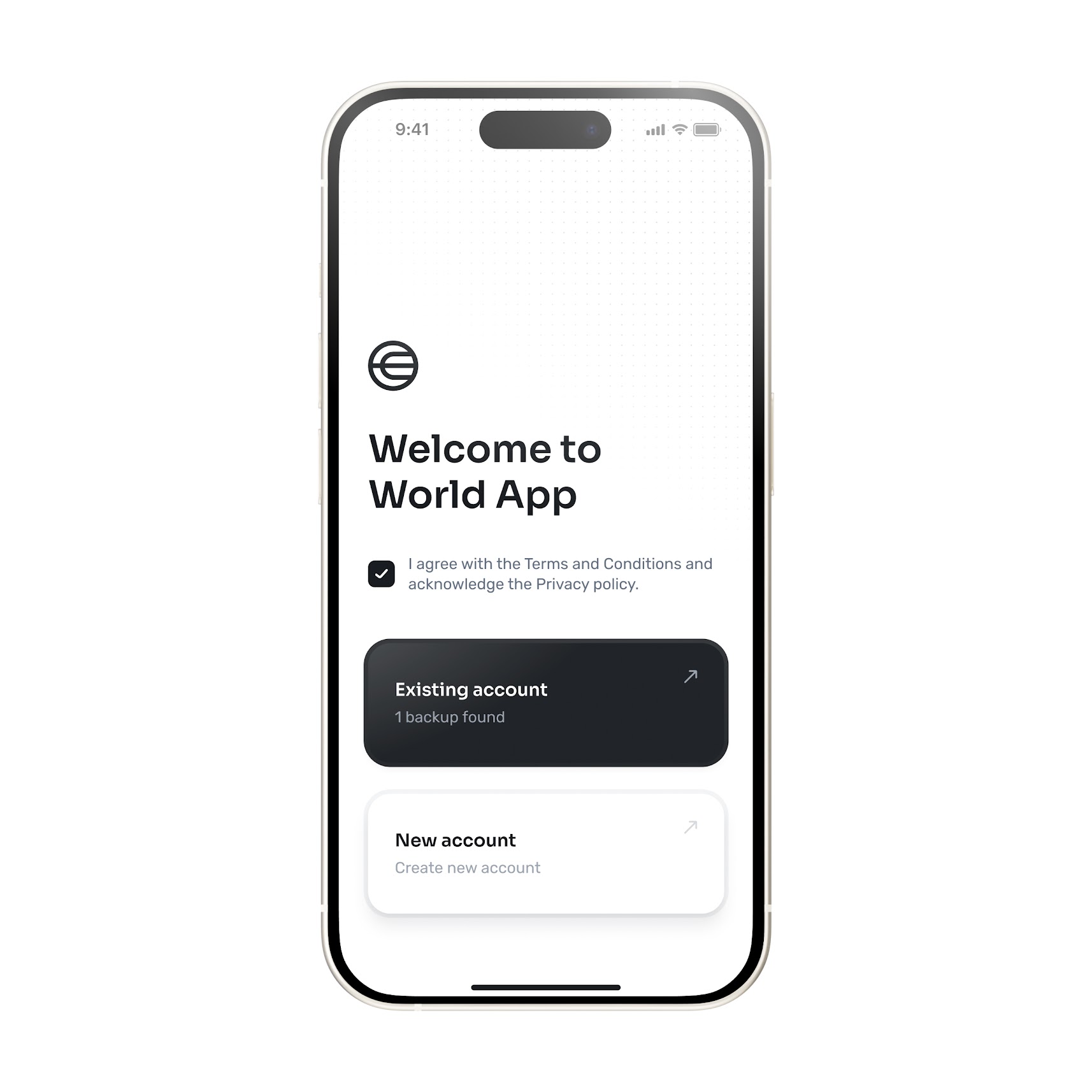
- Select that you want to restore your account from a backup.
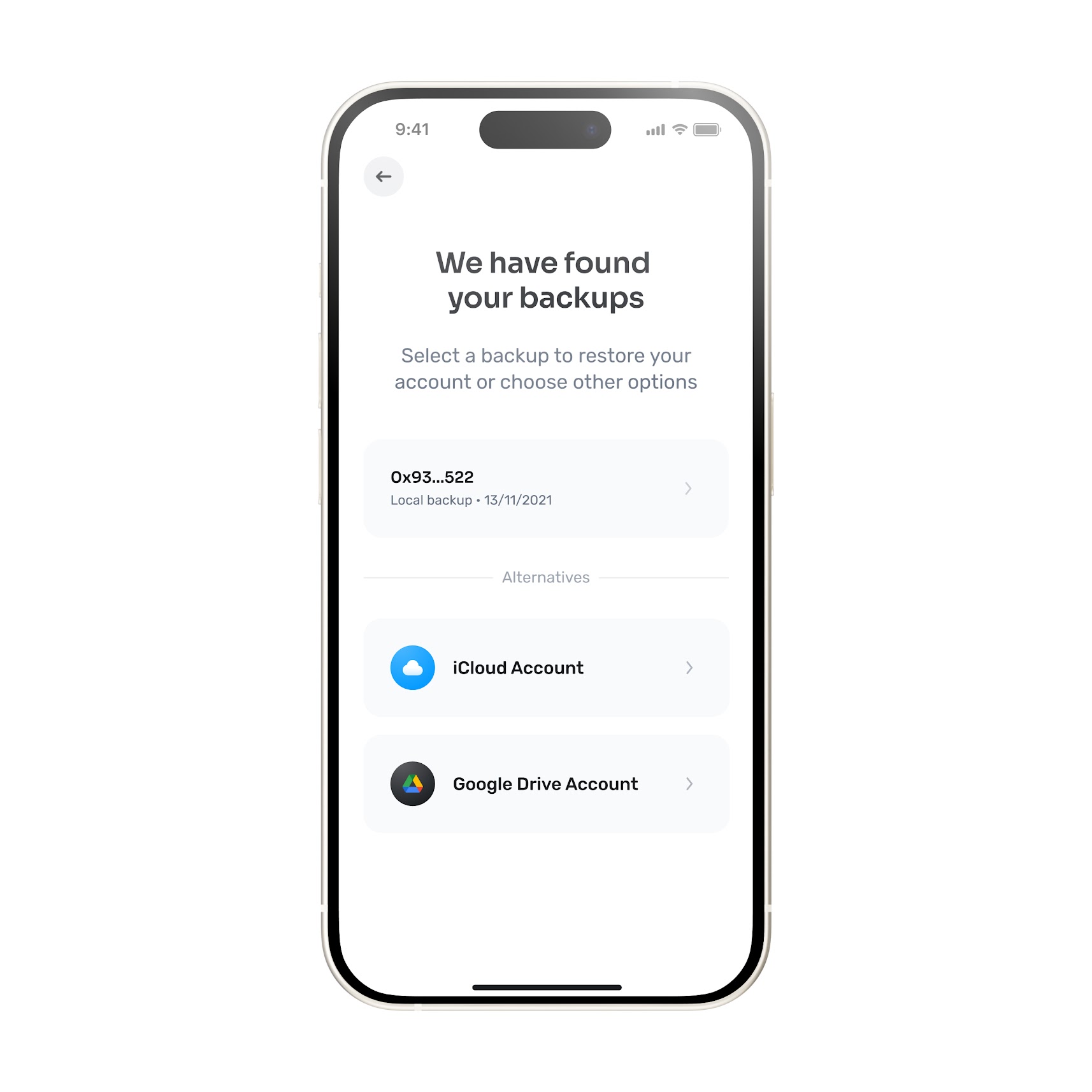
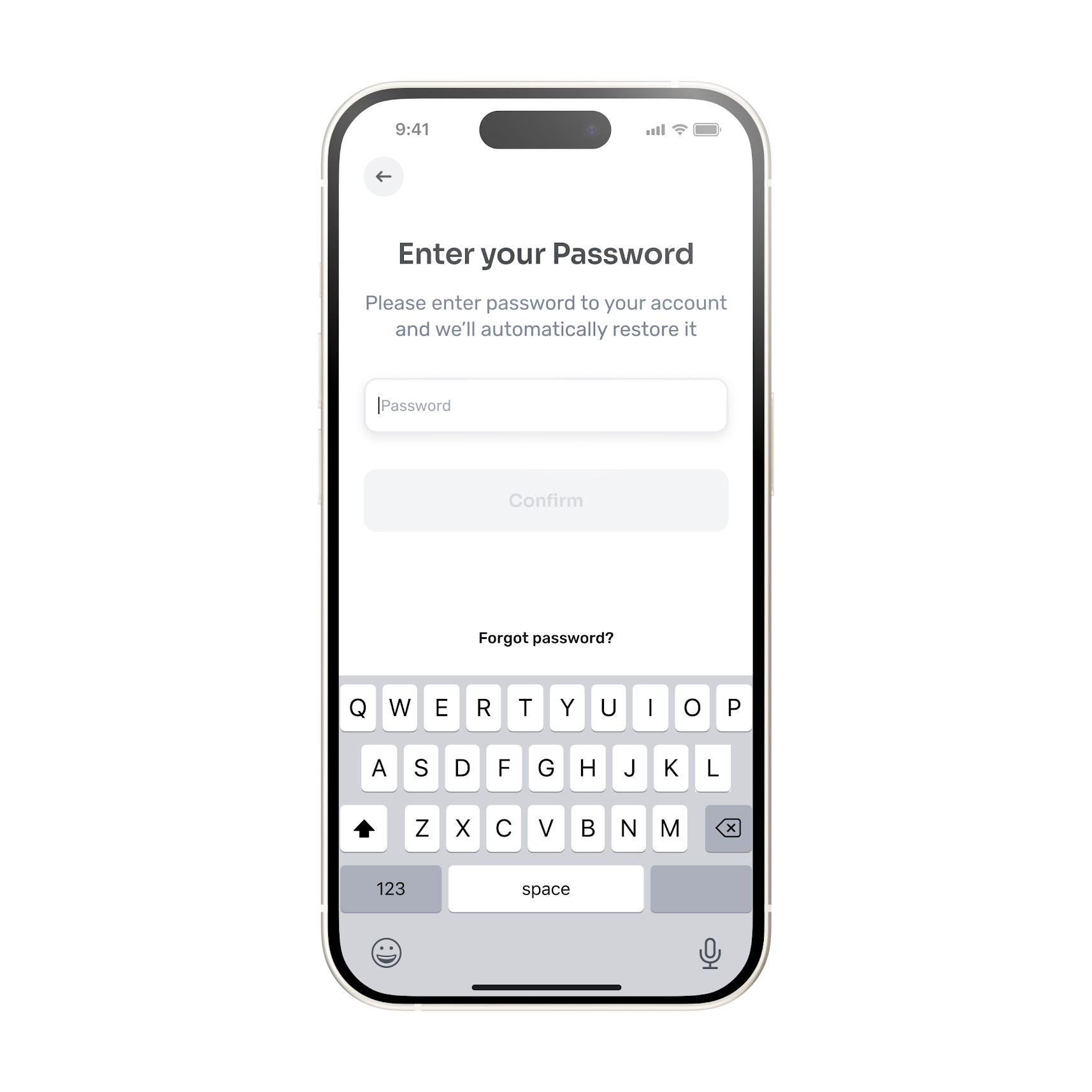
- Choose how you'd like to restore from the list provided. If the backup exists locally, your account will appear for you to select and restore. If the backup does not exist locally, you'll be prompted to enter the password.
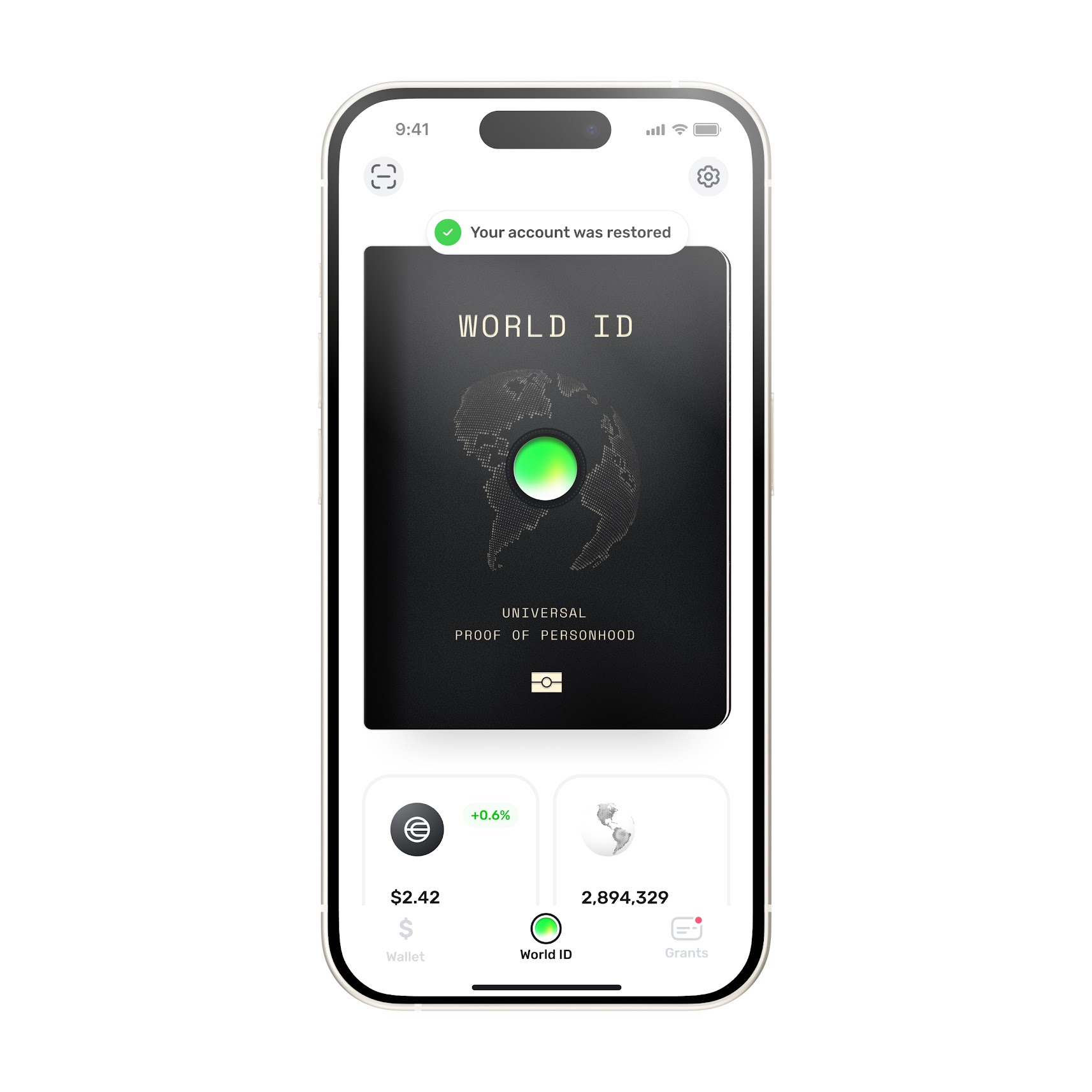
- Once you password is correctly entered, you account will be restored
If you did not add your phone number or enable your cloud backup, then it is not possible to recover your account.
Learn more
For more information about support-related issues and frequently asked questions, visit the Worldcoin Help Center.
Disclaimer
The above content speaks only as of the date indicated. Further, it is subject to risks, uncertainties and assumptions, and so may be incorrect and may change without notice. A full disclaimer can be found in our Terms of Use and Important User Information can be found on our Risks page.
The information in this article is over 12 months old and may be outdated. Please visit world.org/blog for the most recent information about the project.