Update: This post was updated with additional tips on September 23, 2025.
Update: This post and related images were updated to reflect enhancements to the World ID verification process as of May 23, 2025.
How to verify your World ID
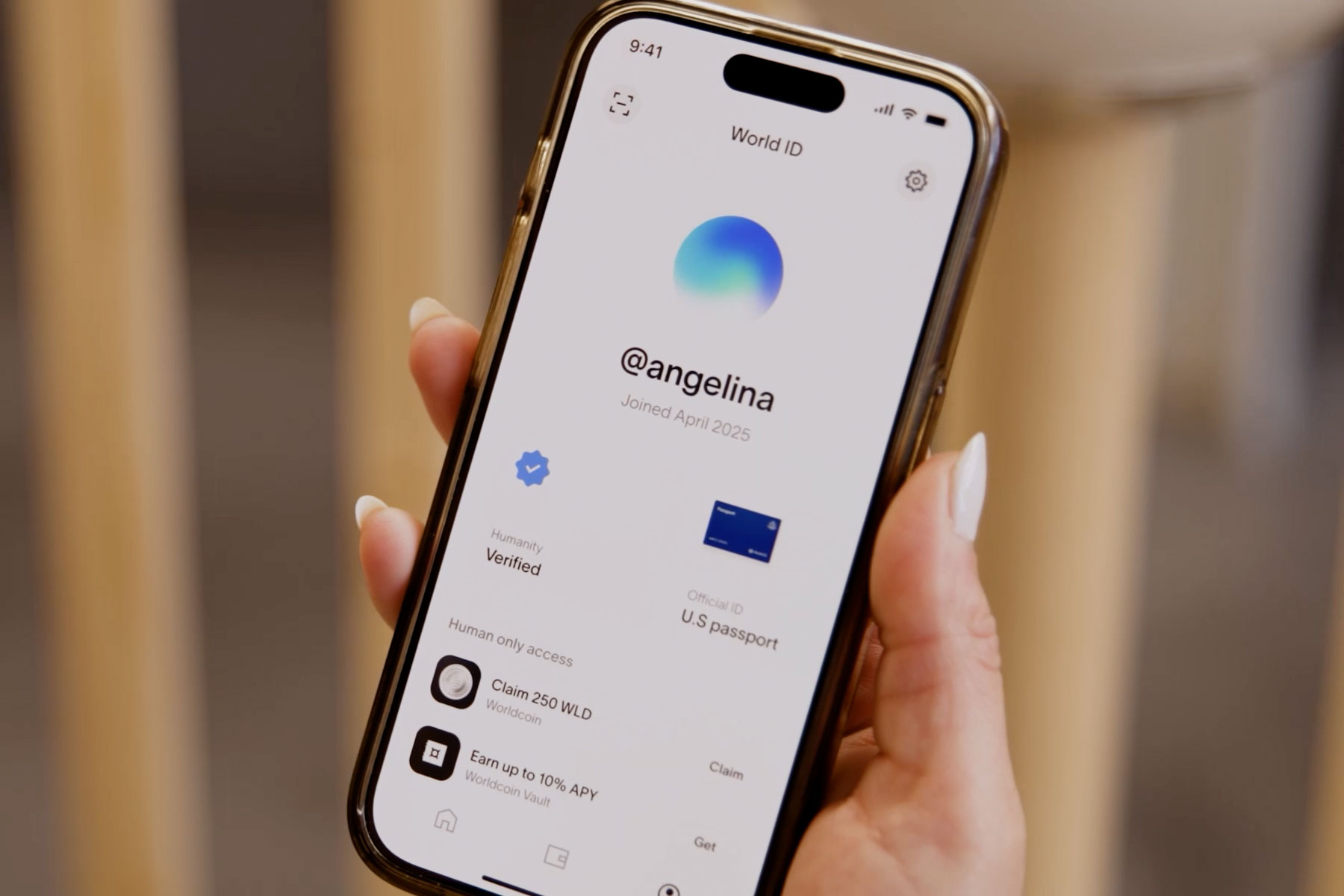
If you’re interested in verifying your World ID using a device called the Orb, you’re about to join over 12 million people around the world who are already verified humans and helping to build a safer and fairer internet.
With a verified World ID, you can prove that you’re a real human (not a bot!) across popular apps like Discord, Telegram, and Shopify—all without sacrificing your privacy.
How does the verification process work?
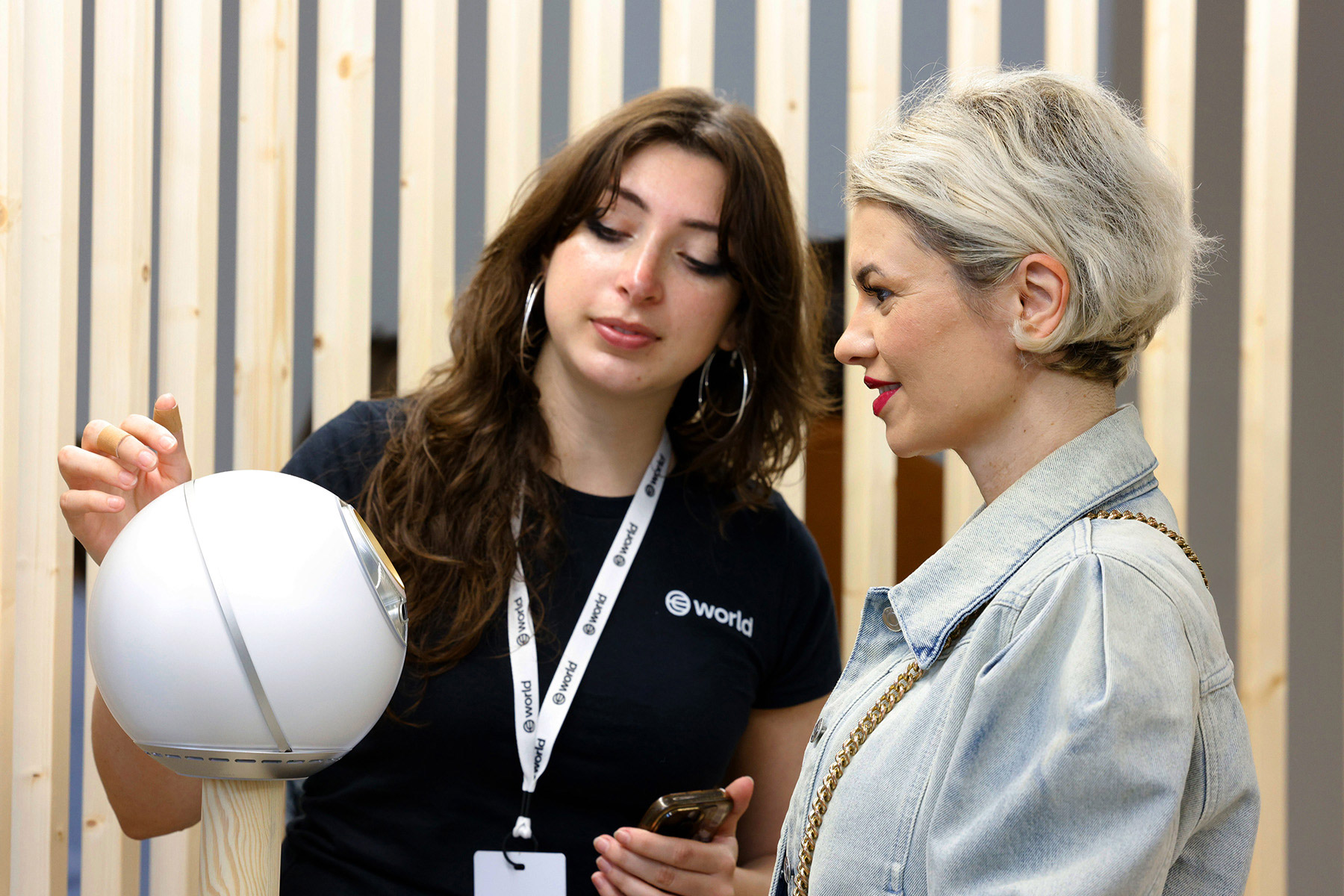
World ID verification locations are available in many places around the world and are managed by official World Operators. You can check the nearest locations through the official World website or World App. Some locations may require you to book an appointment in advance, so make sure to arrive on time.
Here's a step-by-step guide:
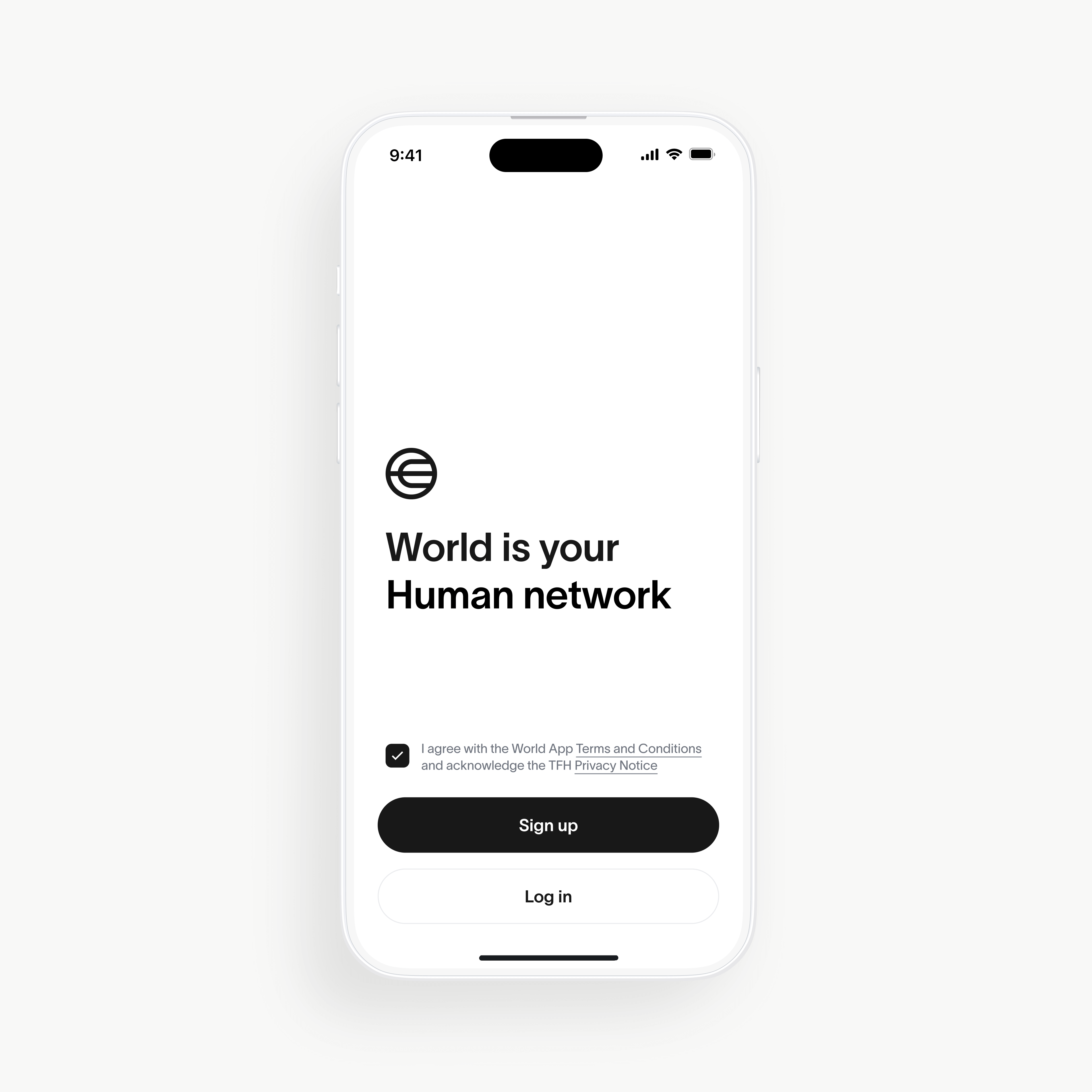
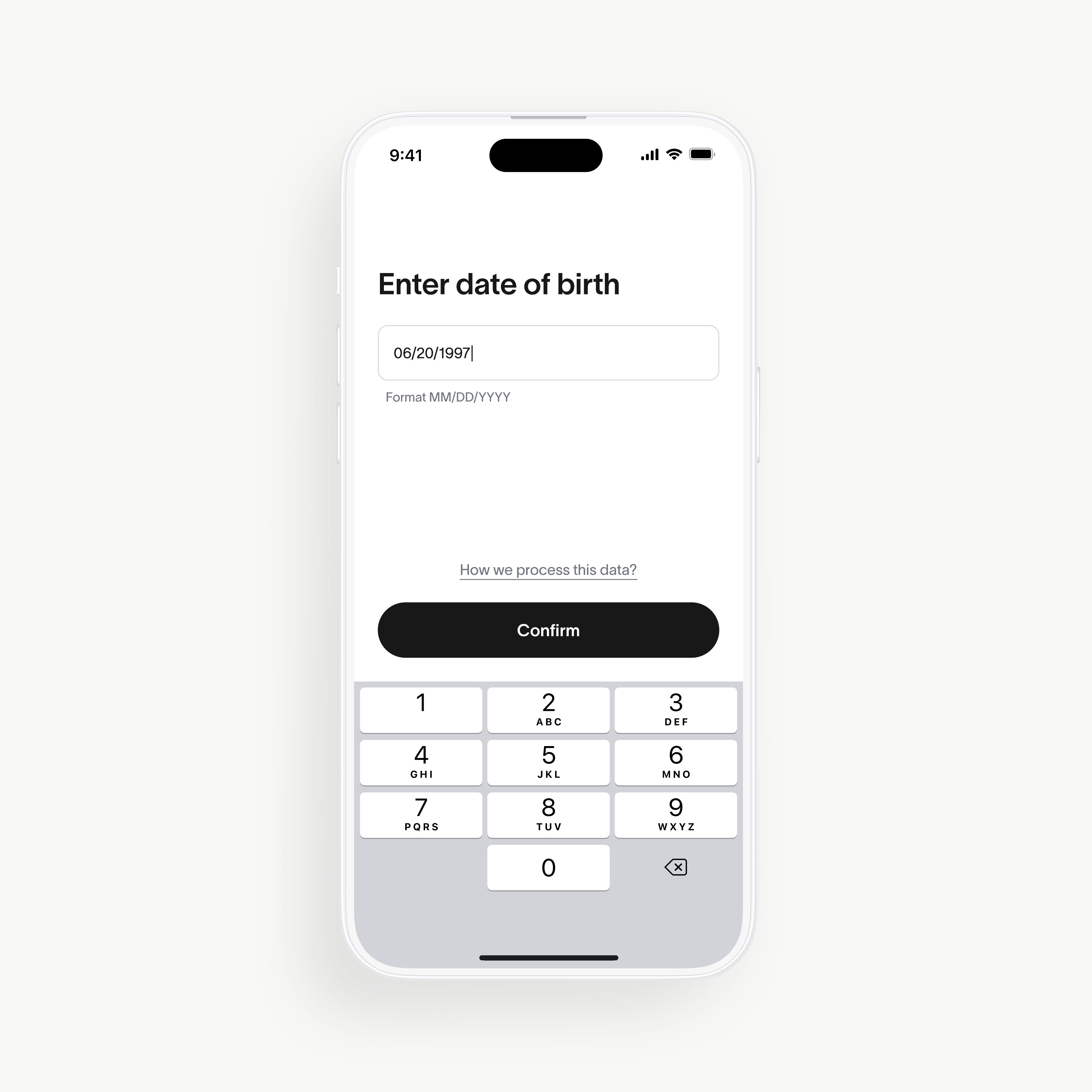
1. Understand the program's Data Privacy and Consent Information
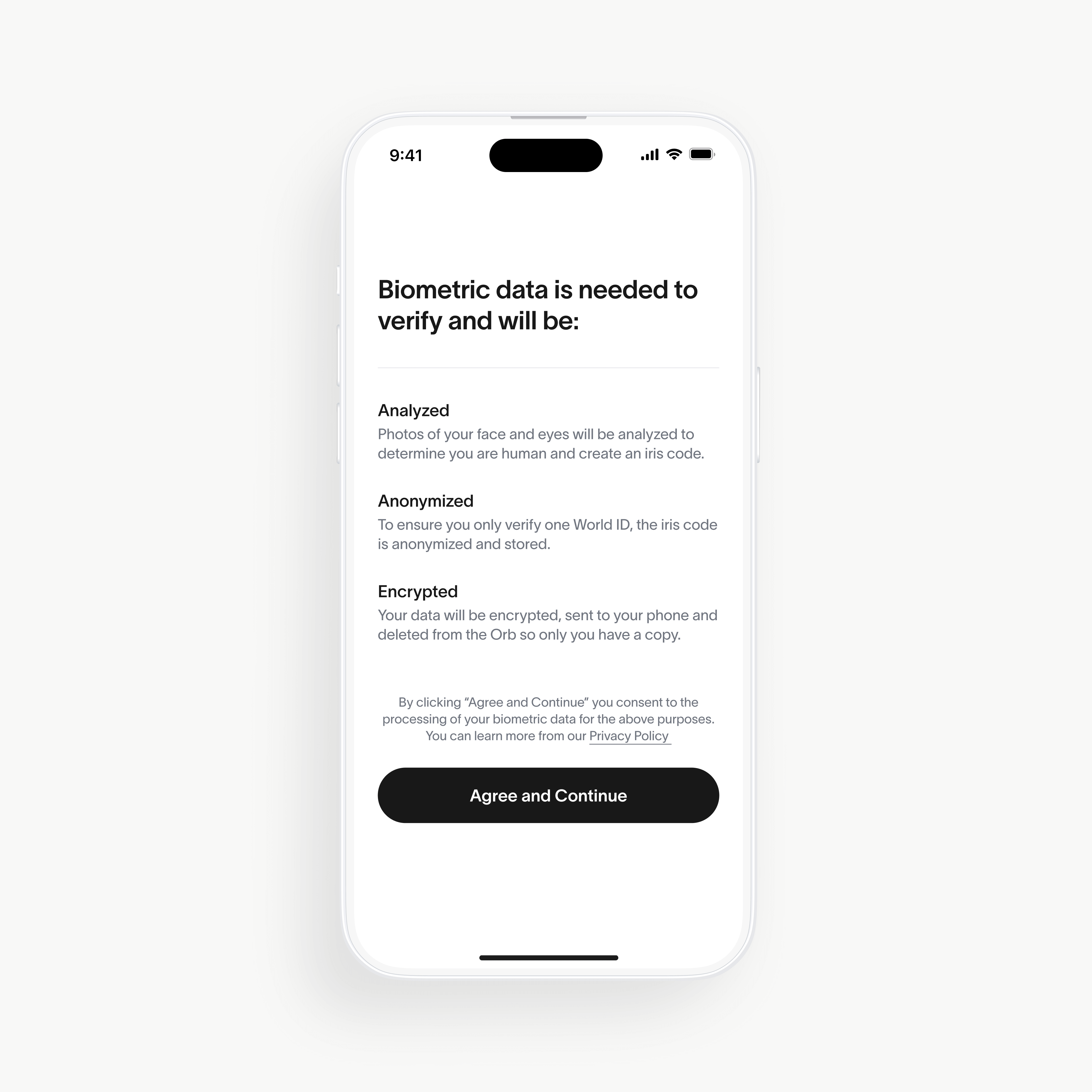
- Before you start, you'll be given information about how your data is handled and asked accordingly for your consent (see screen three in the below carousel).
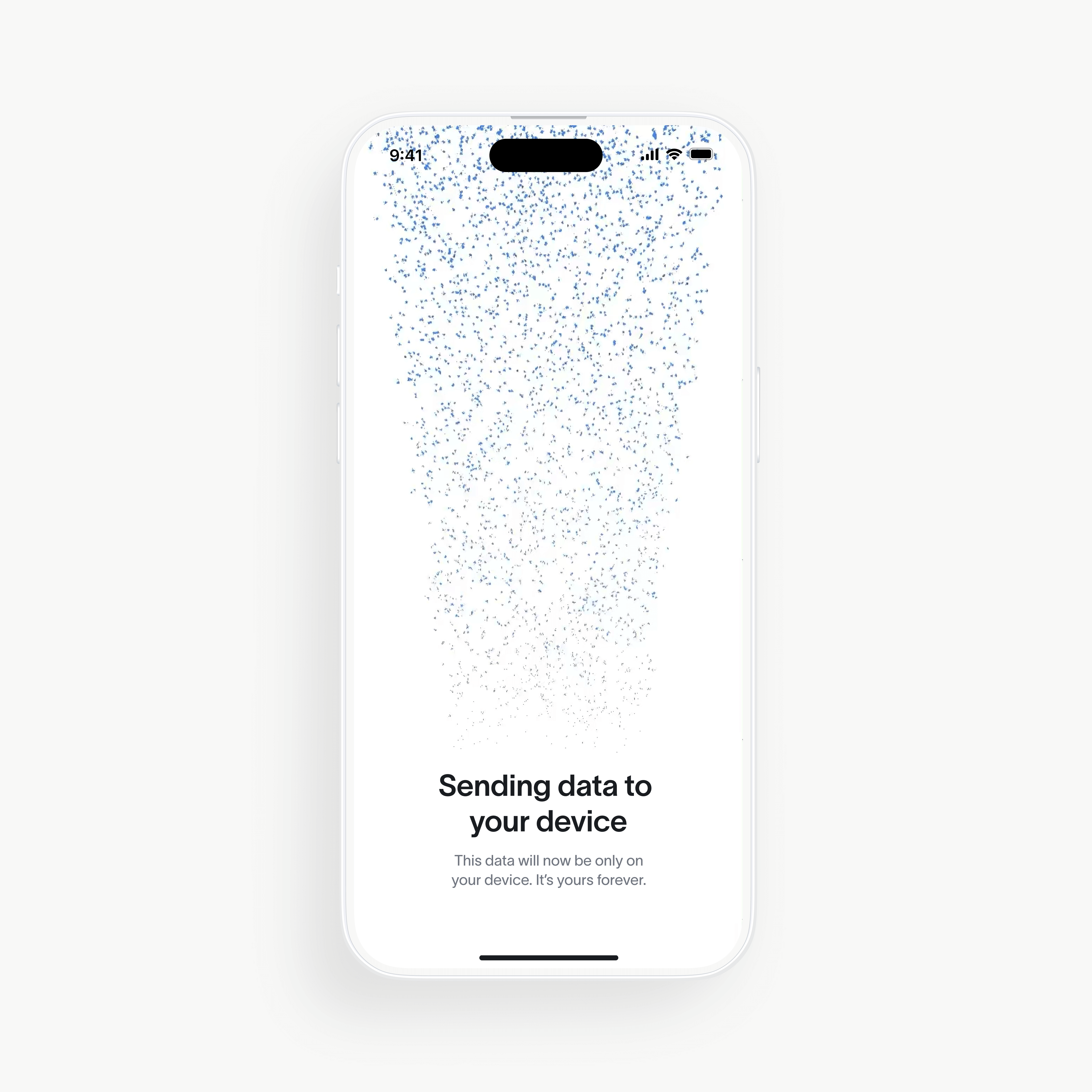
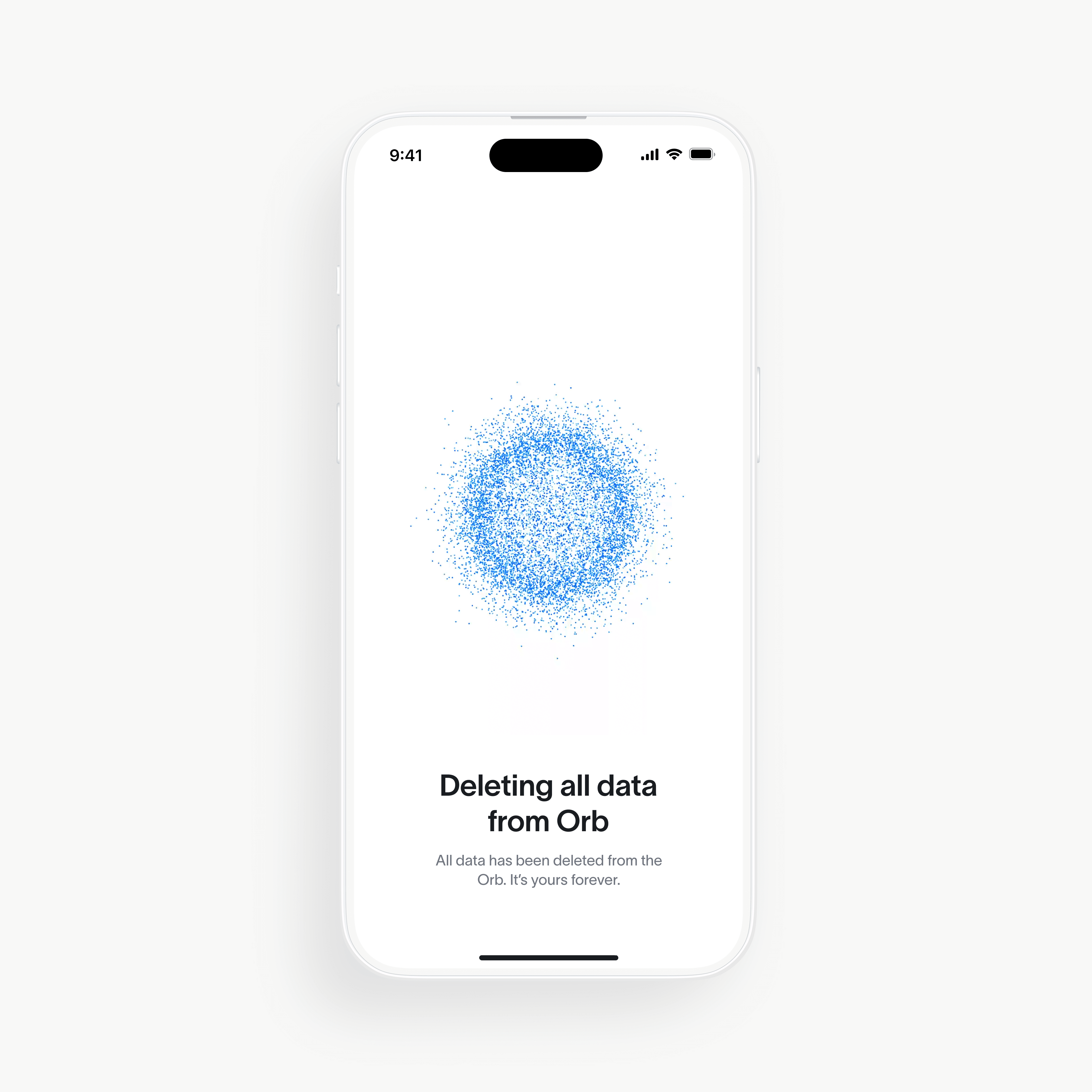
- All images and data are automatically deleted from the Orb after the process is complete.
- Thanks to a system called Personal Custody, your verification data is only stored on your phone—not anywhere else, including not on World's servers.
2. Start Verification
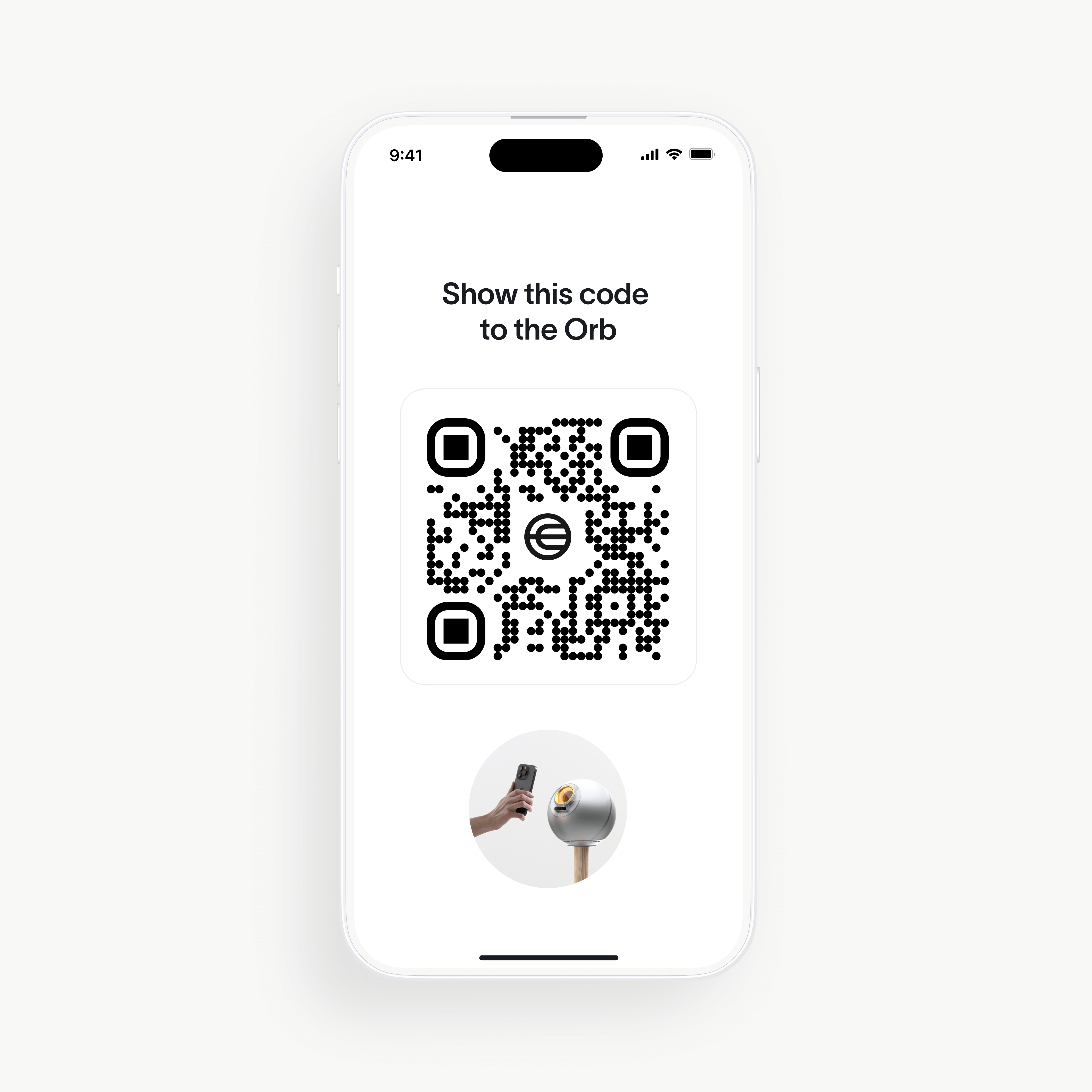
- Show the QR code from your phone to the Orb to begin.
- Avoid colored contact lenses and ensure your hair is pulled away from your face.
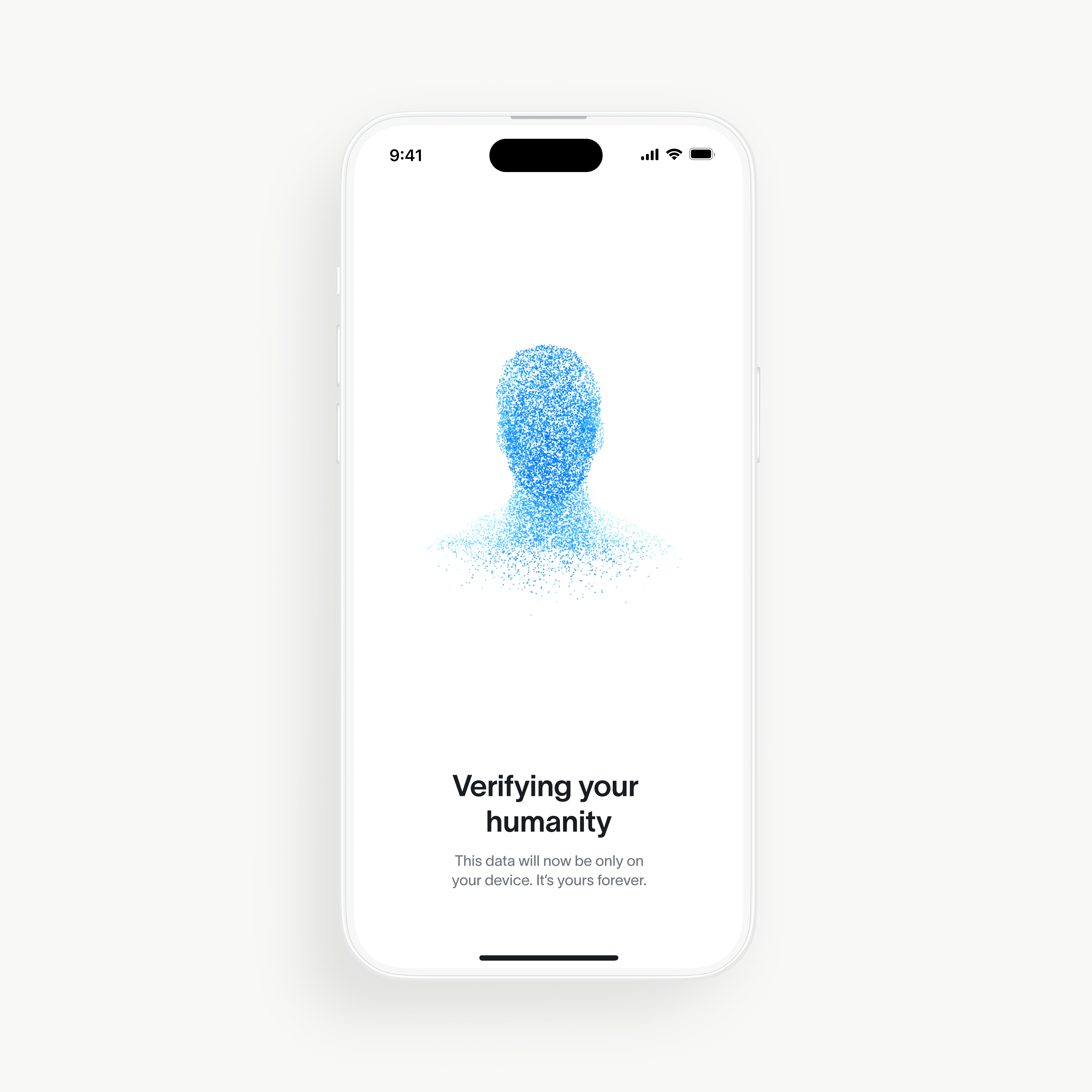
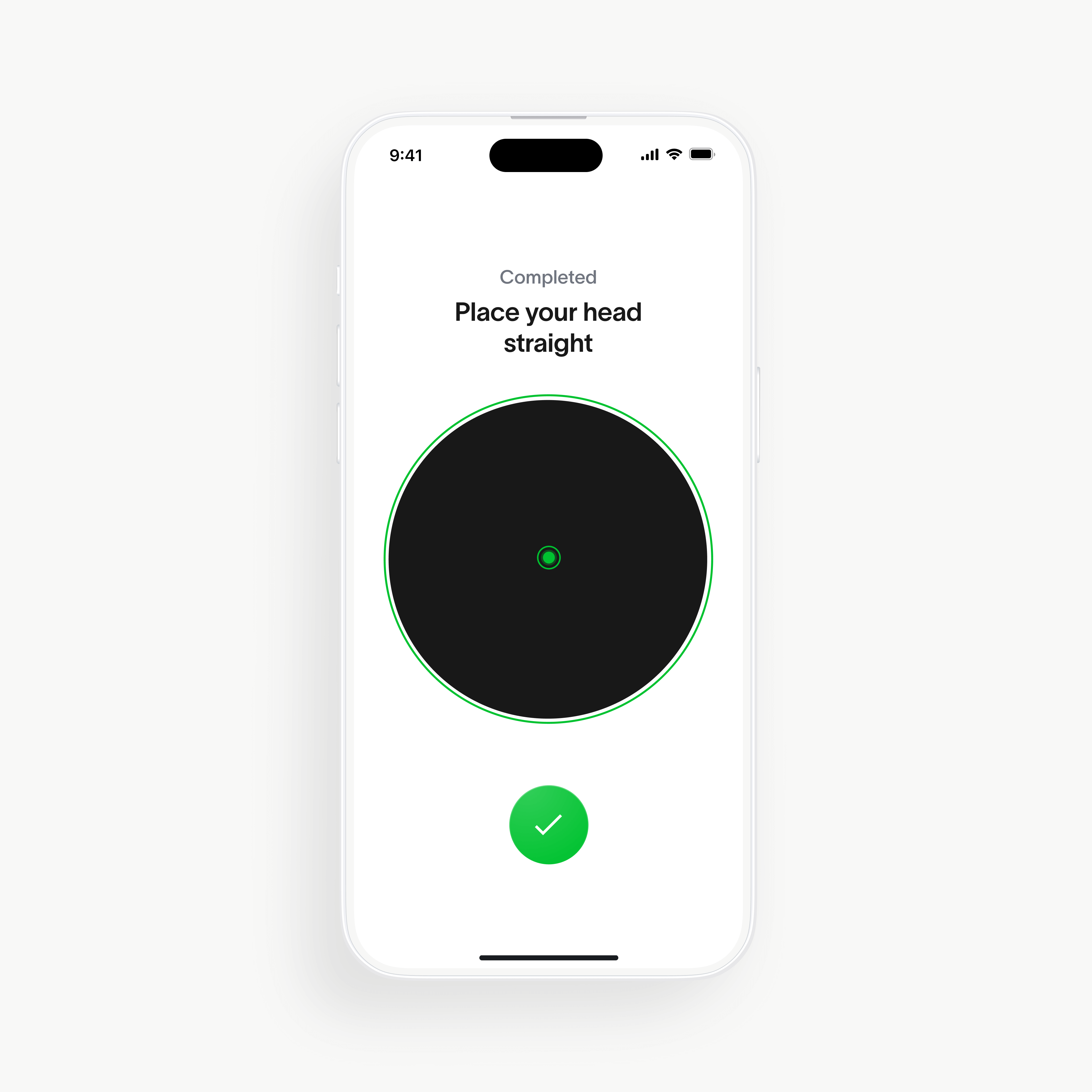
- Then, simply look at the Orb for a few seconds—it will safely verify that you're a unique and real human while never knowing your identity.
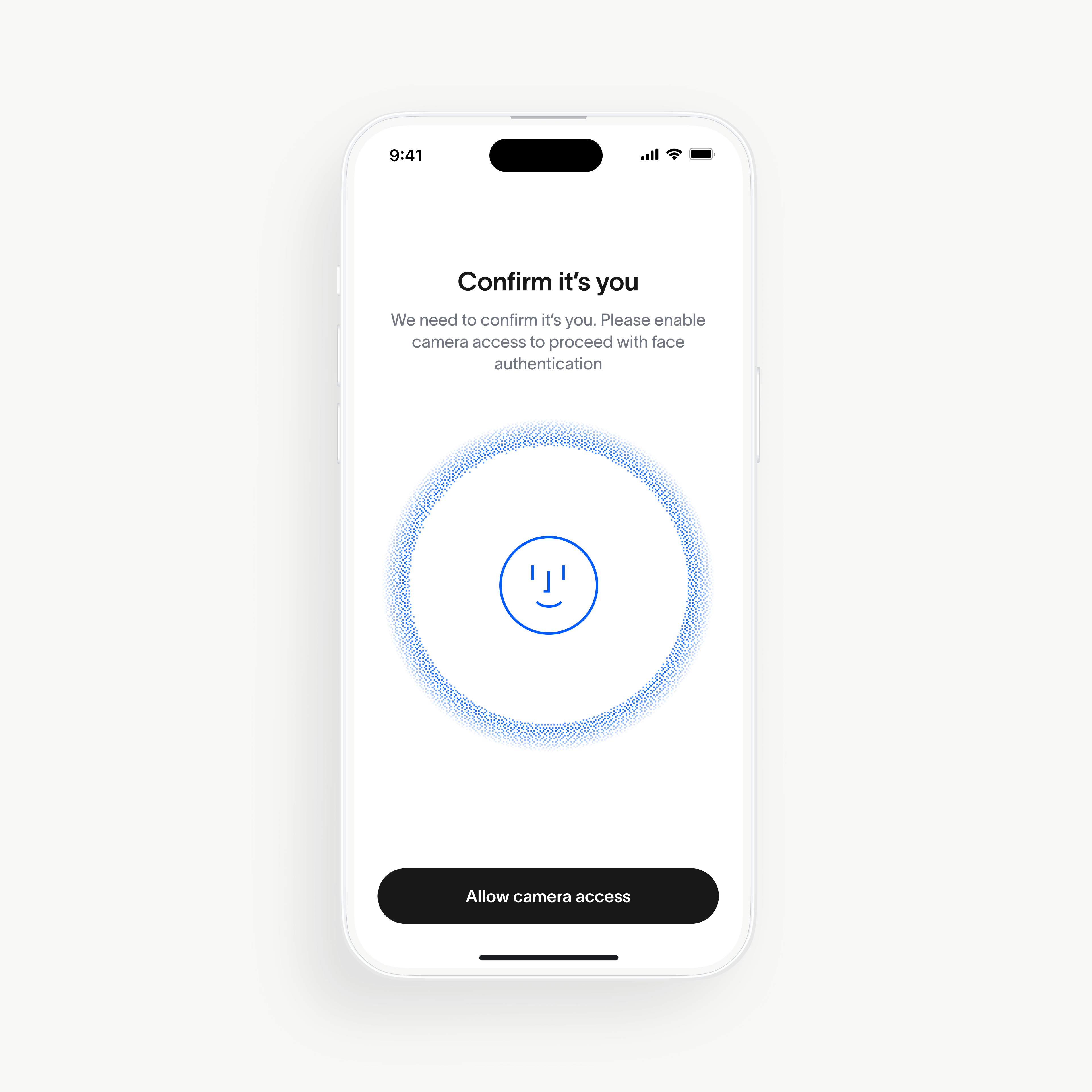
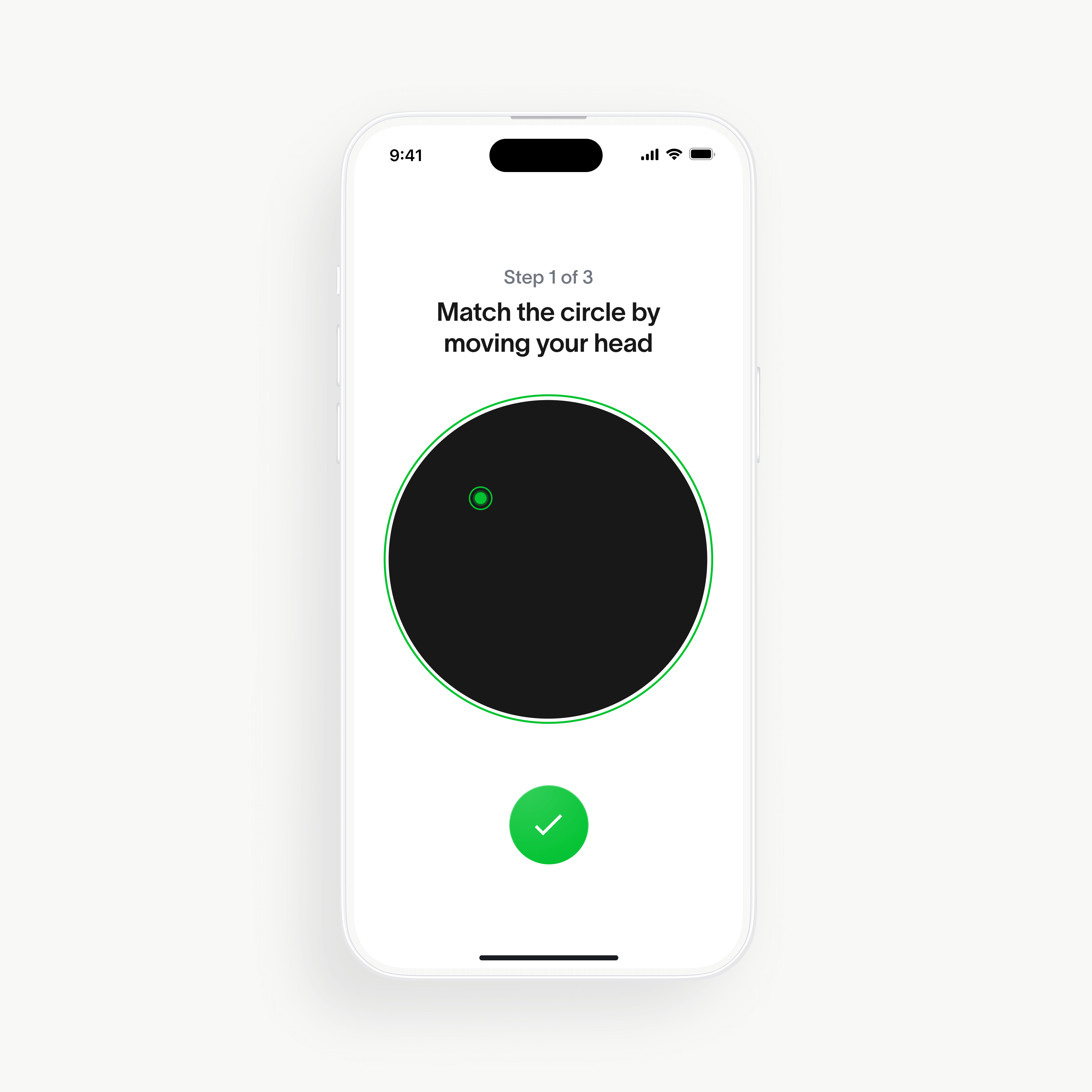
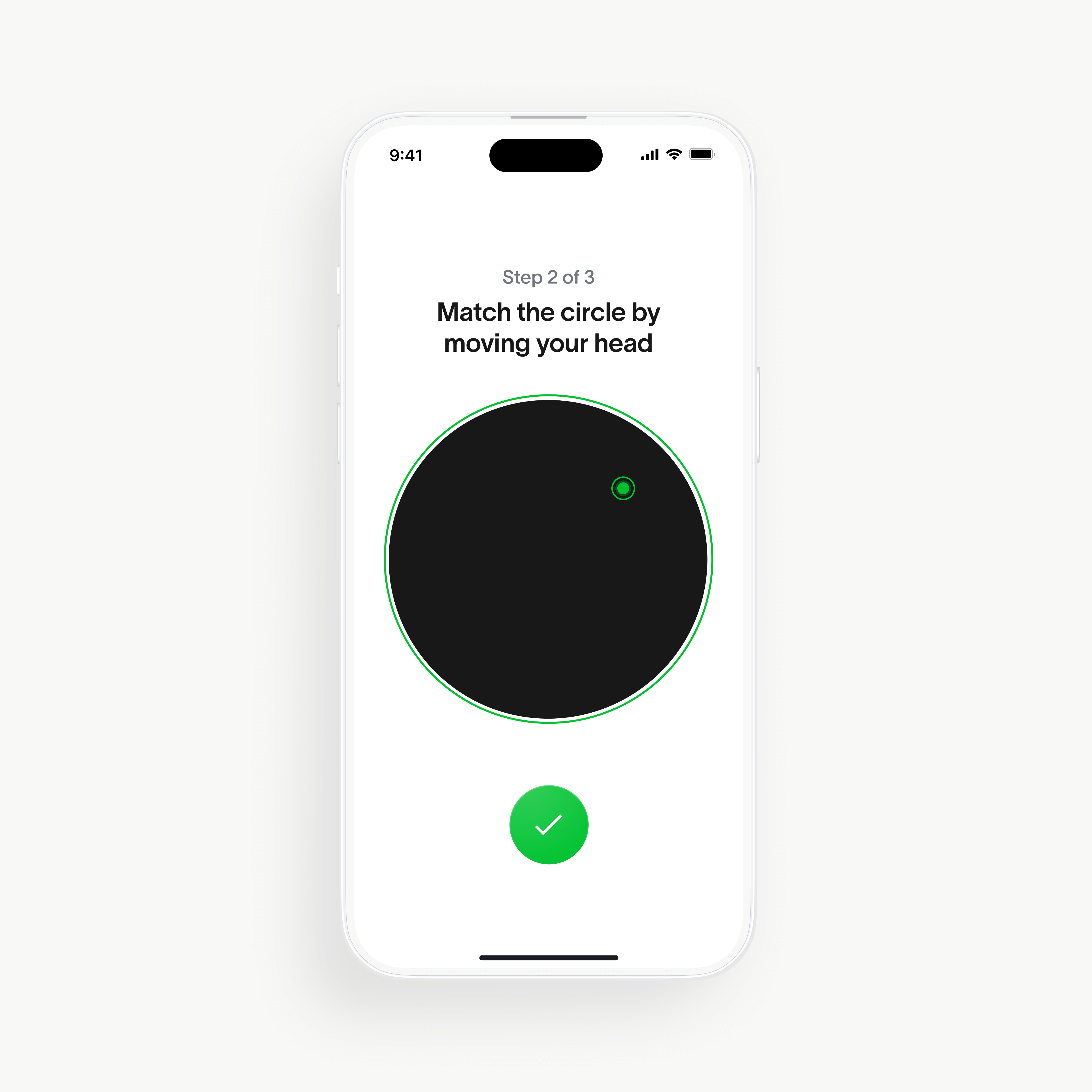
- Finally, sign up for Face Auth by taking a selfie in World App.
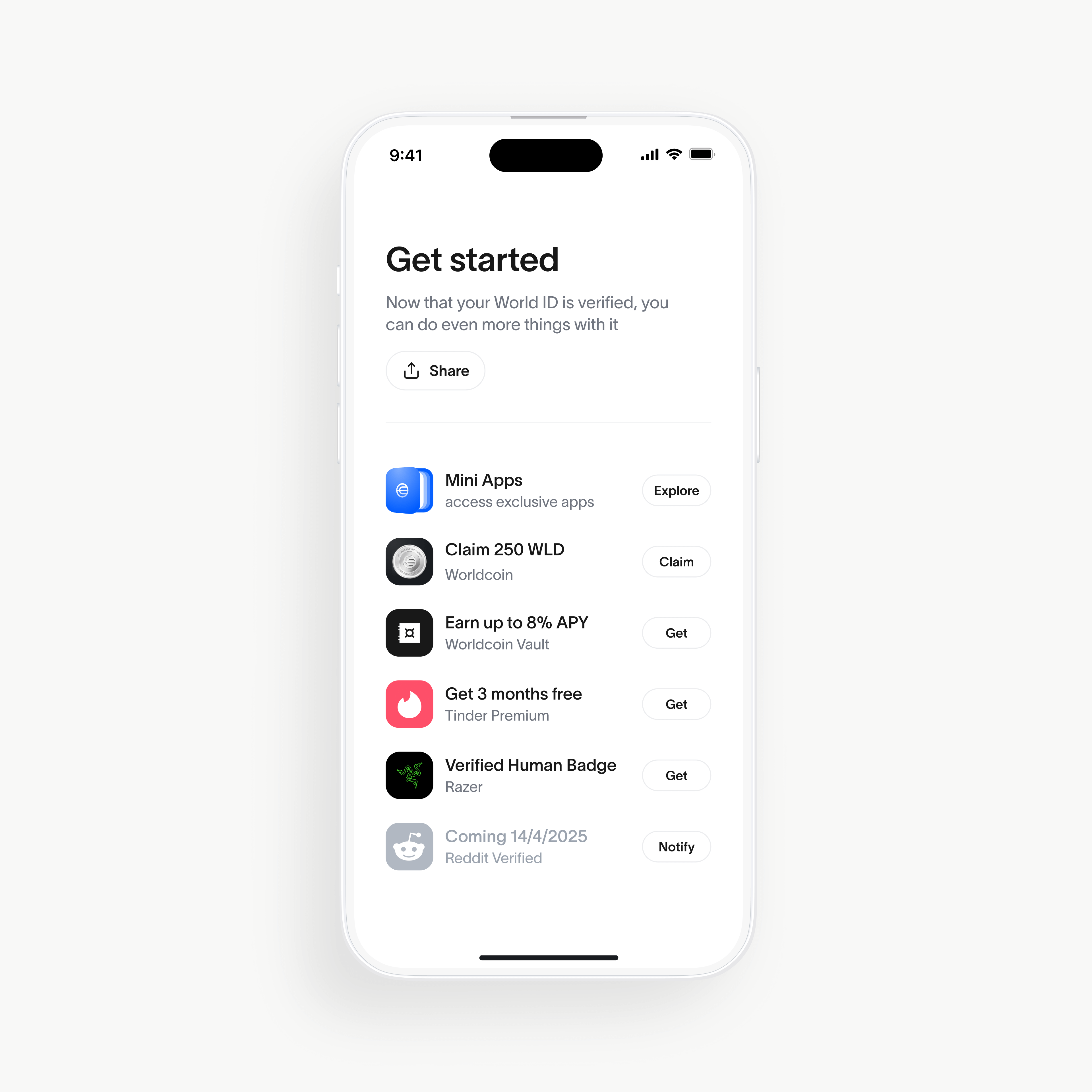
3. You're done! In under a minute, your World ID will be fully verified, securely stored on your phone and all data will be deleted from the Orb.
Safety tips for verification
- Only go to official verification locations listed on the World website or in World App.
- Verification is completely free. Never pay anyone for the process.
- Authorized partners or field staff will never ask you to provide your name, email, or phone number.
- Never hand your phone to anyone else during the process—it should always be in your control.
- World or its authorized partners will never offer money to access your World account, to verify at an Orb or to exchange crypto assets. If you are approached for any of these reasons please report it immediately using the reporting feature in World App. For specific information on how to avoid Proof of Human verification related scams, visit our Help Center here.
- Never send local currency or cryptocurrency to an individual who offers deposit or withdrawal services unless they are listed as a service provider within World App. Instead, always default to depositing and withdrawing via the options provided within World App.
You can learn more in the World Help Center if you have any questions or need more information.
Learn more
With more than 26 million users across 160+ countries, World continues to build the infrastructure for human verification in an age increasingly dominated by artificial intelligence. To stay informed about World, visit the World website or subscribe to the blog below. You can also join the daily conversation on all World social media channels, or get additional important information concerning the project by reading the World protocol whitepaper.
Disclaimer
The above content speaks only as of the date indicated. Further, it is subject to risks, uncertainties and assumptions, and so may be incorrect and may change without notice. A full disclaimer can be found in our Terms of Use and Important User Information can be found on our Risks page.
The information in this article is over 12 months old and may be outdated. Please visit world.org/blog for the most recent information about the project.