

World Logo

Protect your company against deepfakes

Get early access to World ID For Zoom

Get early access to World ID For Zoom

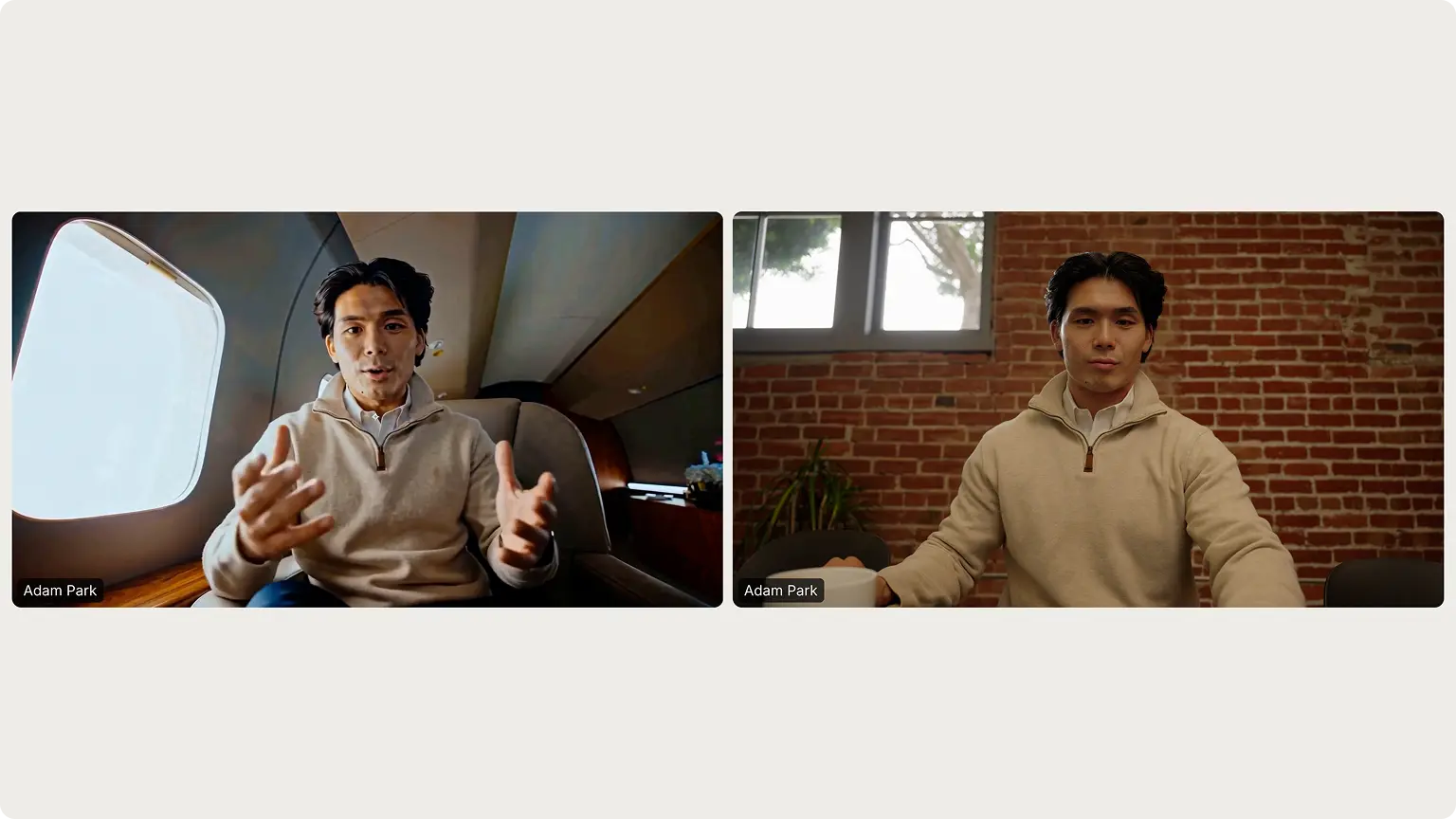
World ID for Zoom lets participants verify that the person they’re speaking with is human and not a deepfake.

0%

of internet traffic is now bots.(1)

0%

of organizations experienced a deepfake attack in the past 12 months.(2)

Designed for enterprises that require the strongest protection against deepfakes.

Subtract

Technology Companies

Subtract

Financial services

Subtract

Professional Services

Subtract

Government & Public Sector

Subtract

Healthcare & Life Sciences

Subtract

Academia & Research

The only solution built on
Proof of Human
Icon, not predictive guesswork that AI is already learning to beat.

Verification
Meeting

How to get started

Step 1

Orb

Verify at an Orb

To enroll in World ID for Zoom, participants visit an Orb (installed at their workplace, delivered to their door or at one of the many locations worldwide) to complete the one-time anonymous verification. If they’ve already verified at an Orb, they can skip to Step 2.
Step 2

Connect to Zoom

Once verified, participants will receive their verified World ID and complete a one-time connection to their Zoom account.

Step 3

Adam Parkhuman-icon
Adam Park

Meeting secured

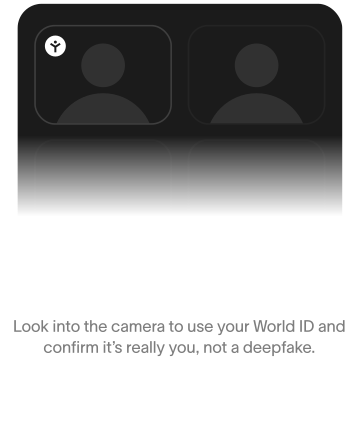
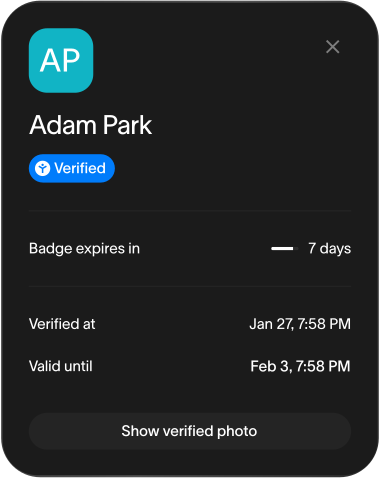
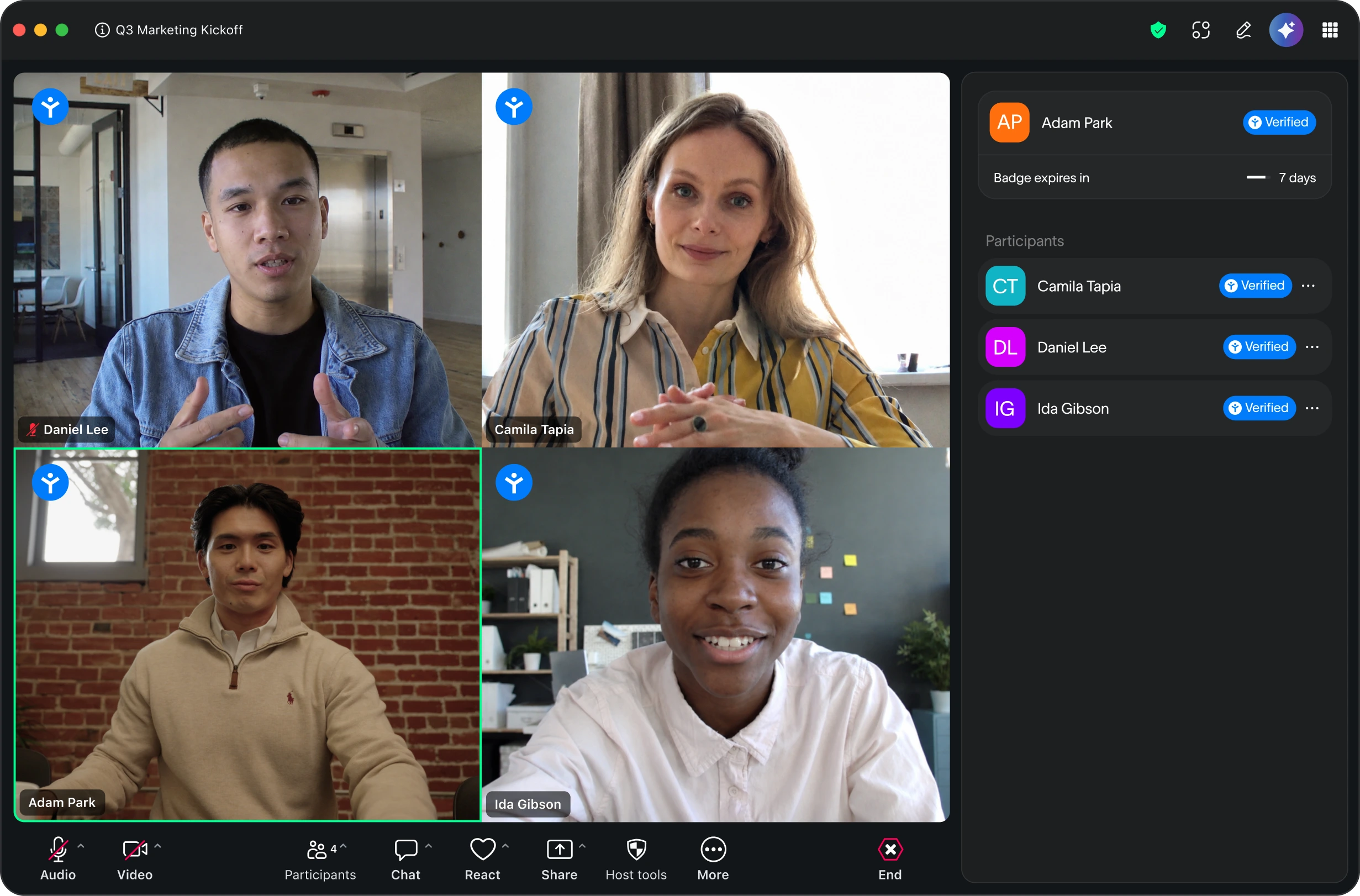
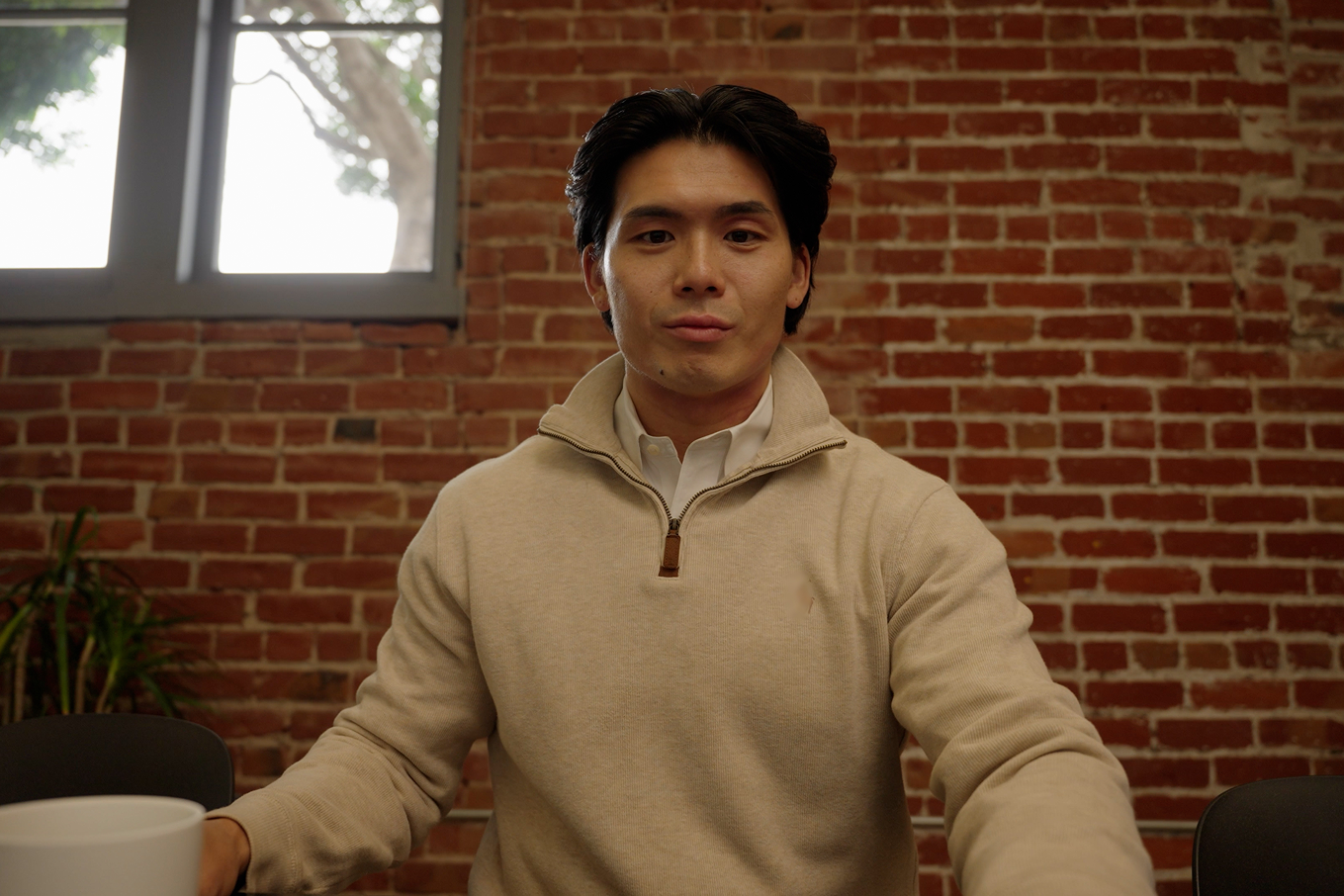
After joining a Zoom meeting, the participant will take a selfie to confirm they’re human and not a deepfake. If the authentication succeeds, the Human Badge will appear natively on their participant tile in Zoom. It is visible to all meeting participants, and its expiration period is subject to enterprise configuration.


How to use it

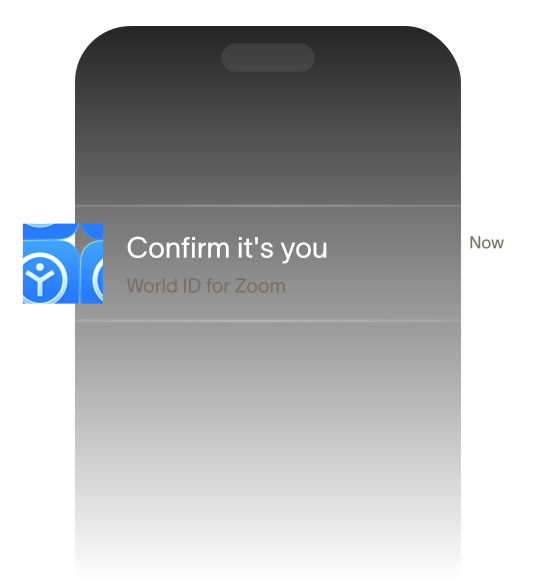
  • Confirm it's you

    Side panel mounts. Your status: pending.

  • Push to your phone

  • Quick selfie

  • Human Badge appears

Get early access

Inquire to schedule a demo.

About your company
Number of employees *
I agree to the collection and use of my personal data by Tools for Humanity for the purposes stated above.

*required fields

By submitting this form, I hereby consent to Tools for Humanity Corp. (TFH) collecting and processing my personal data for the period of 2 years, to communicate with me regarding this request and to follow up with me regarding my interest in partnering with them. I understand that I have the right to revoke my consent and I acknowledge TFH's Privacy Notice.

FAQ

Built for real-time communication, World ID for Zoom lets you confirm that the person you’re speaking with is human and not a deepfake.

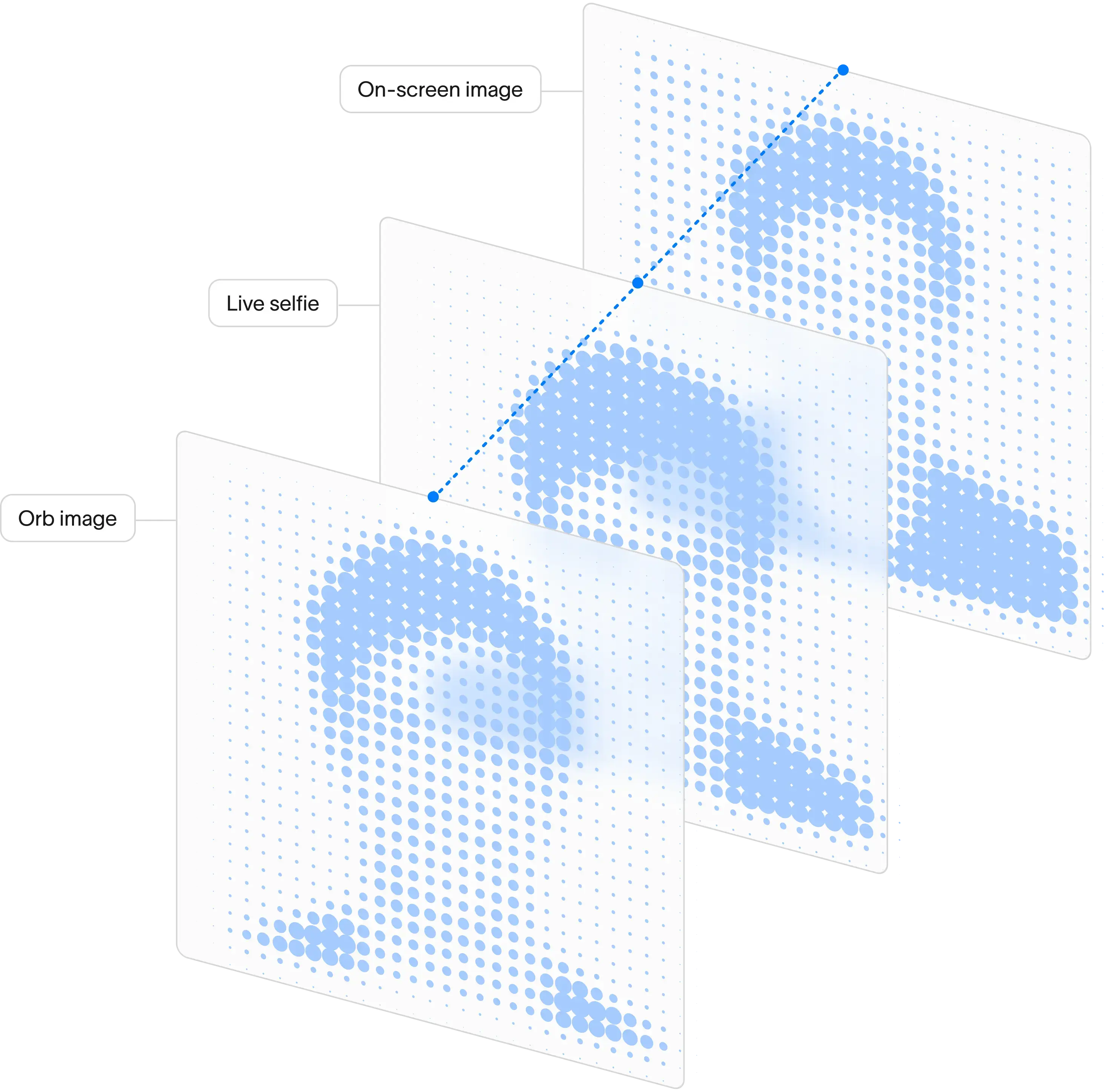
World ID for Zoom conducts a 3-way cryptographic match between three face images: one taken by a hardware device (called “the Orb”), one captured via phone selfie and one displayed on screen in Zoom. The ground truth image taken by the Orb at verification cannot be manipulated. All three must match for authentication to succeed.

Users are therefore required to verify at an Orb, download World ID app and have Zoom installed. For more information on how the app works, please see this support article.

World offers support to ensure a seamless enterprise-wide rollout and adoption to your business. 

The Orb is shipped to your office before your go-live date. A team member visits your office, installs the Orb and leaves it fully functioning. Setup typically takes under 60 minutes and the team arrives early to configure and test before the first users arrive.

No data is shared with Zoom. Face Auth runs locally on the user's phone. Their Orb biometric data doesn't leave their phone. Only a verification signal - yes / no - is shared with the World ID for Zoom application (not with Zoom).

Deep Face application does not share any data with Zoom. The application sees the user's World ID app username and their Unique Human status. Nothing more.