The World Design Protocol
Principles, Guidelines and Assets
Design Principles
Human
A belief that the organic and unpredictable qualities of being human are essential to innovation.
Universal
A visual language that is ensuring inclusivity, accessibility, and global connection.
Optimistic
A belief in humanity and the role technology can play in elevating everyone.
Brand Overview
All the tools exist under the core brand umbrella that is World.
Visual Identity
World Logo
The World logo is a visual anchor for our brand—simple, clear and universal. Rooted in timeless design principles, it embodies our commitment to accessibility, innovation and global connection.
Our logomark is the core representation of our brand identity. Always use the logo in its original form and maintain clear space around it to ensure visibility and impact. Modifications, distortions, or use of unauthorized colors can compromise its integrity.
Our wordmark is a key component of our brand's visual identity, working in harmony with the logo symbol to communicate our name with clarity and style. Alterations, stretching, or applying unapproved effects to the wordmark is not permitted.
The logo lockup combines both the logo symbol and wordmark into a unified design, representing our brand in its most complete form. This lockup should always be used as provided, maintaining proper proportions, spacing and alignment between the elements. Avoid separating, rearranging, or resizing components independently. Always refer to the guidelines for size, spacing and placement to preserve its integrity.
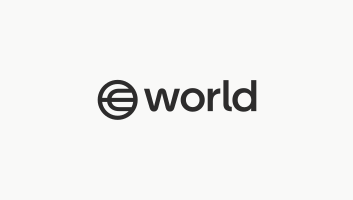
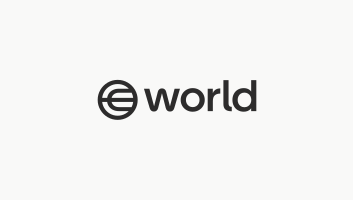
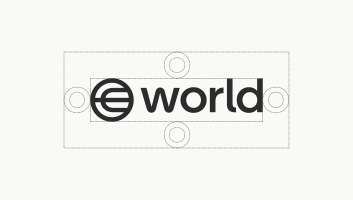
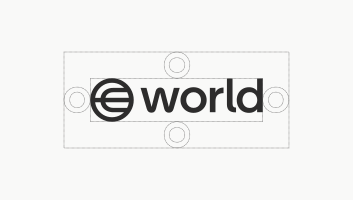
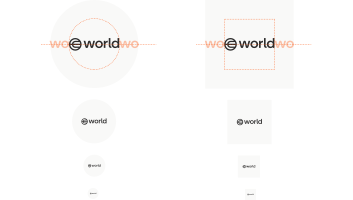
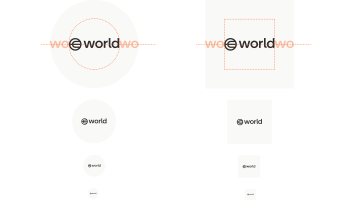
Clearspace is the minimum spacing between the logo and any other elements in a layout. The width of the “o” in world defines the clearspace surrounding the logo
Logo and Color Do’s
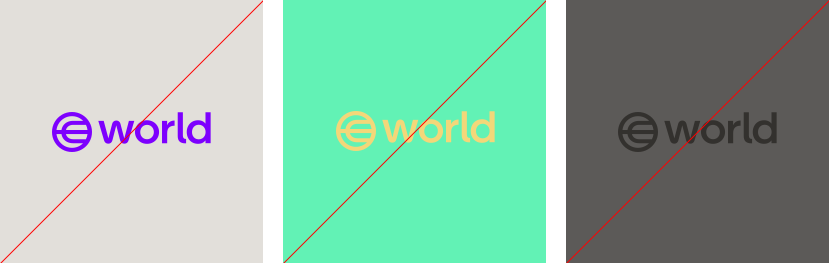
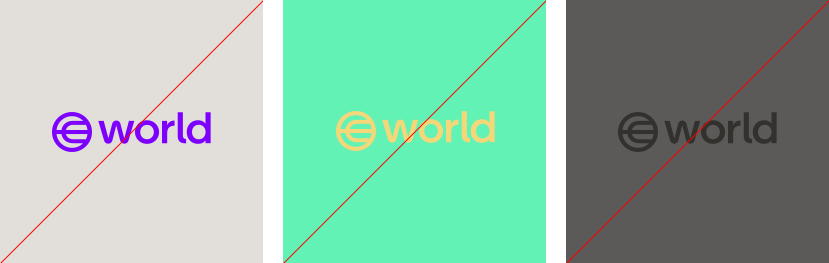
Logo and Color Don’ts
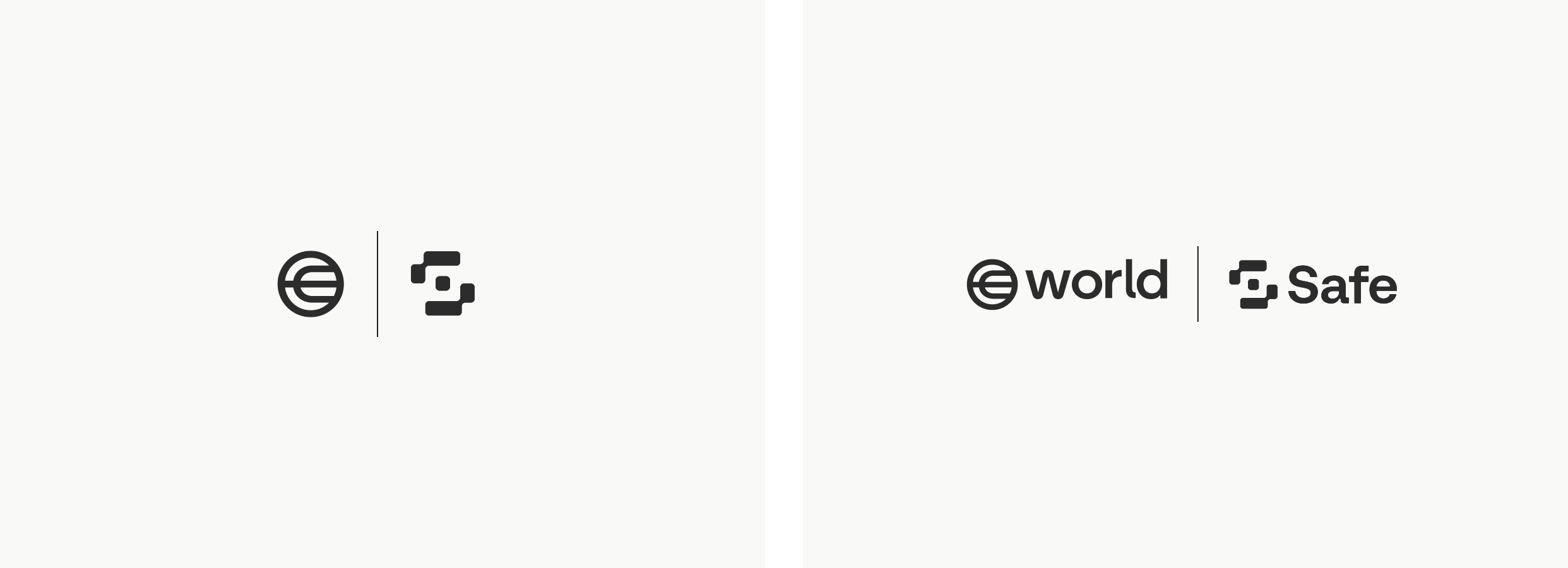
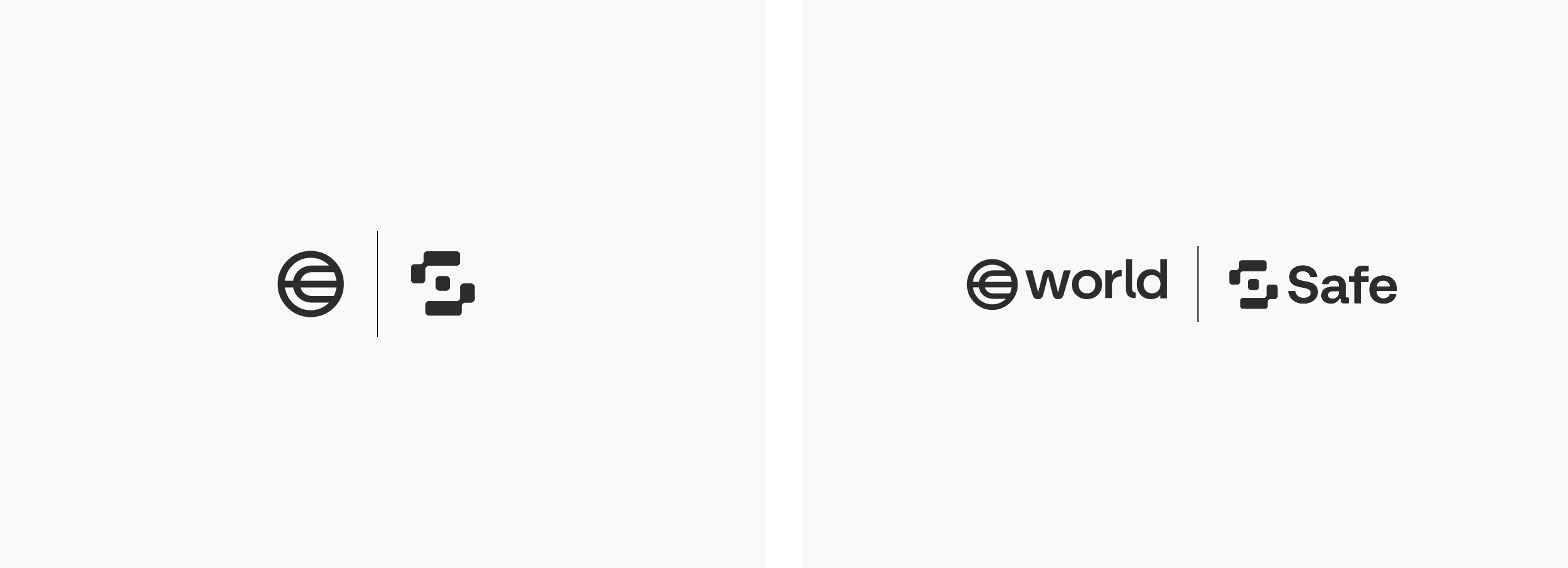
When showing partnerships or collaboration, the World logo can be combined with another brand’s logo into the following formats.
Colors
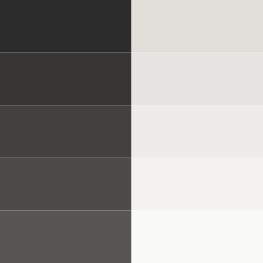
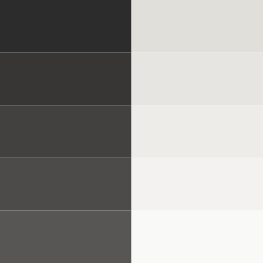


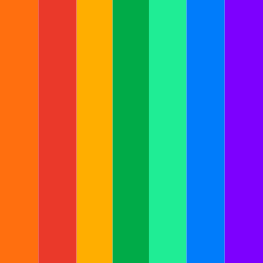
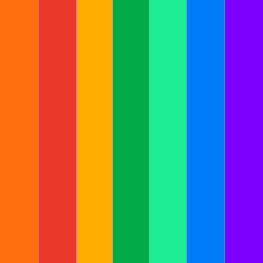


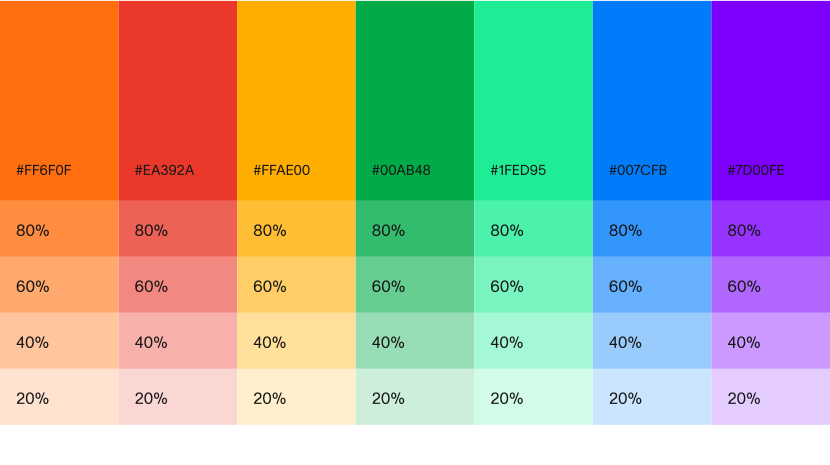
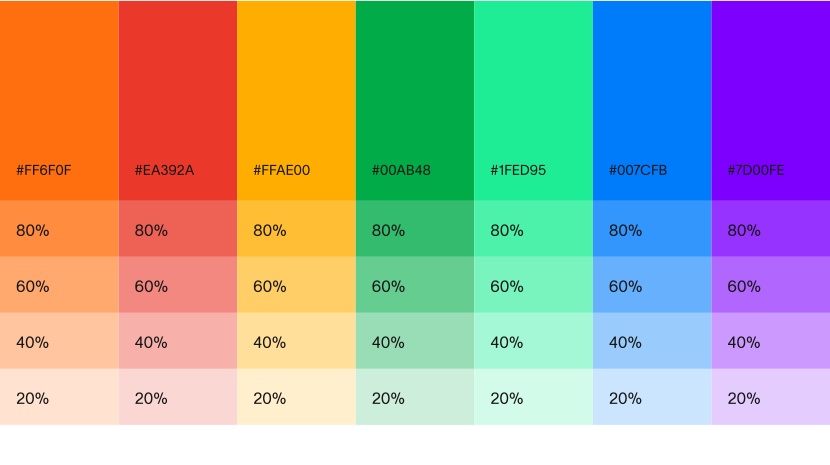
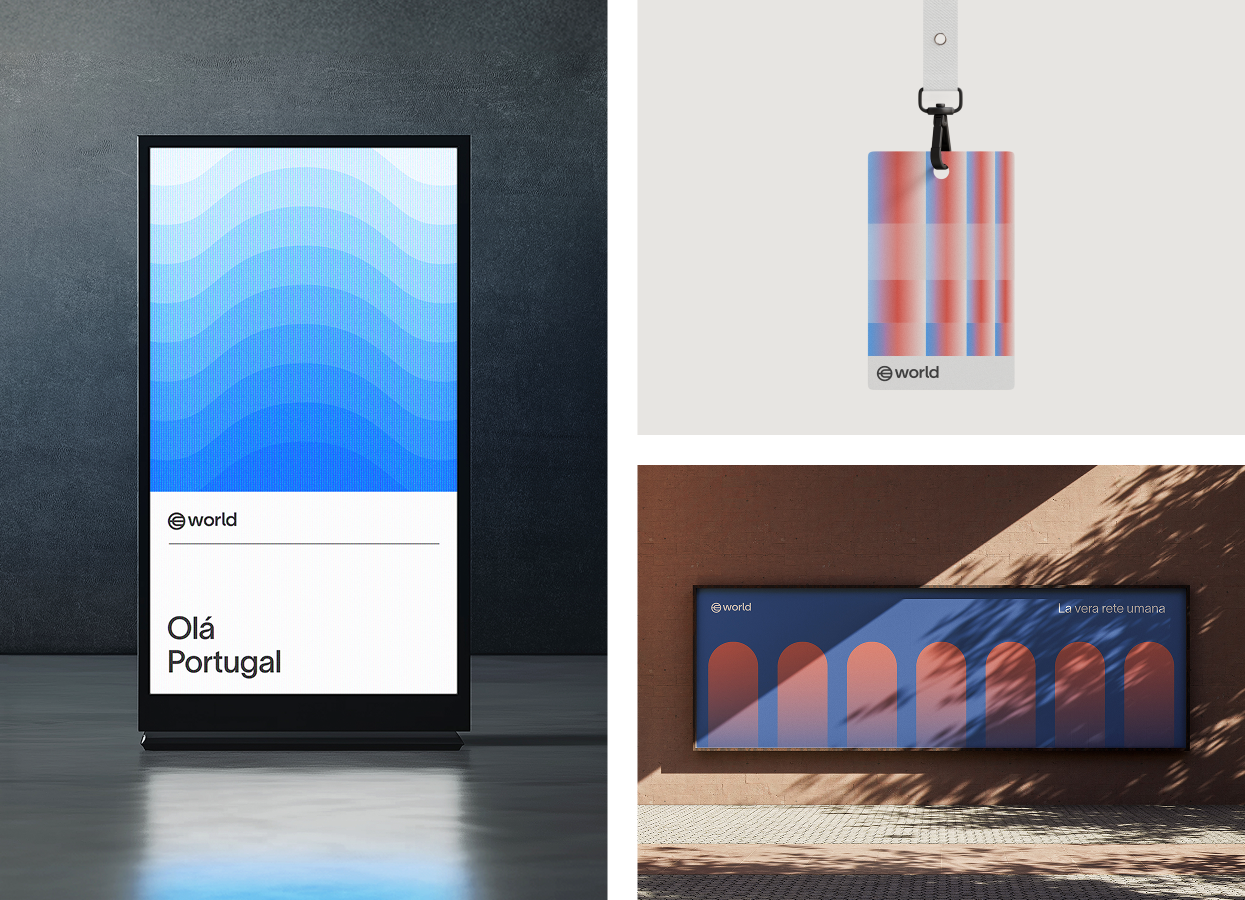
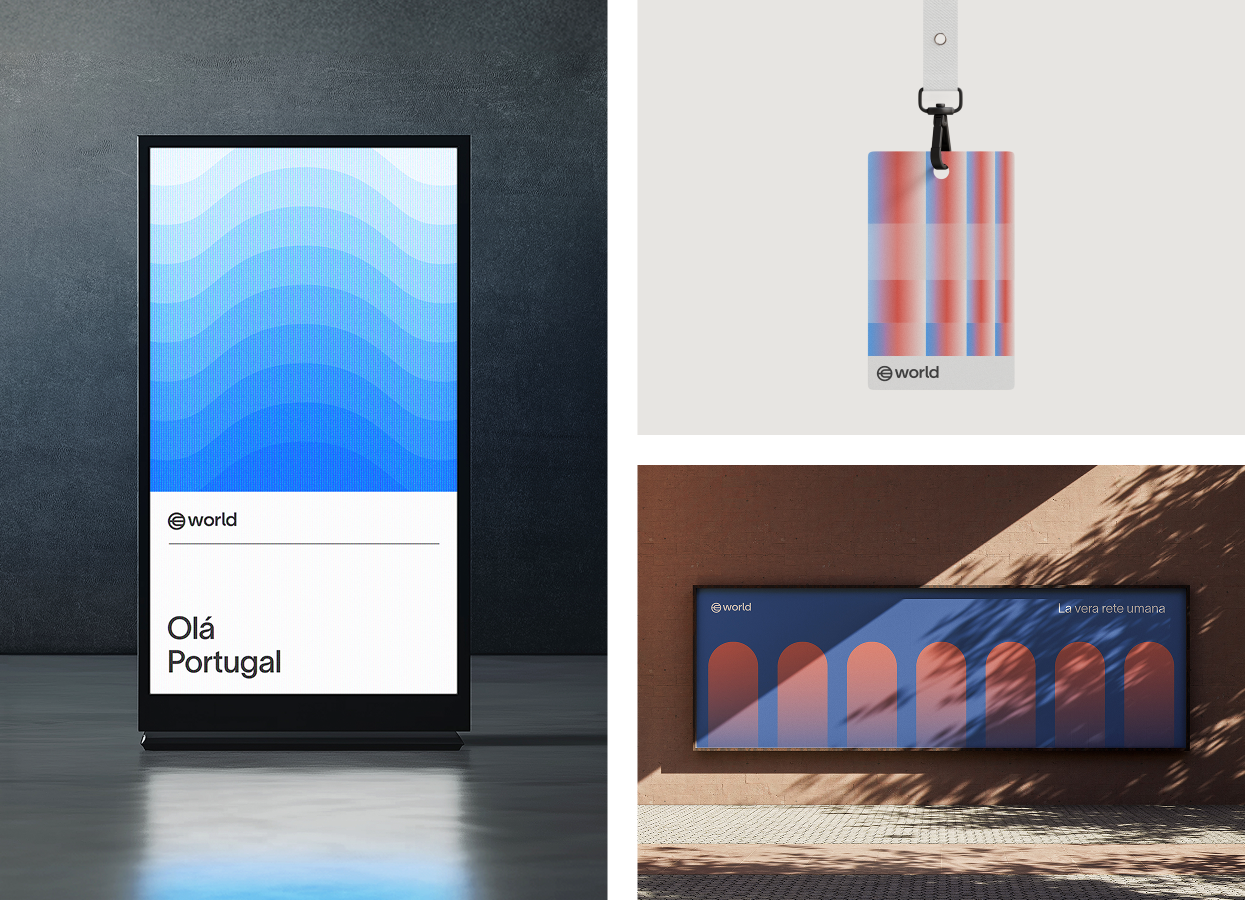
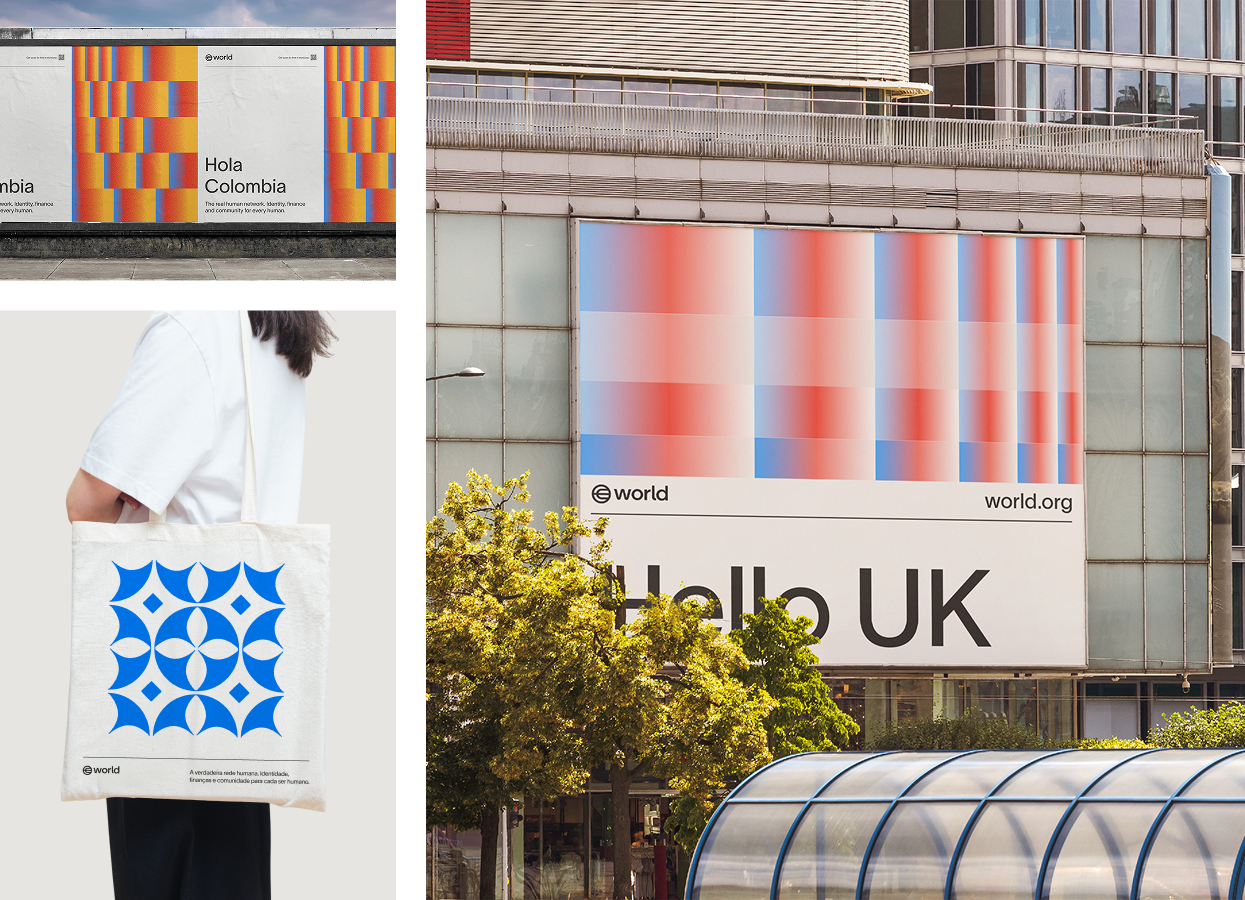
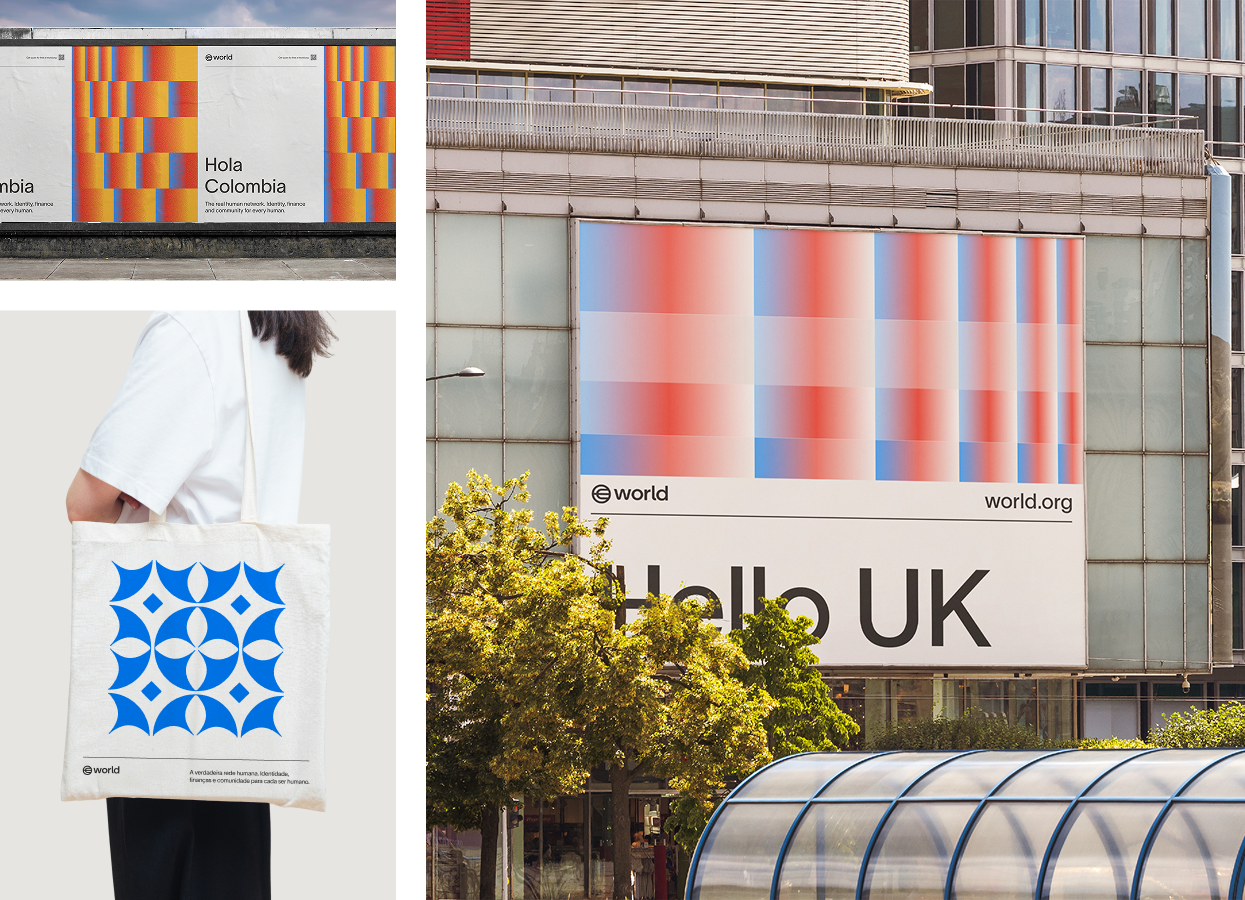
Secondary colors are used for both expressive and utilitarian purposes within the World brand. Examples include color coding different clearance levels for event badges, localized gradient flag colors for launch materials, color semantics within user interfaces and expressive supporting visuals.
Typography
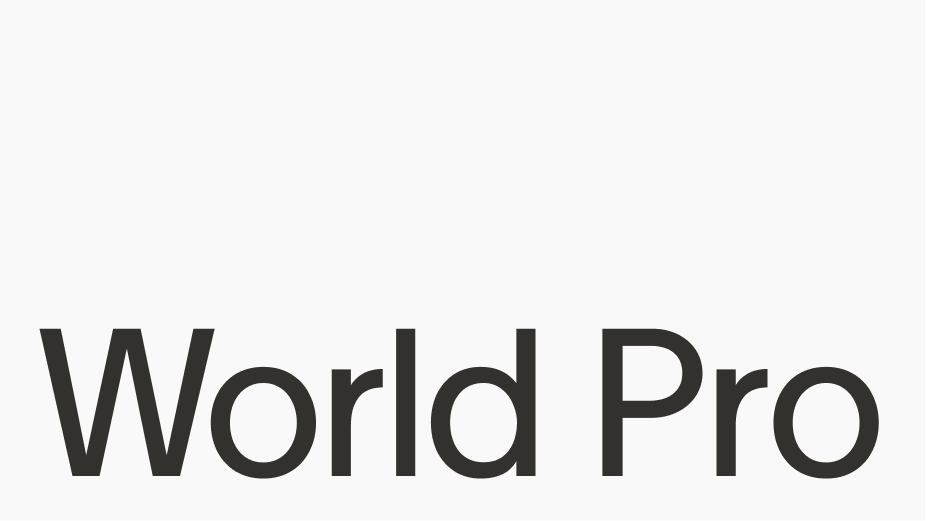
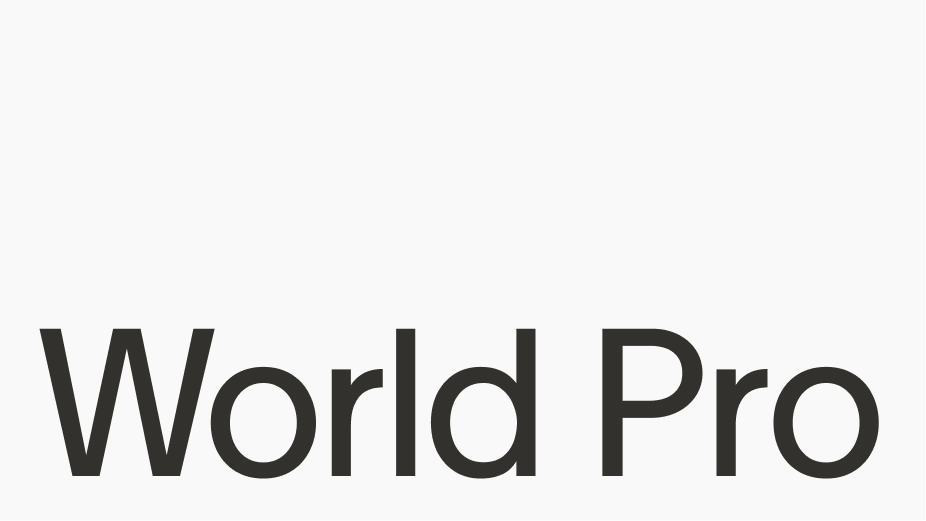
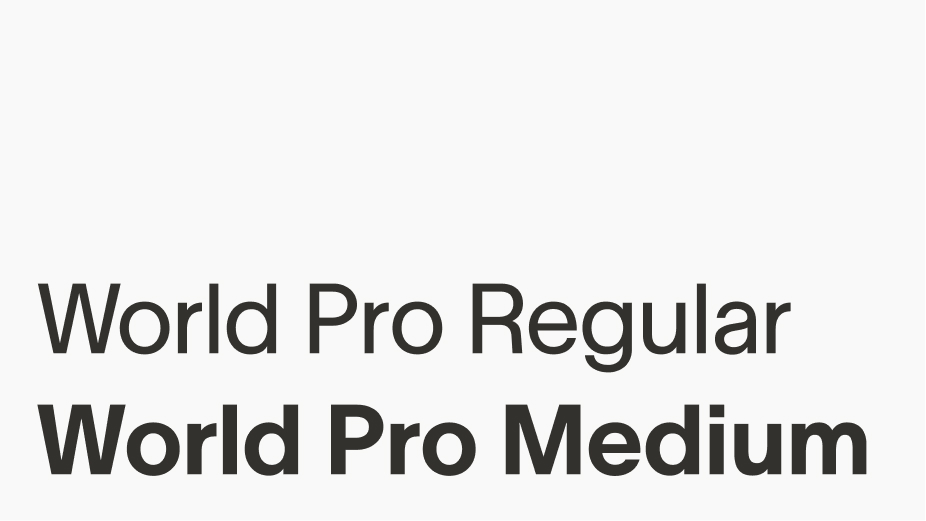
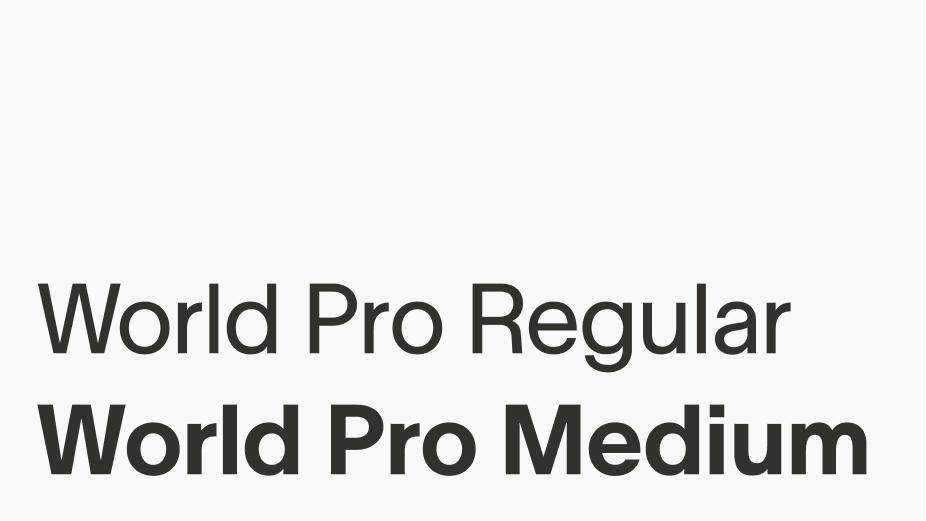
World Pro was custom built to scale and provide a universal visual system for everyone using, integrating and interacting with World. It is the only font used in the World brand.
Weights
There are two weights of World Pro: Regular and Medium. Regular is most commonly used, with Medium acting as an accent when needed for emphasis.
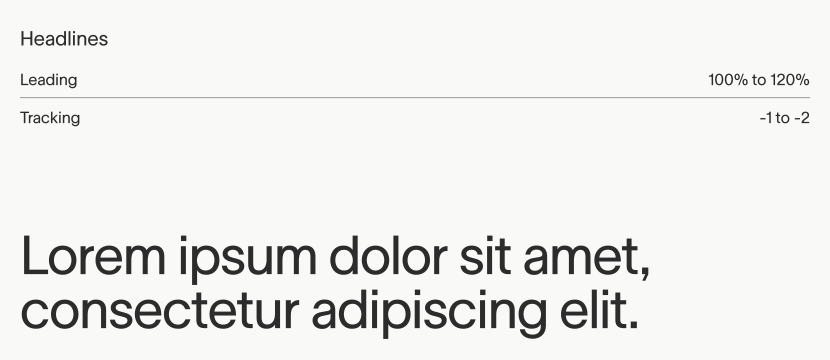
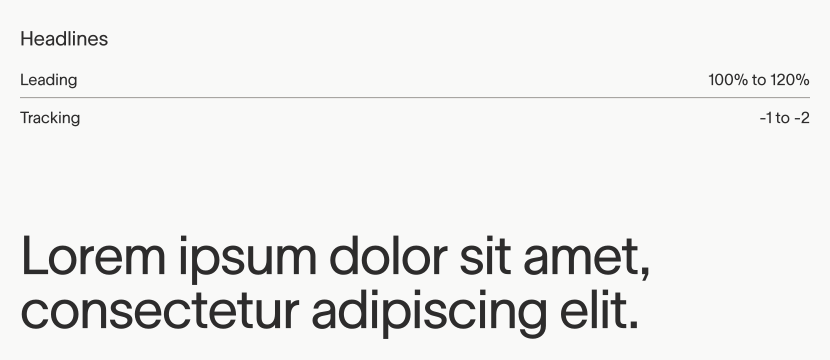
Leading & Tracking
Alignment
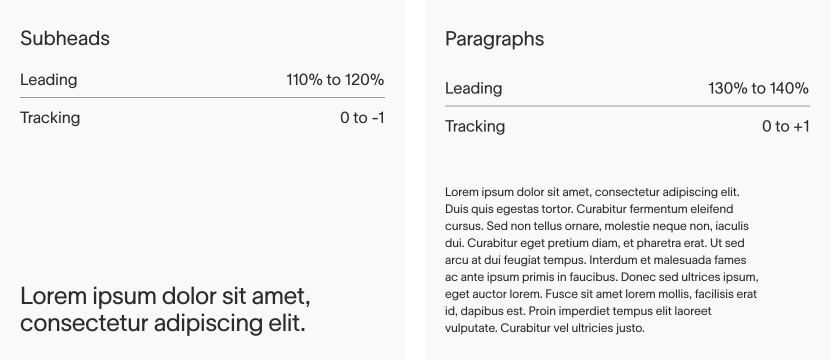
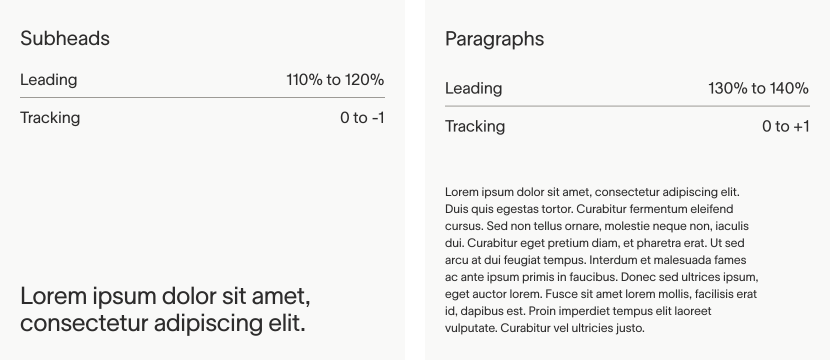
World Pro Regular is generally considered versatile enough to work for headlines and body copy, with scale more commonly used to create hierarchy.
World Pro Medium can be used for smaller subheads when added weight is needed.
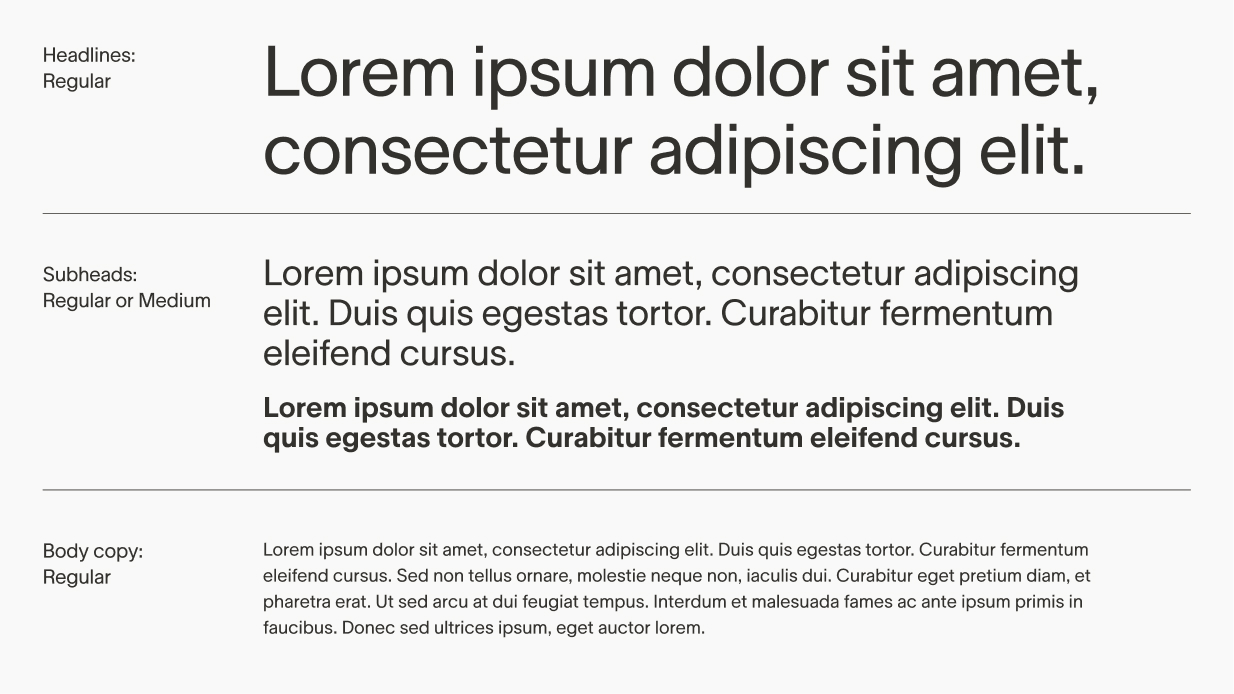
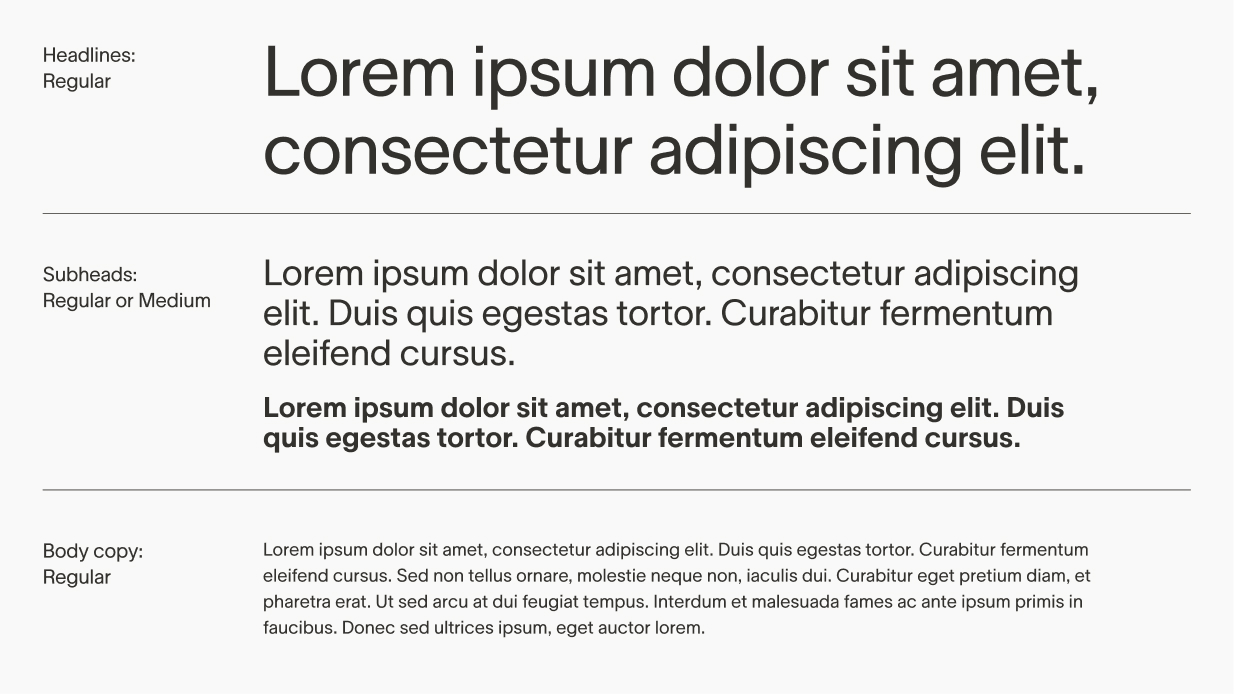
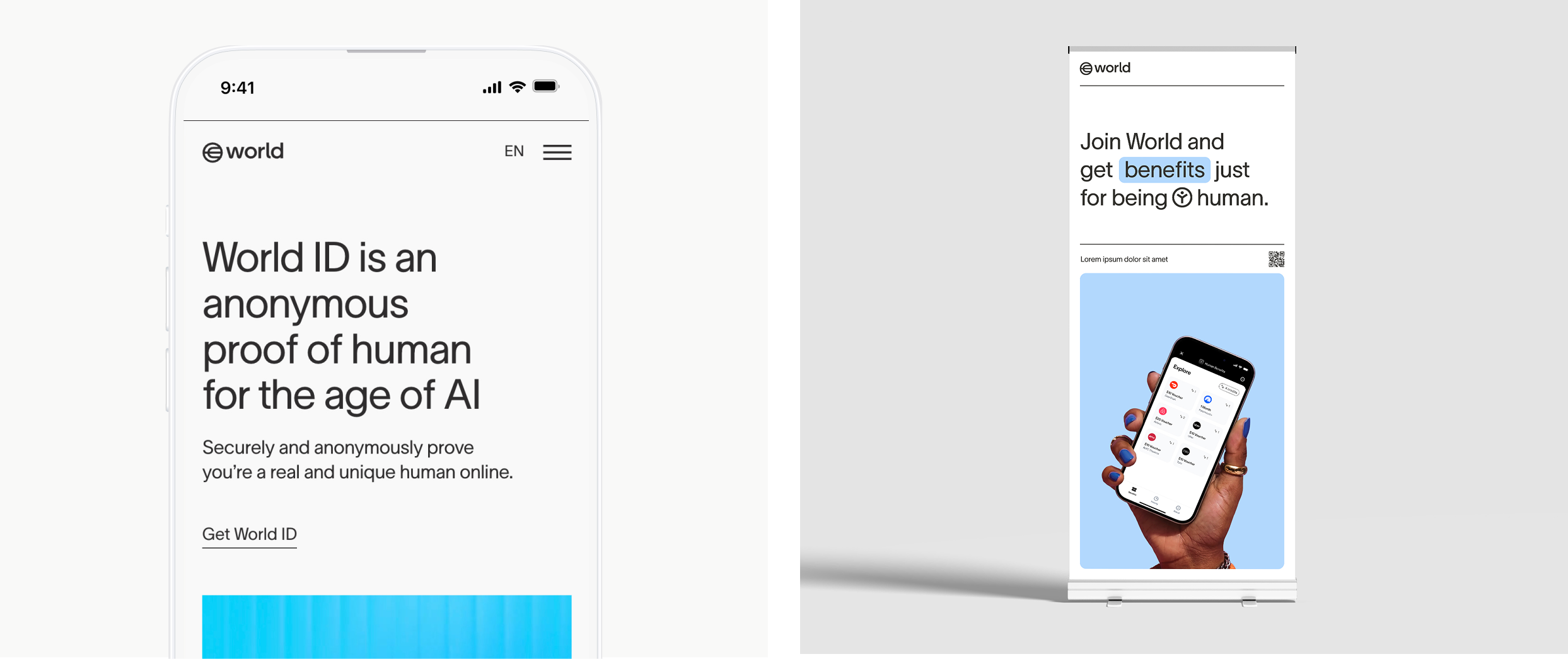
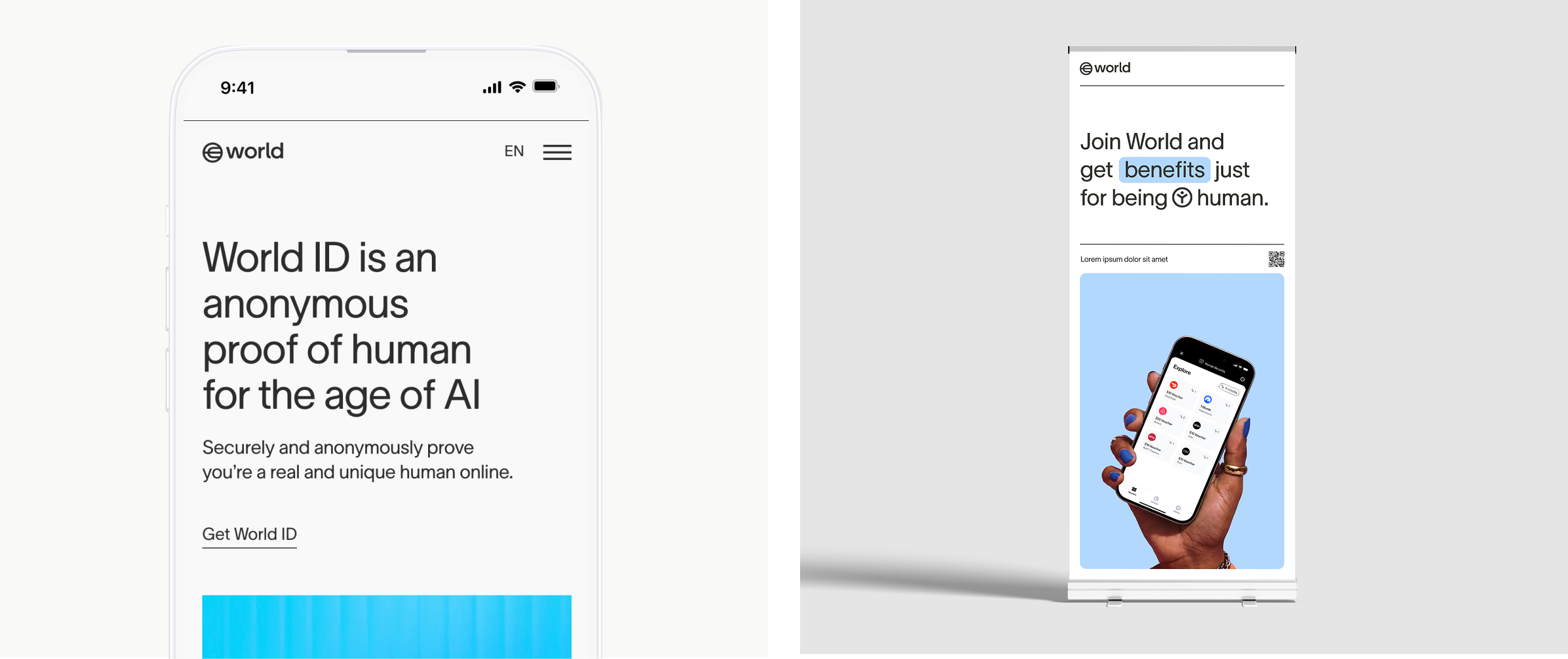
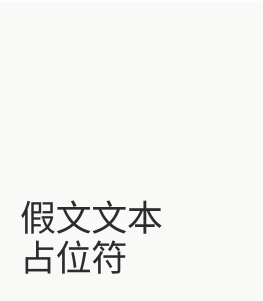
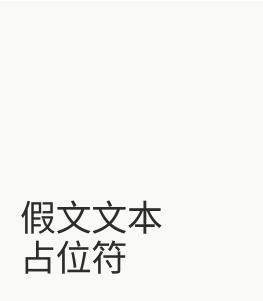
We use the Noto font alongside our primary Latin typefaces to ensure comprehensive support for all non-Latin scripts. Noto was chosen for its extensive coverage of global languages, offering consistent and visually harmonious typography across diverse scripts, including Chinese, Arabic, Cyrillic and Japanese.
This approach allows us to maintain brand consistency and inclusivity, ensuring our communication reaches users worldwide in their native scripts, without compromising readability or aesthetic coherence.
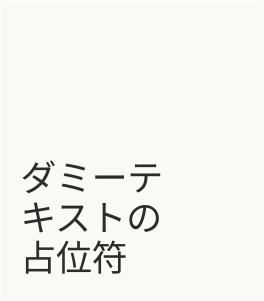
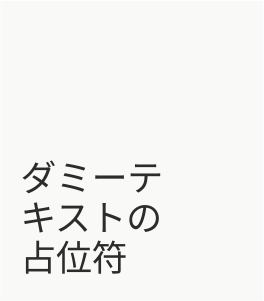
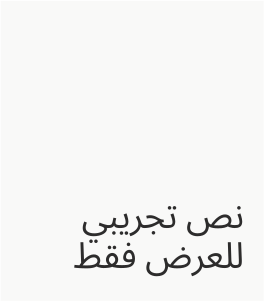
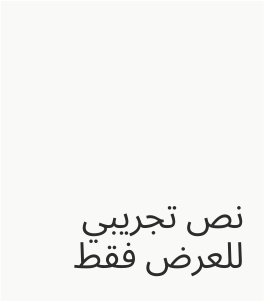
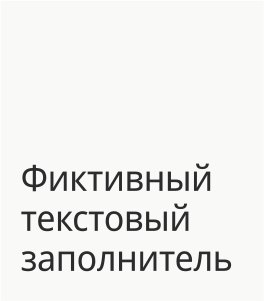
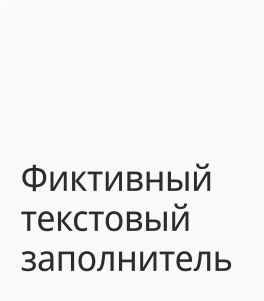
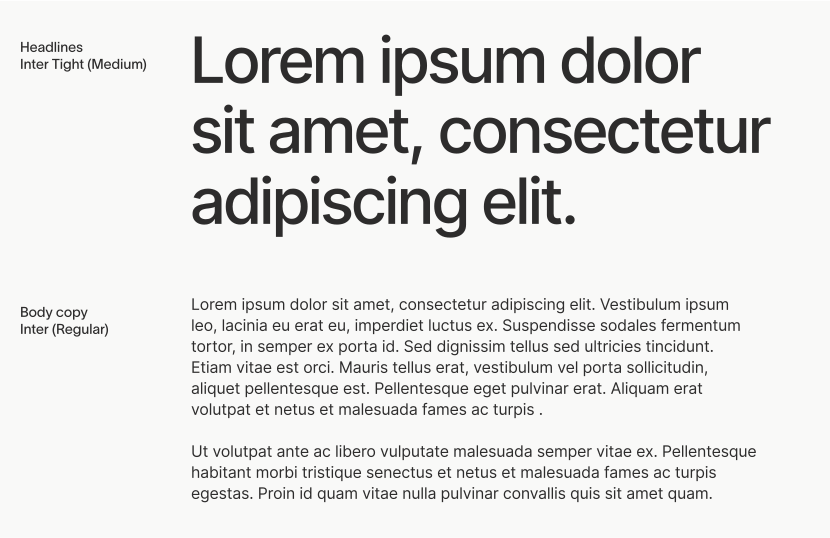
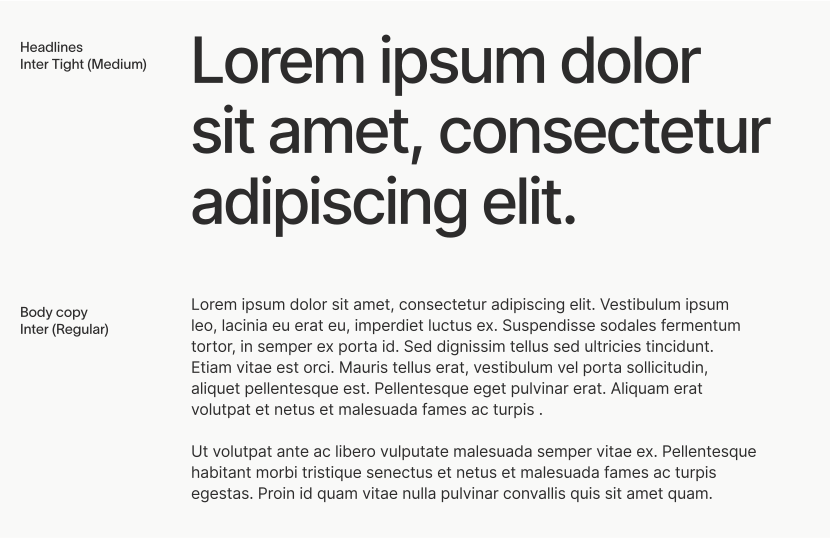
In limited situations where World Pro is not available, i.e. Google Slides, an alternate typeface from the Google Fonts library can be used: For body copy, the font Inter is used; for headlines, the font Inter Tight is used. Only these fonts from the Google Fonts library can be used and only when it is not possible to use World Pro.
Composition
The grid is one of the most important tools in the design system. It is essential for all layouts and compositions and should be used at all times. Whether it is a 2, 4, 6, or 8 column grid depends on the size of the artboard and the number of elements within it, but all elements in a composition should be aligned to the underlying grid and spaced proportionally to the margins.
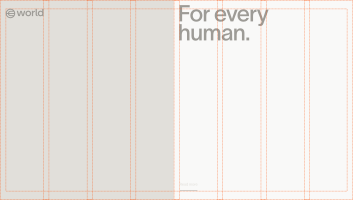
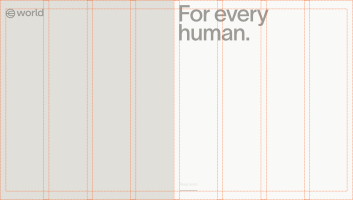
Internal materials
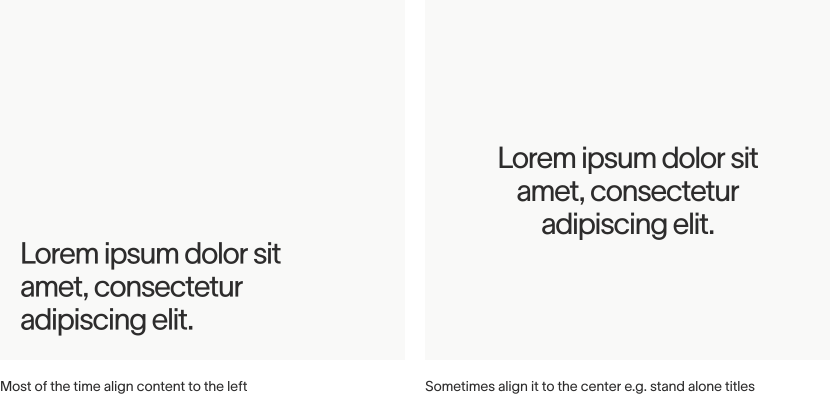
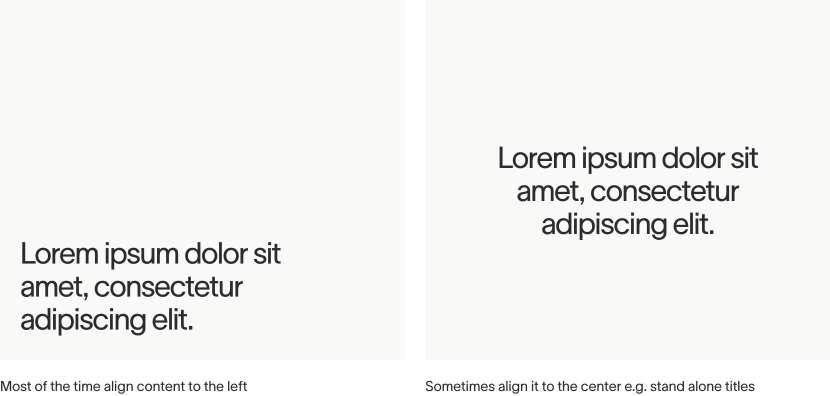
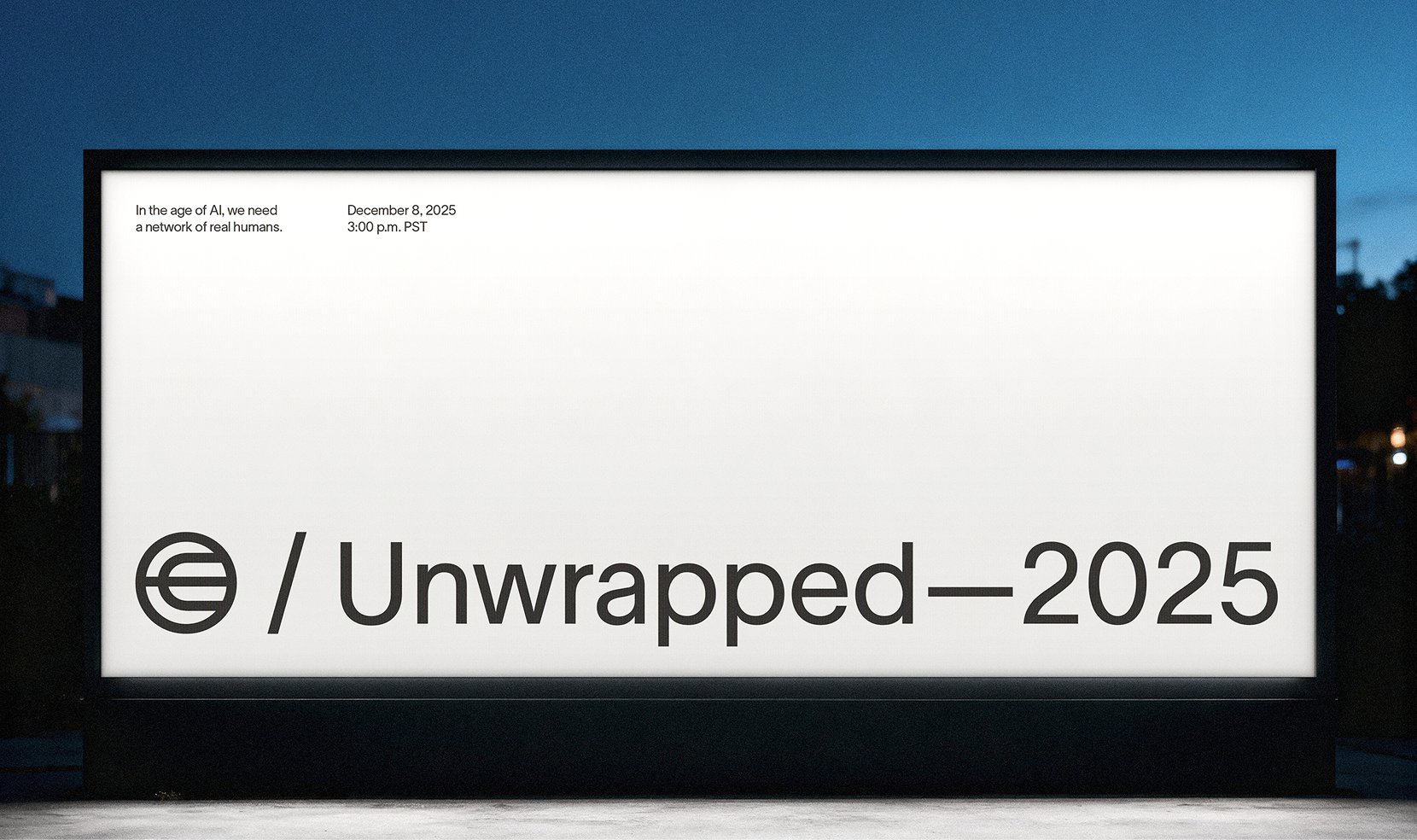
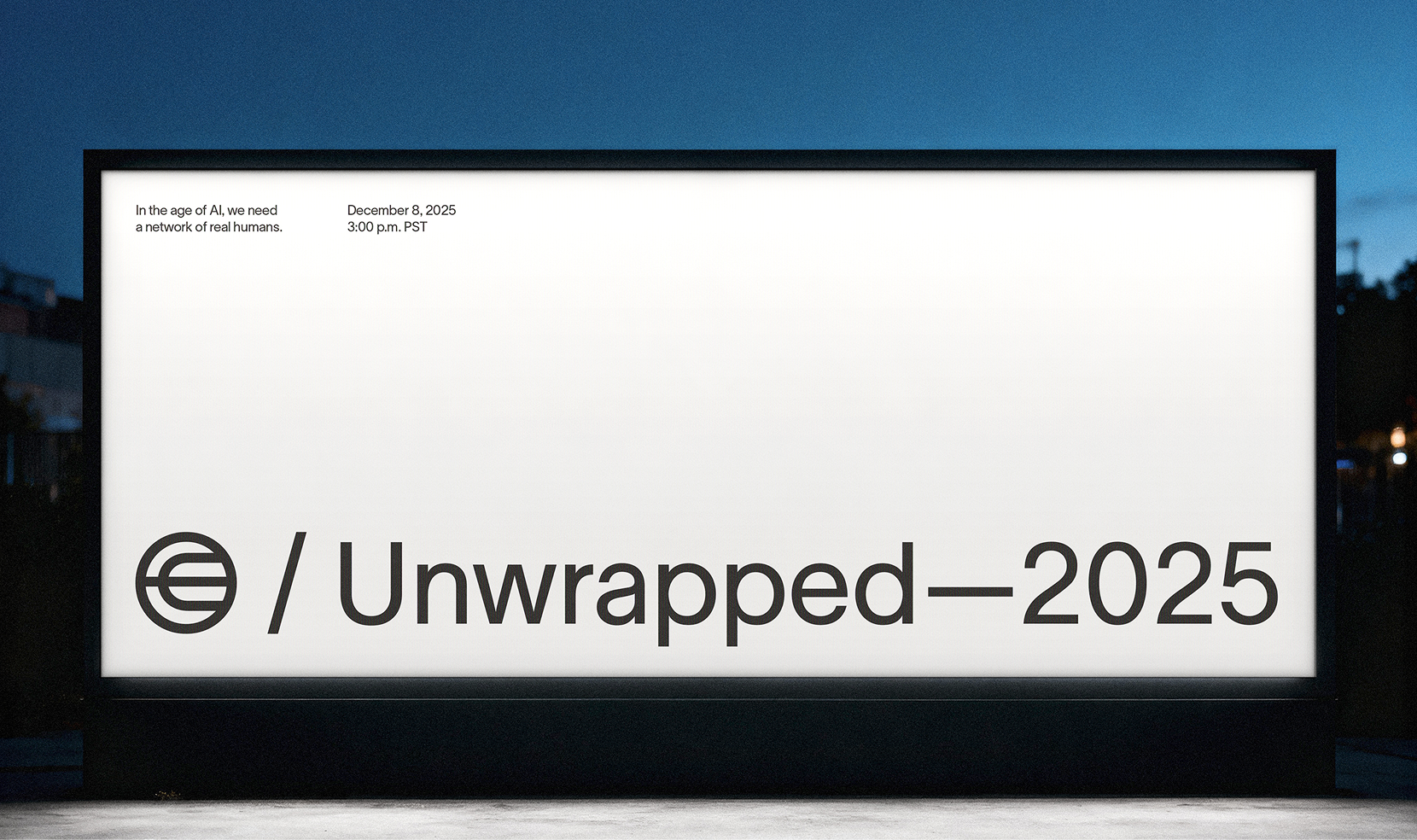
For all internal materials and branded collateral, where the logo appears with other assets and content, the logo is placed in the top left corner of the layout to ensure consistency.
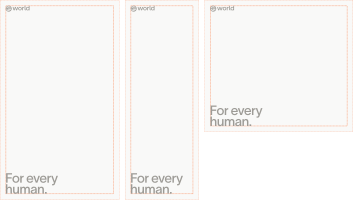
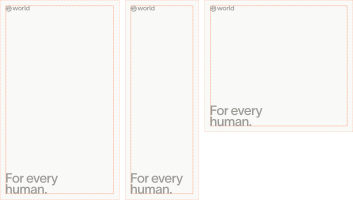
Solo logo
In layouts where the logo is the only element, such as video cards or certain campaigns or announcements, the logo is used in the center of the layout.
Social media profiles
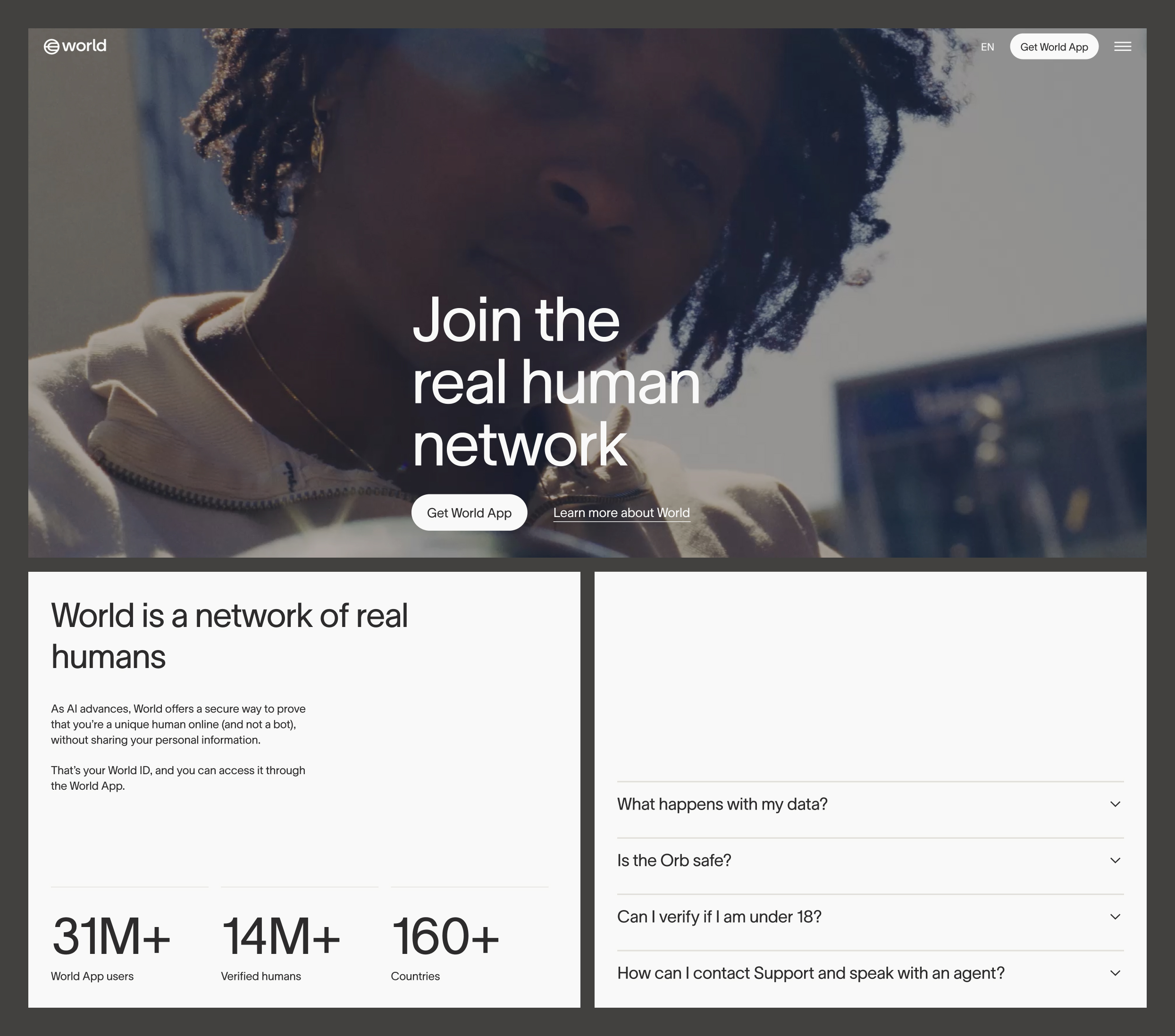
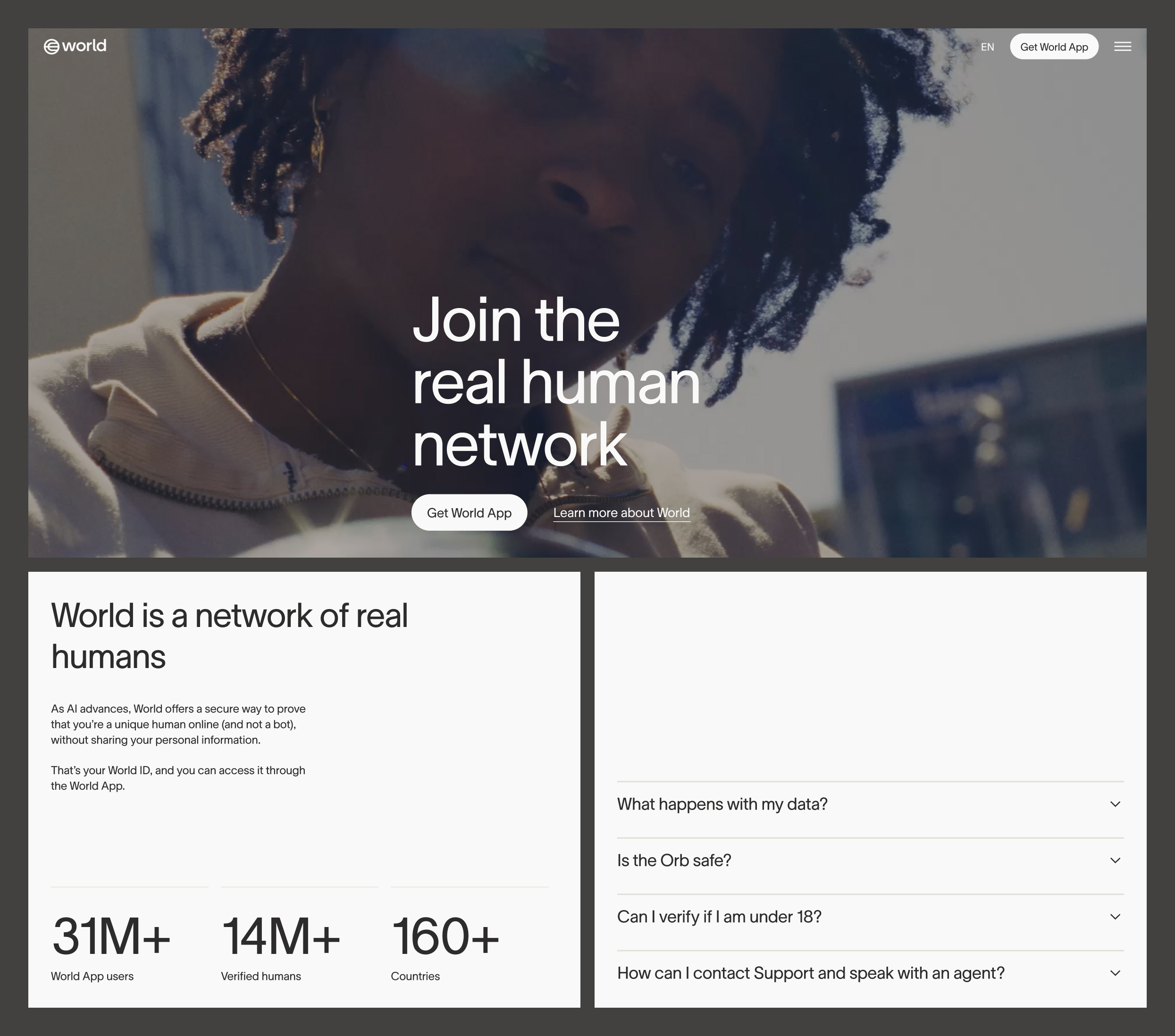
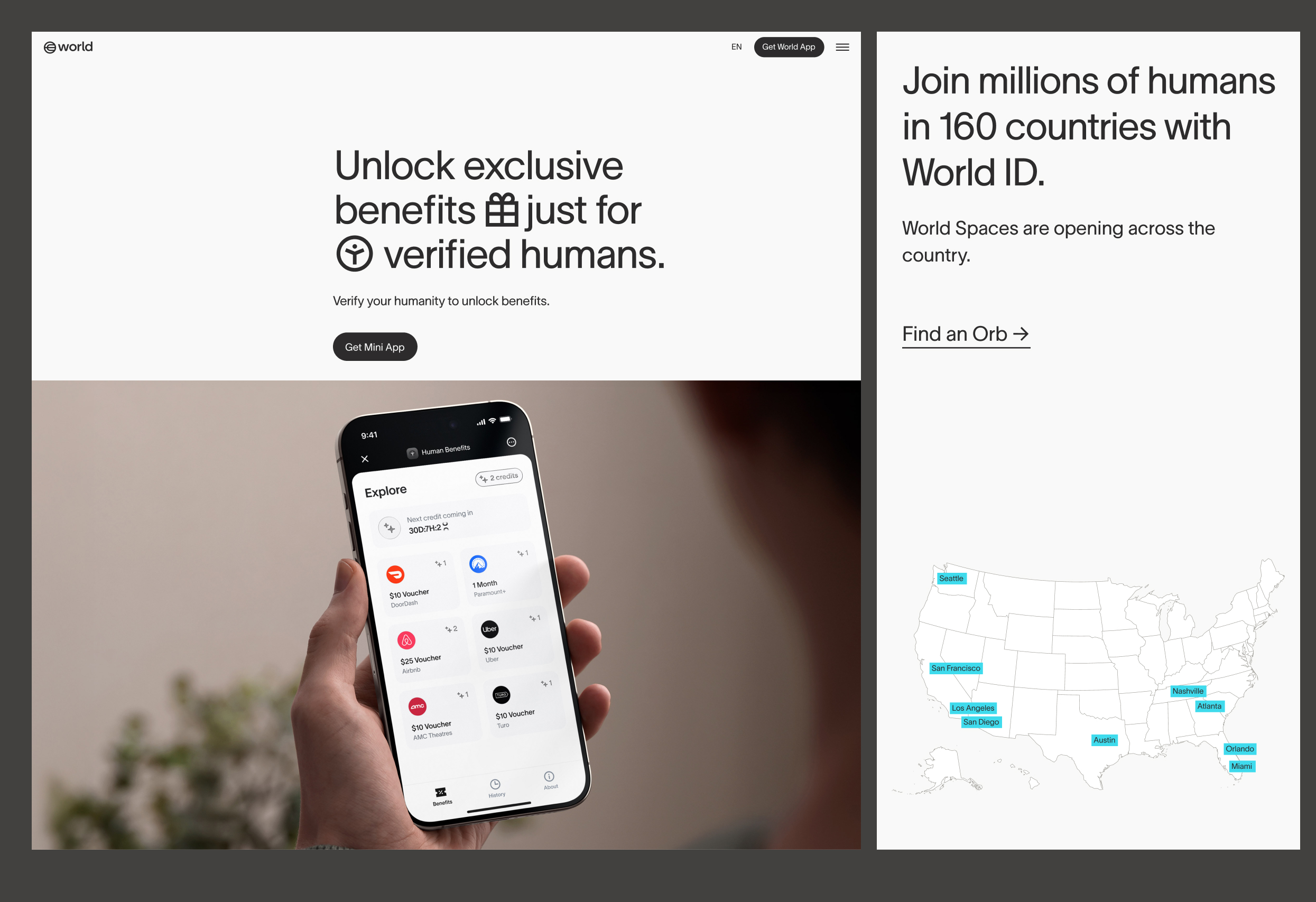
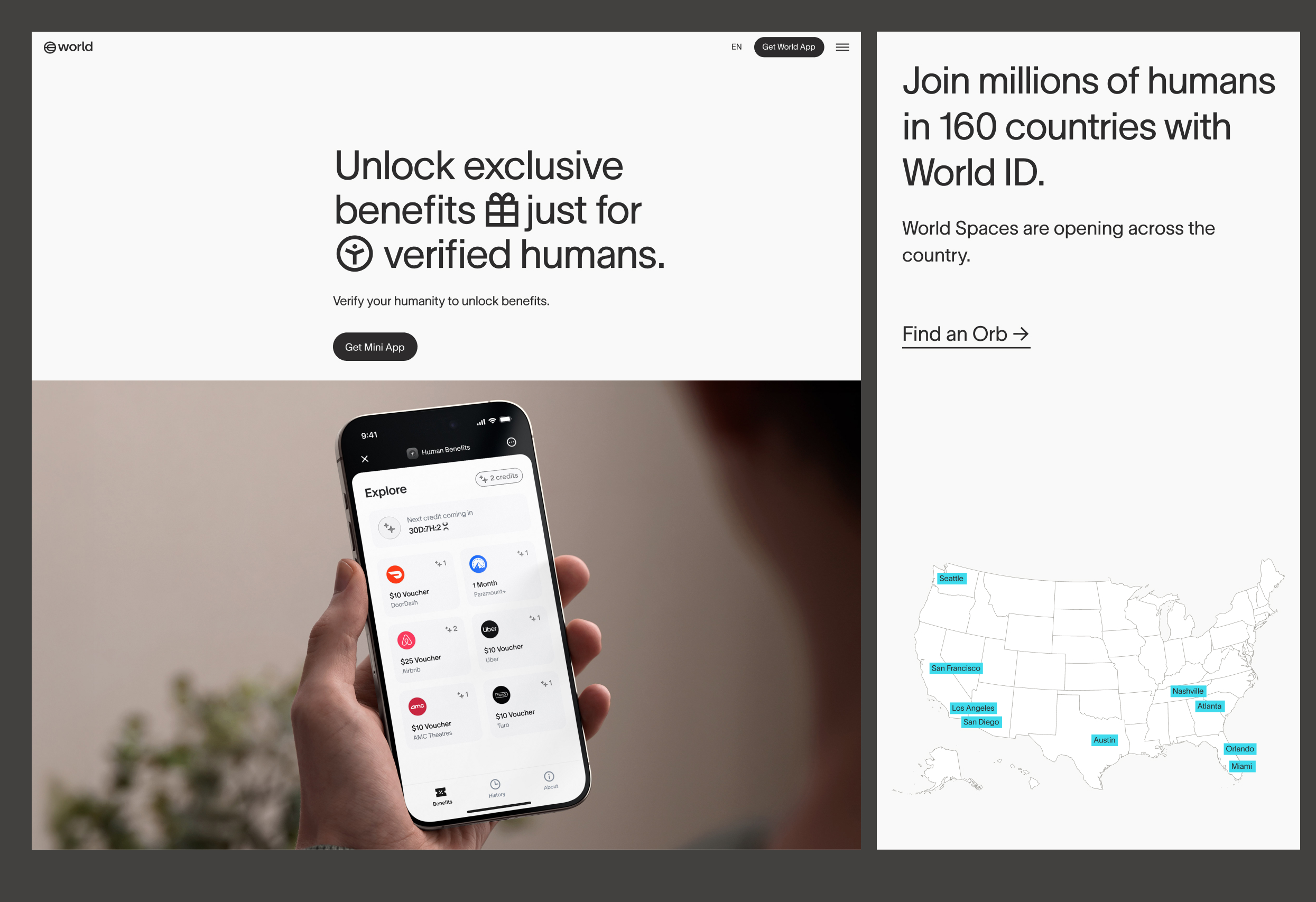
Illustration
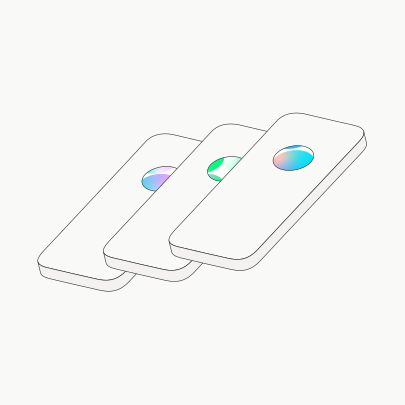
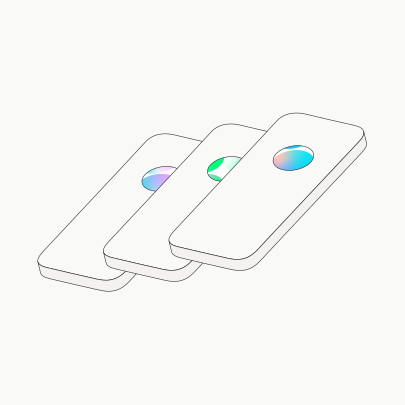
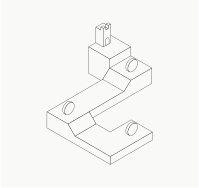
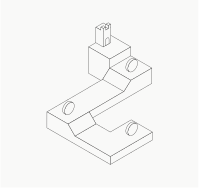
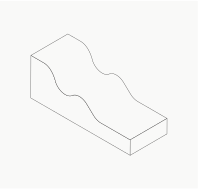
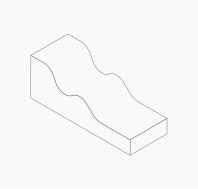
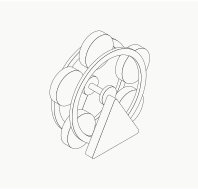
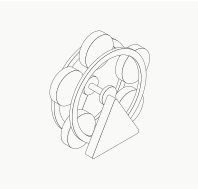
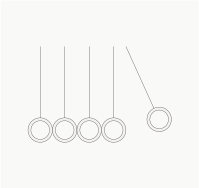
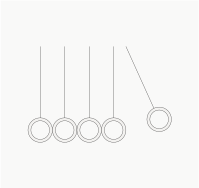
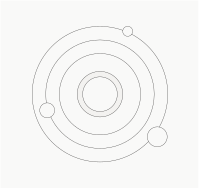
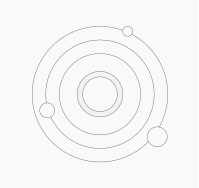
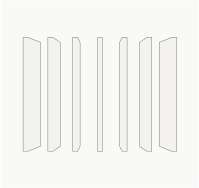
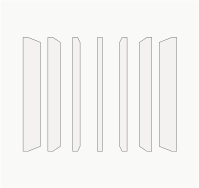
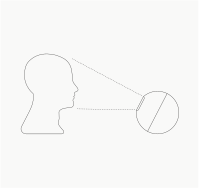
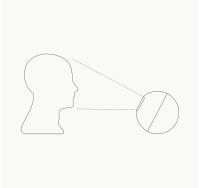
Each of the main World products has an illustration associated with it, derived from the nature of the product or its offering.
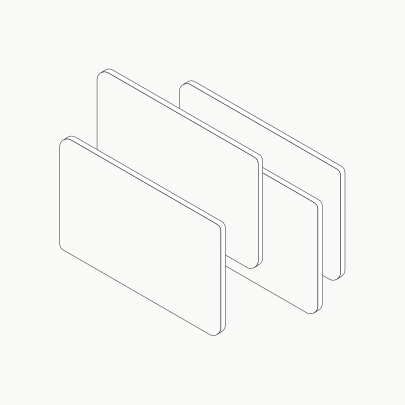
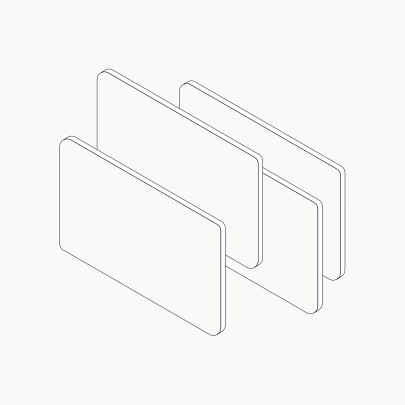
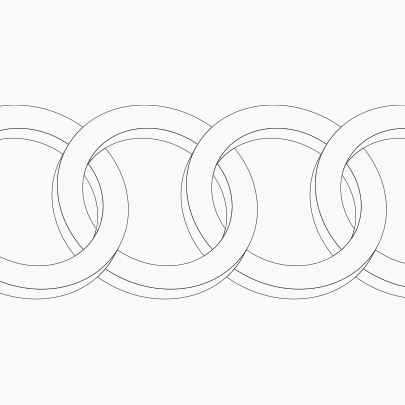
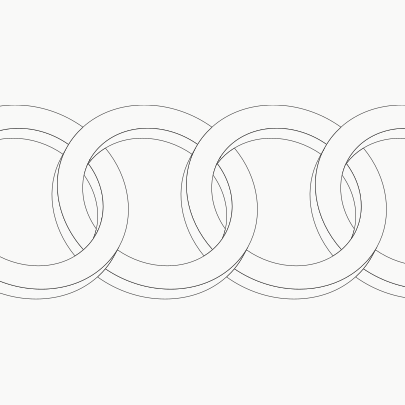
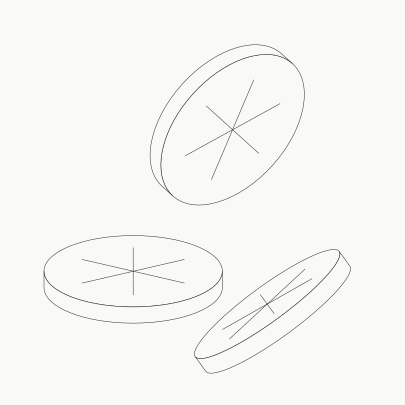
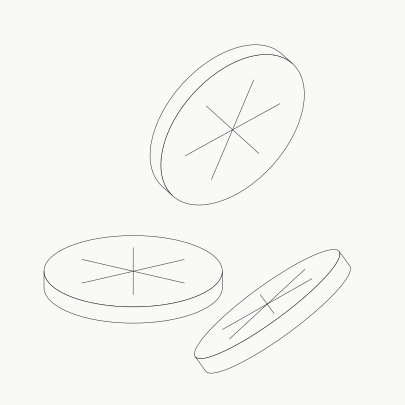
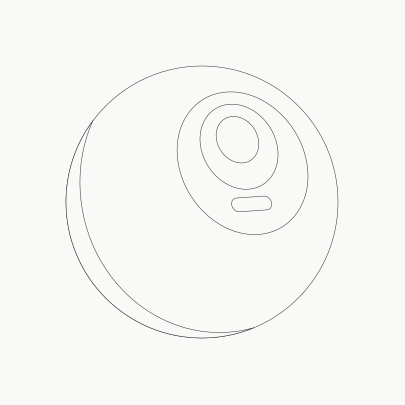
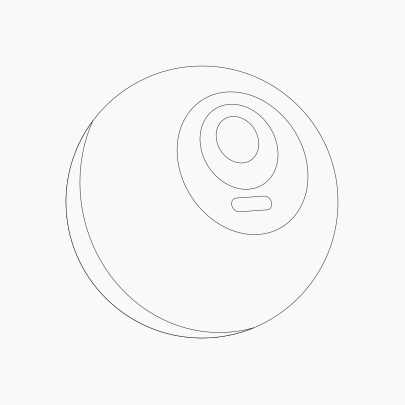
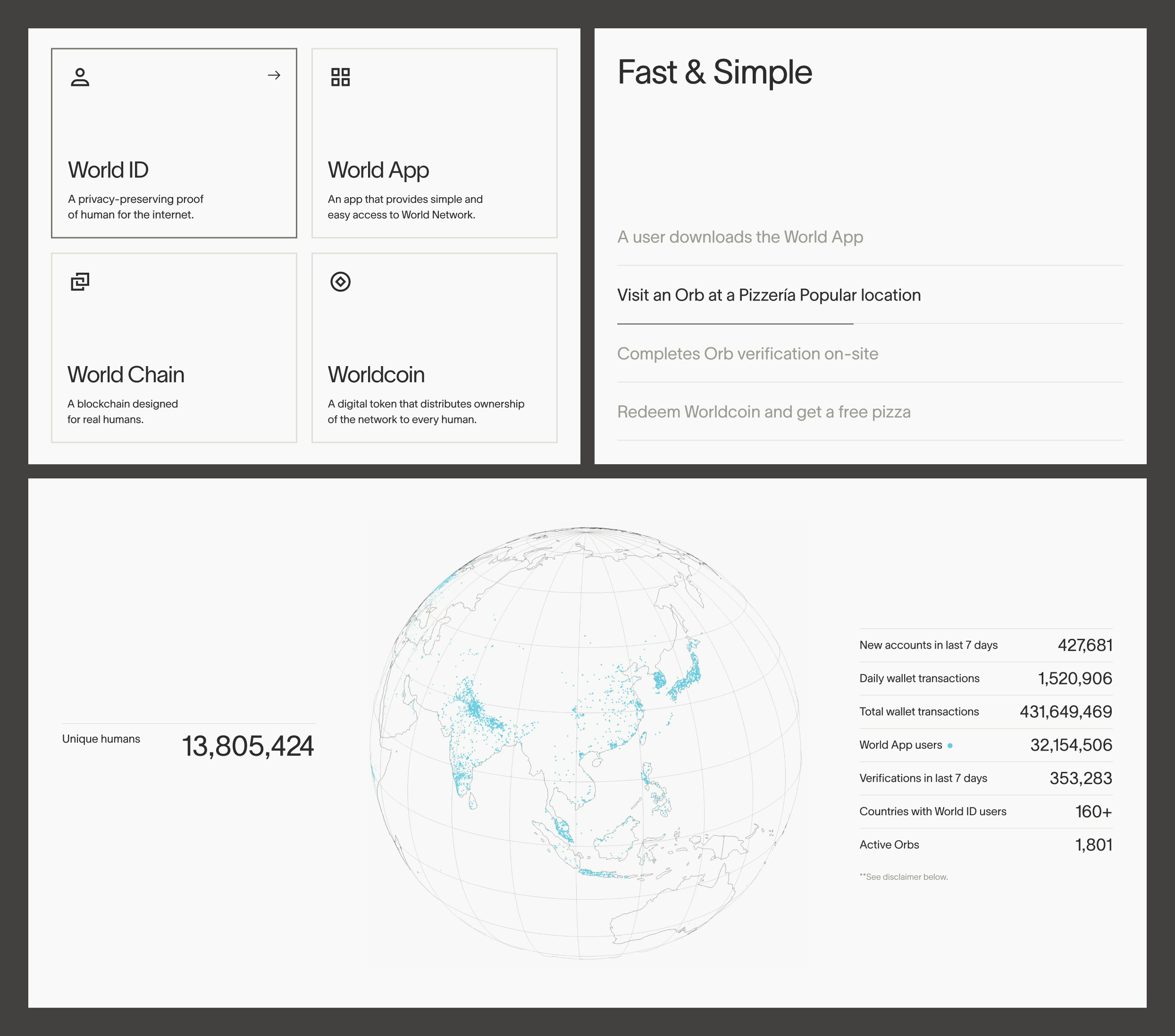
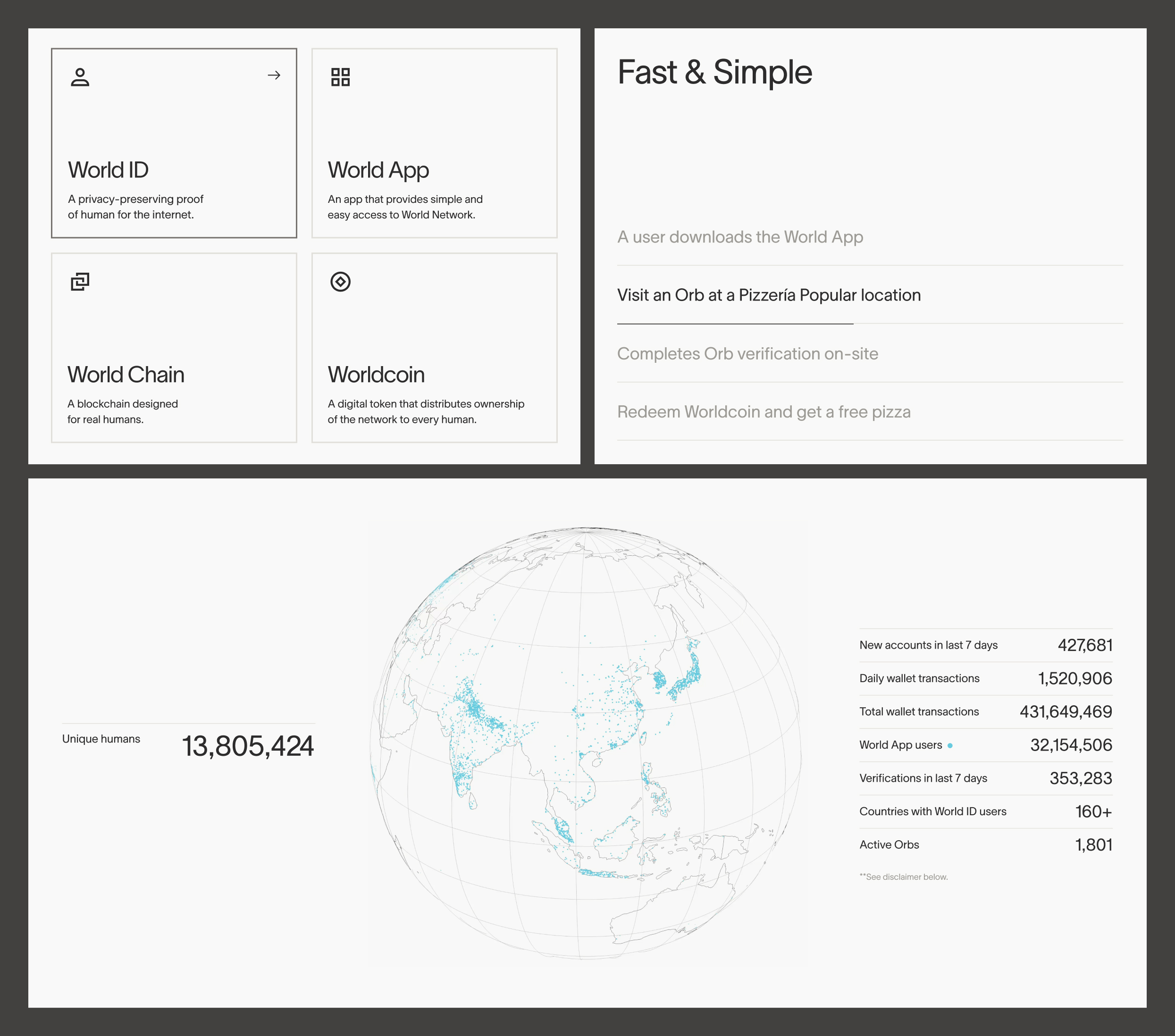
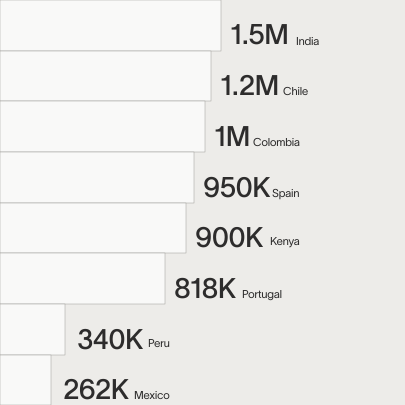
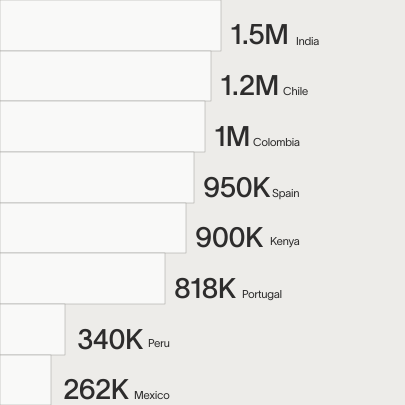
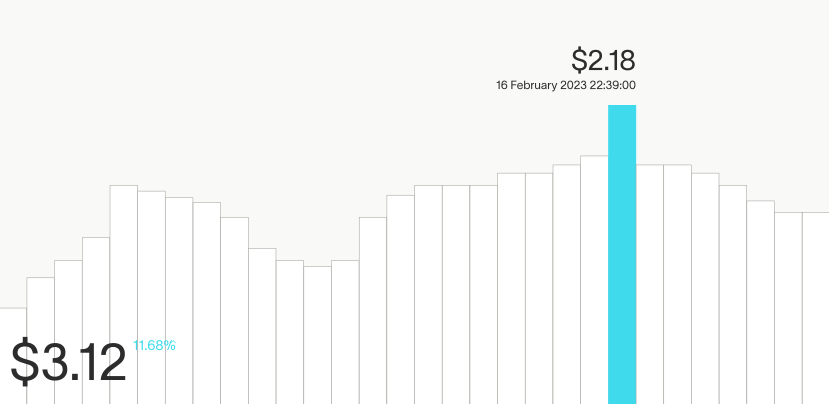
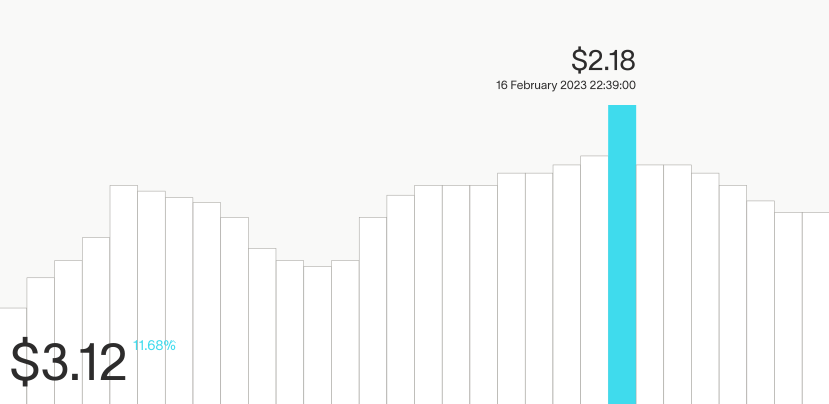
Though there are many ways to represent data, a consistent style should be applied. Outlines, geometric shapes for charts and graphs, subtle and intentional uses of fills and color are the consistent elements within data visualization graphics.
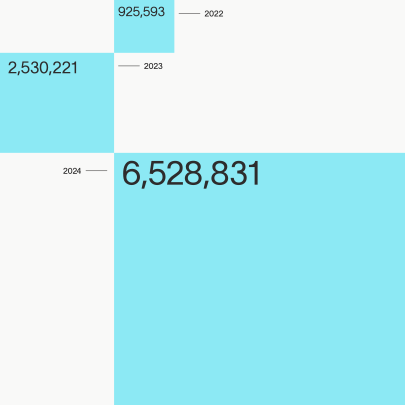
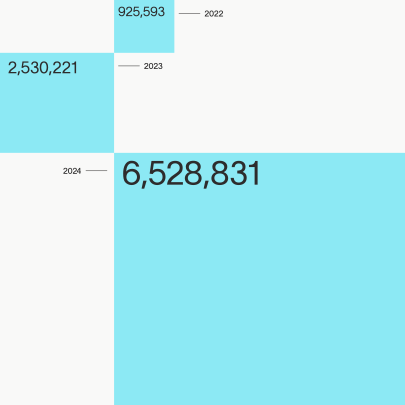












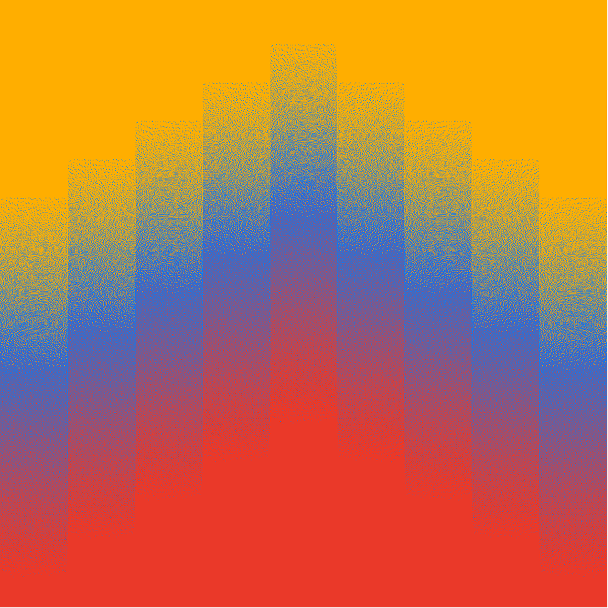
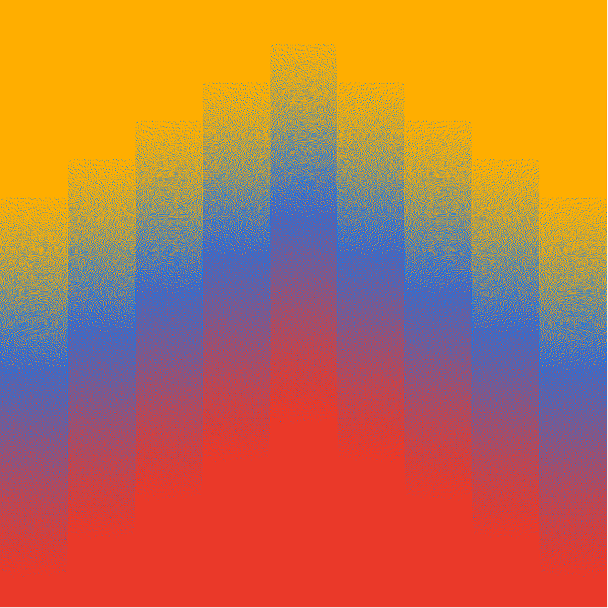
Gradient grids serve as colorful, expressive graphics and are used in two ways:
- As localized representations using colors of a country’s map as inputs for the gradient transition
- Ambient graphics, not specifically tied to any colors but simply expressing a mood or energy.


Iconography
Below is a set of core World products and their corresponding icons. Partners may also represent Worldcoin with the World logo.
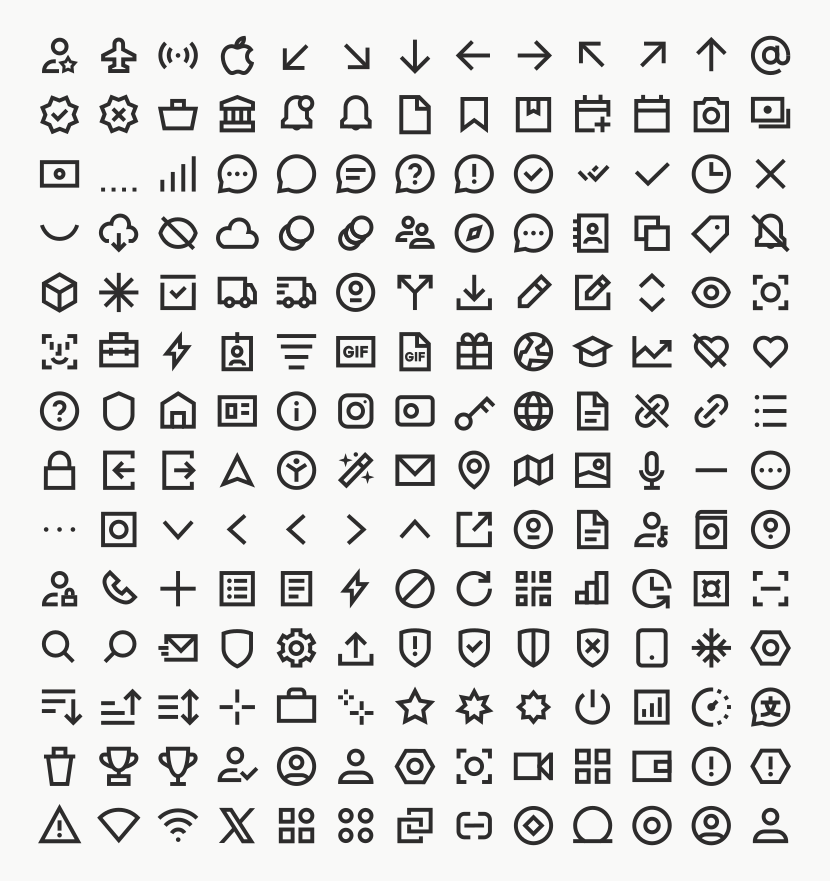
Below is the complete set of icons as exists currently. More icons can and will be created but must be done using the construction guidelines to maintain consistency.
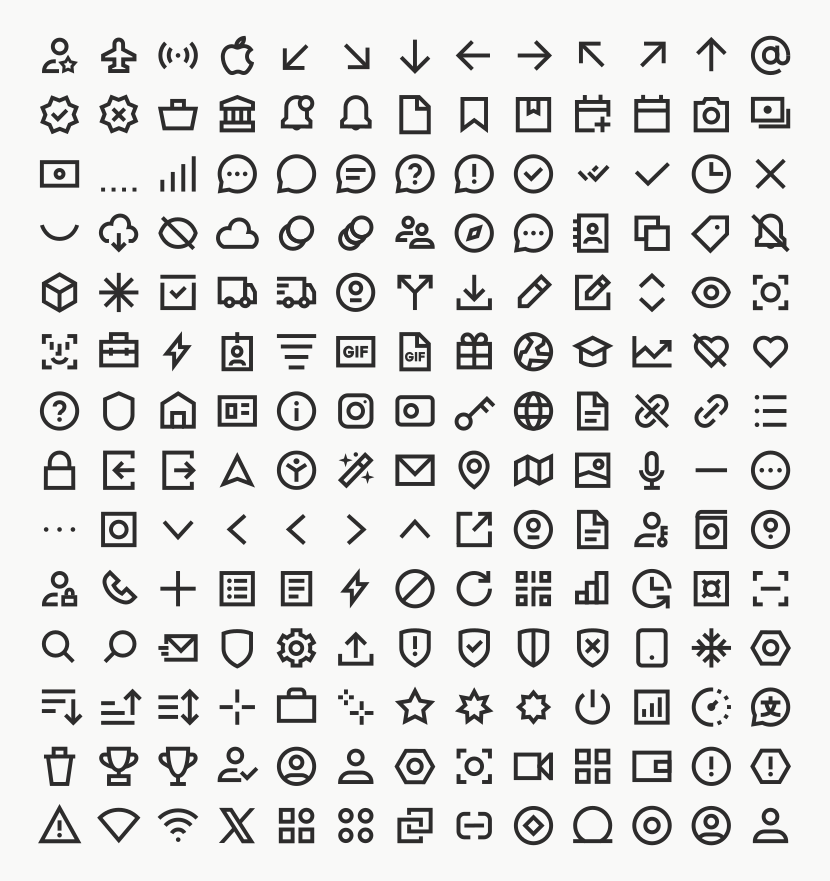
World icons are designed as extensions of our typeface, mirroring stroke weight and curves.
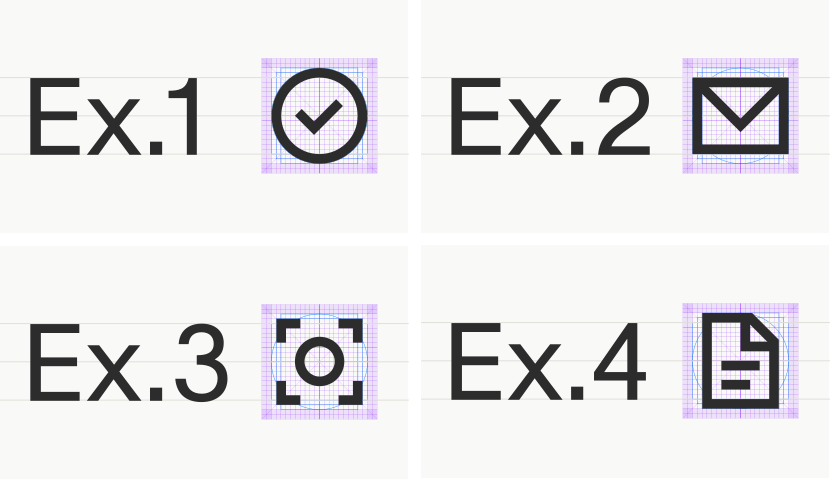
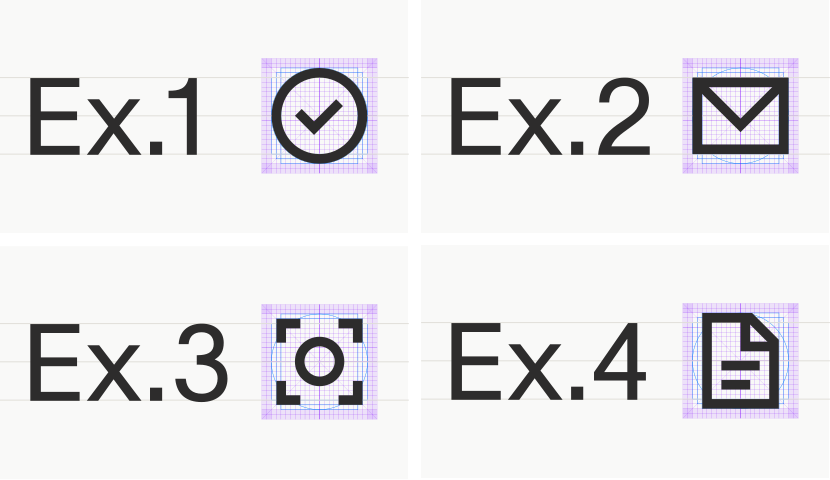
It is essential that all icons paired with text maintain the same proportions and alignment to be harmonious with the typeface. Icons are designed so that horizontal rectangular icons are aligned to the top and bottom of cap height, and are centered vertically.
Icon sizing
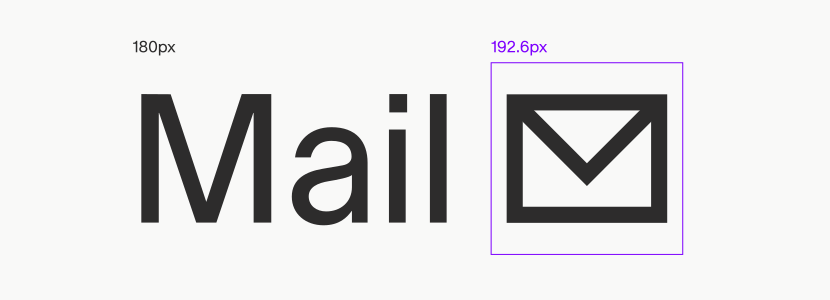
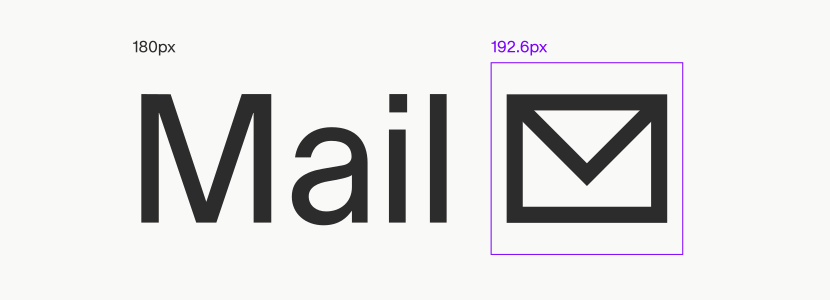
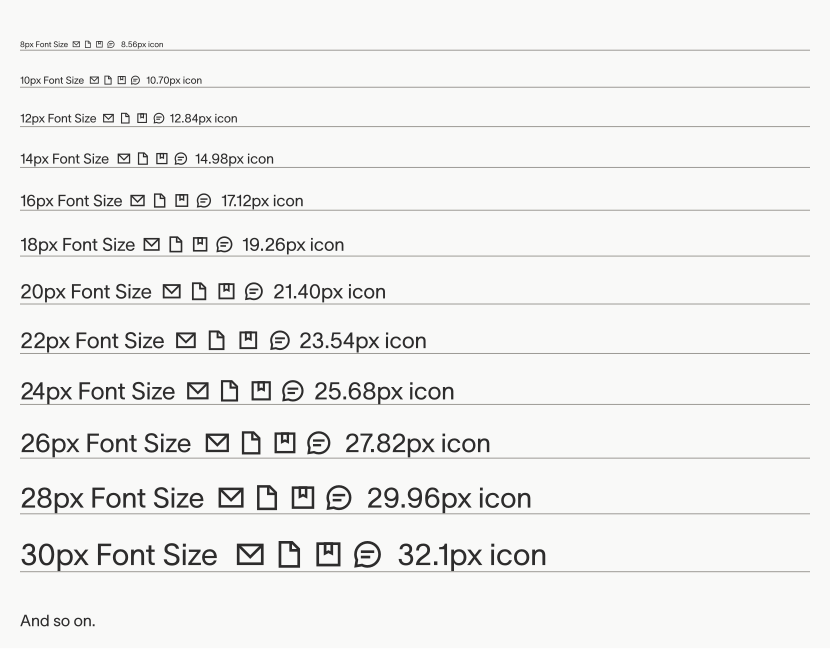
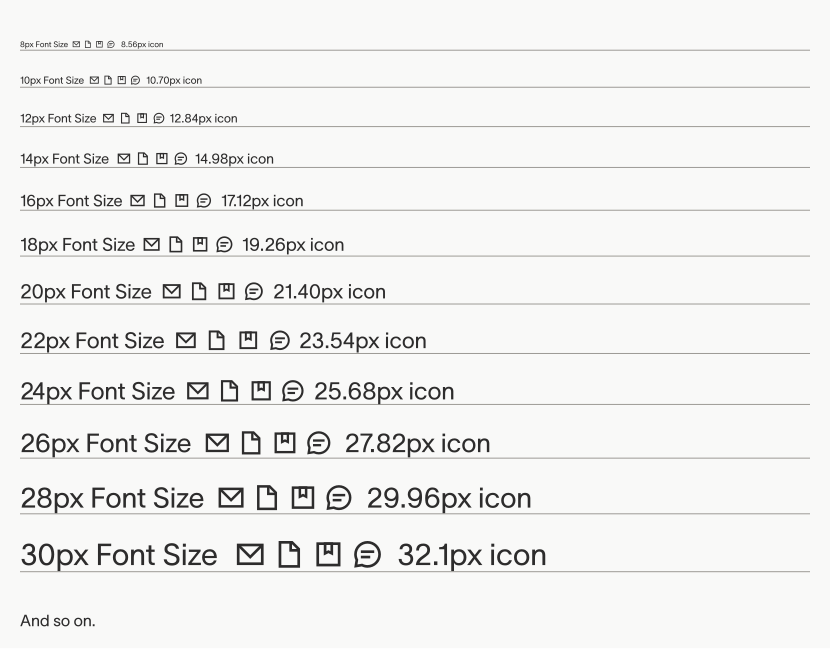
All svg icons are contained in a standard frame. In order to maintain consistent size in relation to typography, we can apply a formula to the frame of the icon: multiply font size by 1.07 to get icon frame size. e.g. If font size is 180px, icon frame should be (180x1.07)=192.6px wide.
Assets
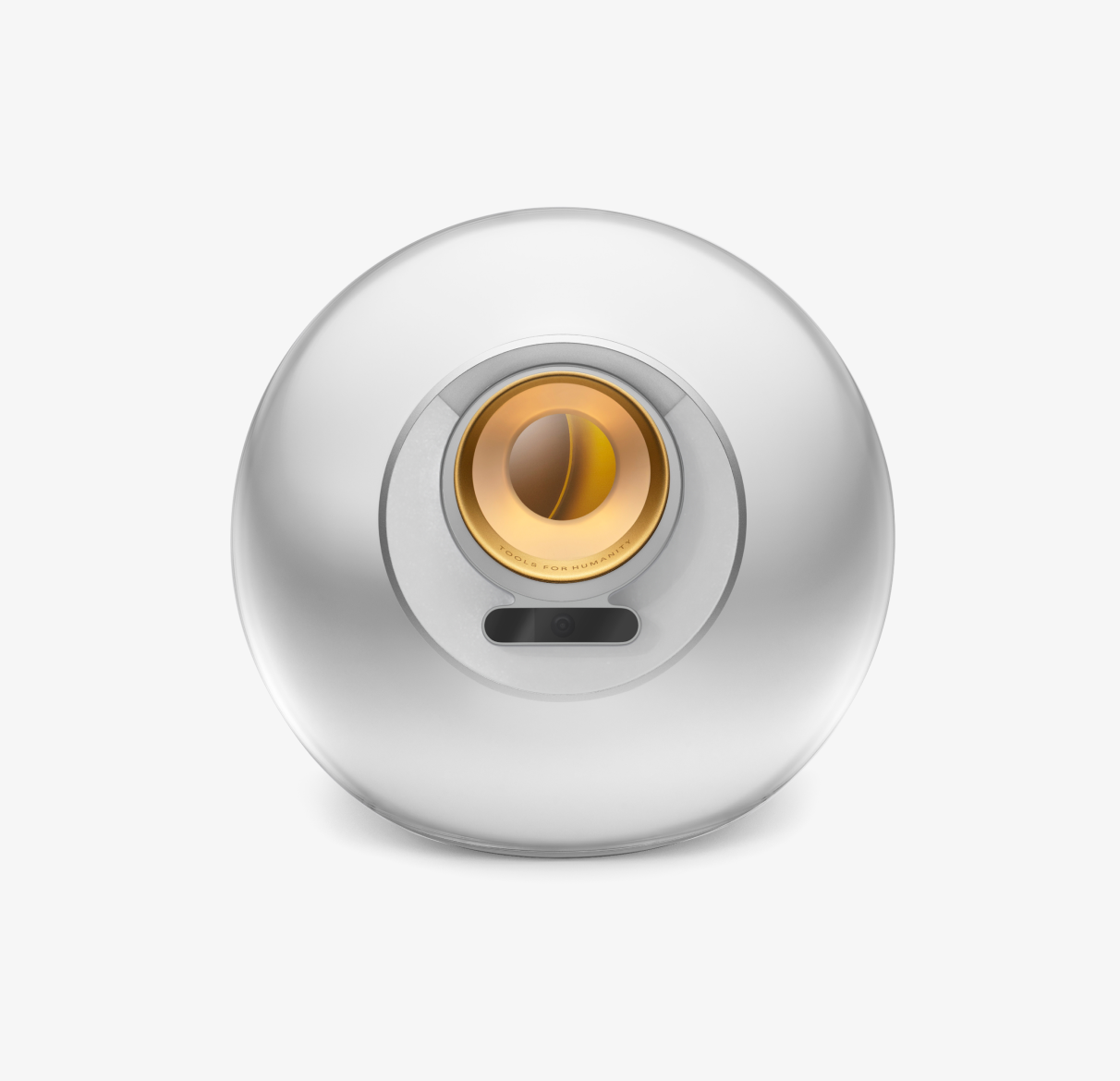
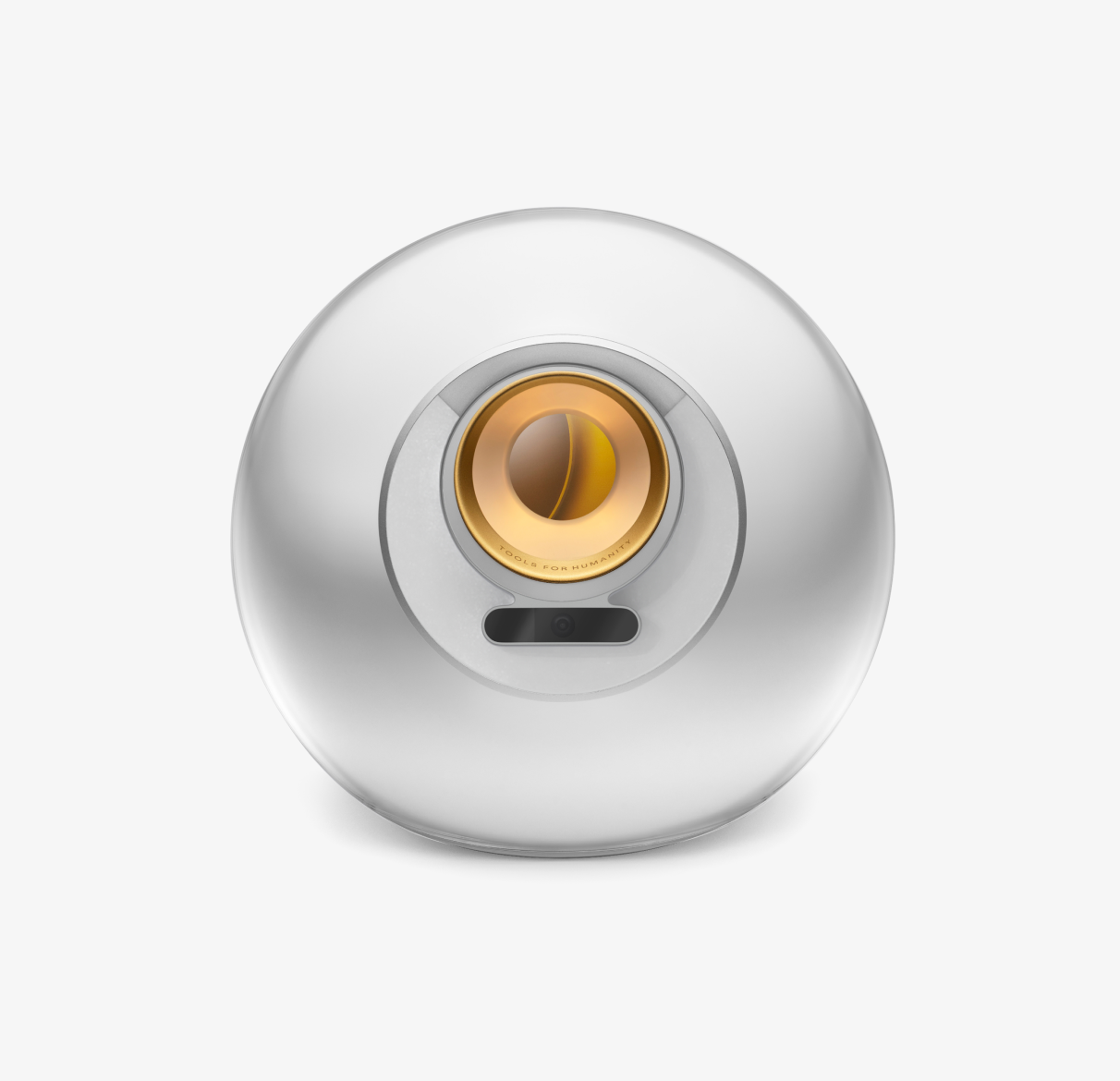
Assets for hero images, gradient, WLD currency symbol, Orb, World App, World Chain, etc.